27
Eversense E3 CGM User Guide
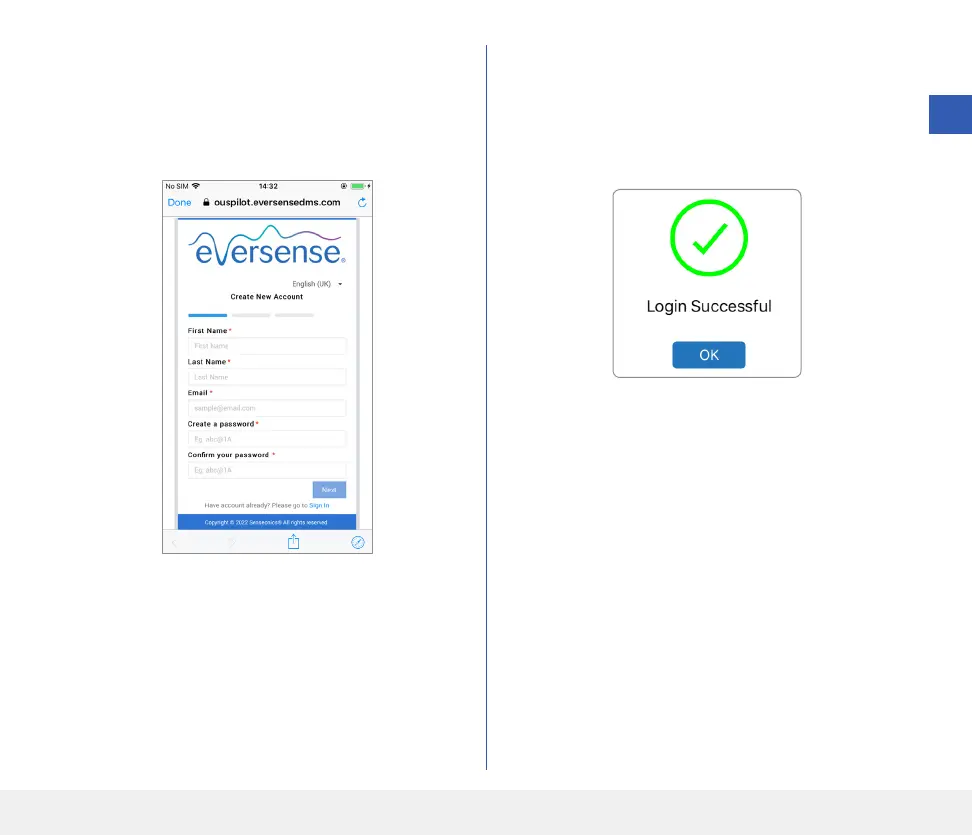
3. Enter your account information and then tap
Submit.
• Tap Done to return to the Eversense LOGIN
screen.
4. Enter your email address and password and tap
LOG IN. You will see a confirmation screen.
Tap OK.
Note: The password is case sensitive.
3



 To Next Page