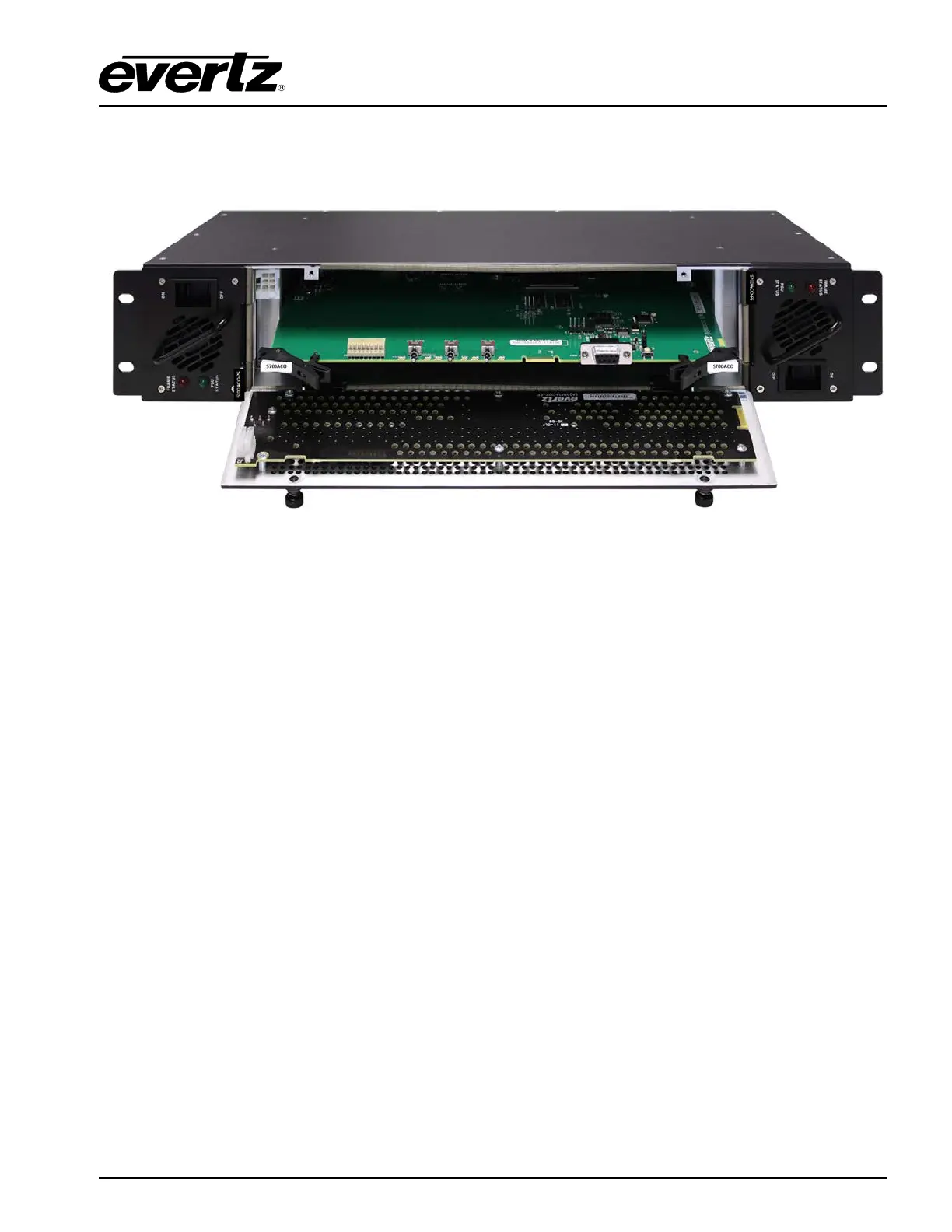
5700ACO
Automatic Changeover
Revision 1.0 Page 19
The 5700ACO changeover uses latching relays that retain their state when there is no power applied.
When there is no power applied to the 5700ACO, GPO2 will be connected to ground indicating a fault
condition.
Figure
3-2 : Front Panel & Card Edge Control
3.2.1. Automatic Changeover Mode
To operate the 5700ACO in Automatic mode, push the CHG OVER (Changeover mode) toggle switch
to the AUTO position. The 5700ACO will ignore the position of the other two switches in the Automatic
mode. The Auto LED will come on. With the door closed the ACTIVE OUTPUT LEDs will indicate the
currently selected master. The 5700ACO will decide whether to select the A or B inputs based on
which source has the most ‘good’ signals and that the valid signals present on the currently selected
master are also valid on the backup master. The settings made with this switch are saved to the
5700ACO’s memory, and will be the same after a power cycle. Please note that while in Automatic
mode, the GPI/Front Panel LEDs will be on dimly to show what the status will be if the mode is changed
back to manual. When a return is made to front panel manual mode, the A/B state will remain the
same, regardless of any previous manual settings.
3.2.2. Manual GPI Changeover Mode*
To operate the 5700ACO in Manual GPI mode, push the CHG OVER mode switch to the MANUAL
position and the CTL SEL (Manual Control Mode) switch to the GPI position. The Manual and GPI
LEDs will come on. The 5700ACO will decide whether to select the A or B inputs based on the ACO
GPI inputs on the top row of the terminal strip on the rear panel. There are two GPI changeover modes
described in sections
3.3.1. The ACTIVE OUTPUT LEDs will indicate the currently selected master.
The settings made with this switch are saved to the 5700ACO’s memory, and will be the same after a
power cycle.
* Requires factory installed +AUX hardware option on 5700MSC-IP, IP Master Clocks are available at
extra cost.



 To Next Page