IPLEX TXII
3.
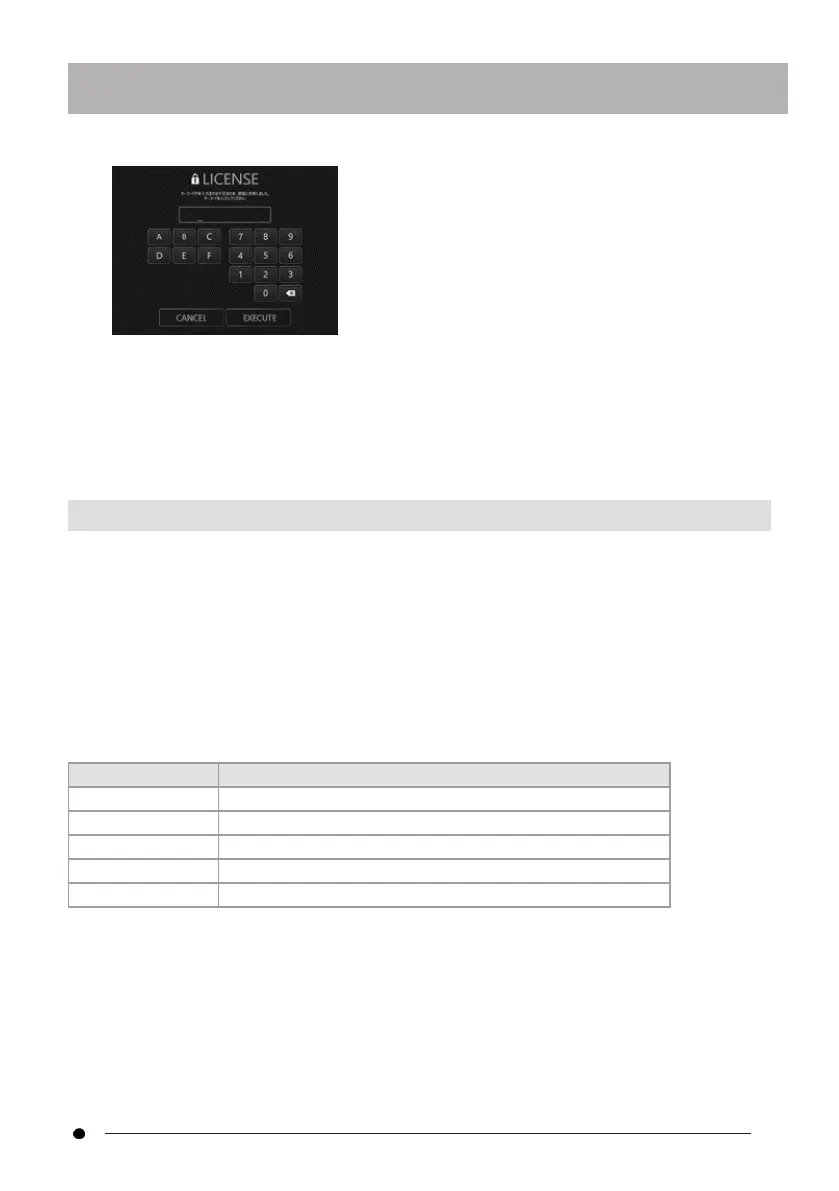
After entering the key code using the mouse or touch operation, click
<EXECUTE>.
The key code is included in the separately purchased software license MAJ-2539. When
activation is complete, the main screen of TXII software will be displayed.
3.3.3 Non-recommended applications
Live observation is also possible using the camera application implemented as standard on
the tablet.
For details on how to use the camera application, please refer to the help section of the
tablet.
For live observation using the camera application implemented as standard on the tablet, the
following adjustments can be made using the buttons on the control unit. Please note that
there are restrictions on the available operations and operations are not guaranteed.
Button Function
D-pad [U] Increases brightness by one step.
D-pad [L] Dims light intensity by one step.
D-pad [R] Brightens light intensity by one step.
D-pad [D] Decreases brightness by one step.
[GAIN/WB] button Adjusts white balance.
19



 To Next Page