IPLEX TXII
TIP:
When free space is running short, the recording of video will stop when the file size reaches 4
GB.
4.10 Playing back images
4.10.1 Playback screen display
Operation in remote control mode
On a live screen or freeze screen, press and hold the [LIVE/VIEW] button on the control
unit.
To return to the live screen, briefly press or press and hold the [LIVE/VIEW] button.
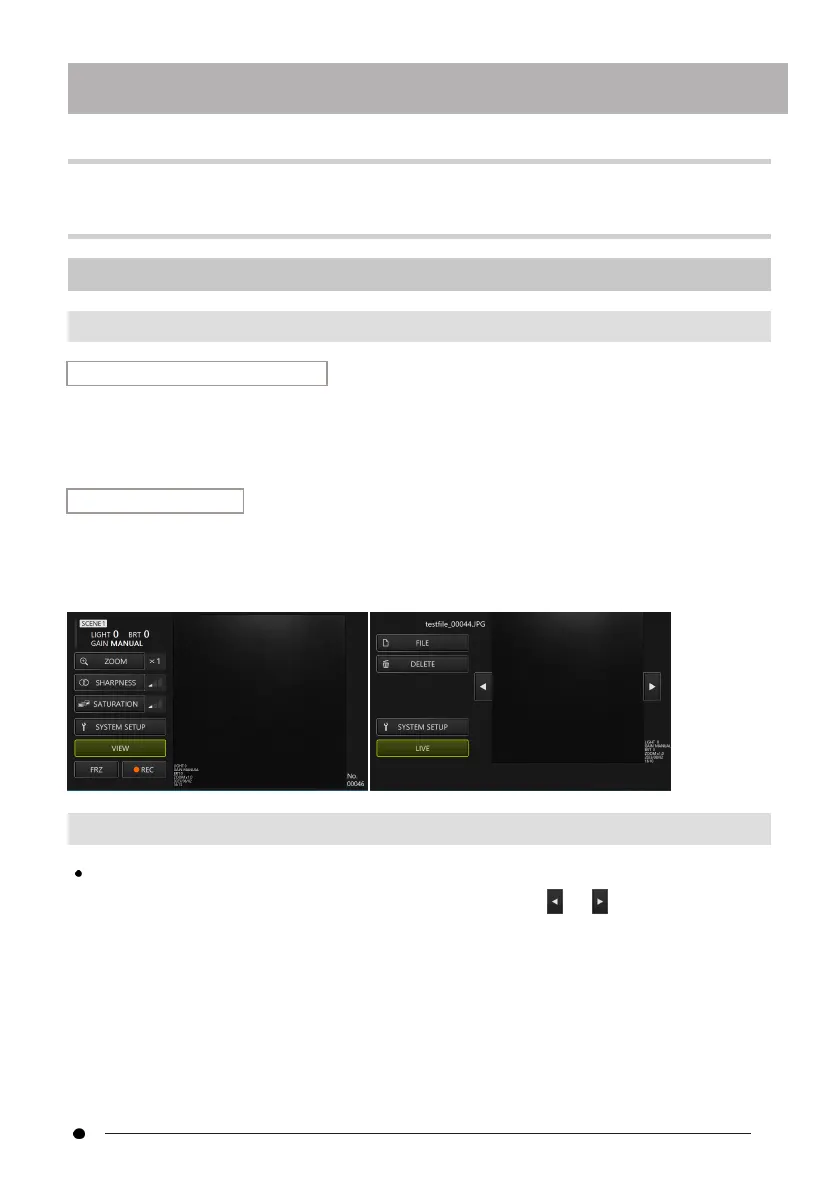
Operation in GUI mode
On a live screen or frozen screen, select the <VIEW> button with the d-pad on the
control unit, then press the [ENT/MODE] button briefly, or click/tap on the tablet.
To return to the live screen, select the <LIVE> button with the d-pad on the control unit, then
press the [ENT/MODE] button briefly, or click/tap on the tablet.
4.10.2 Operation of the playback screen and its functions
Switching images/movies to be played
Briefly press the d-pad [L] or [R] on the control unit, or click/tap or on the tablet to
switch between the images and videos to be displayed.
41



 To Next Page