IPLEX TXII
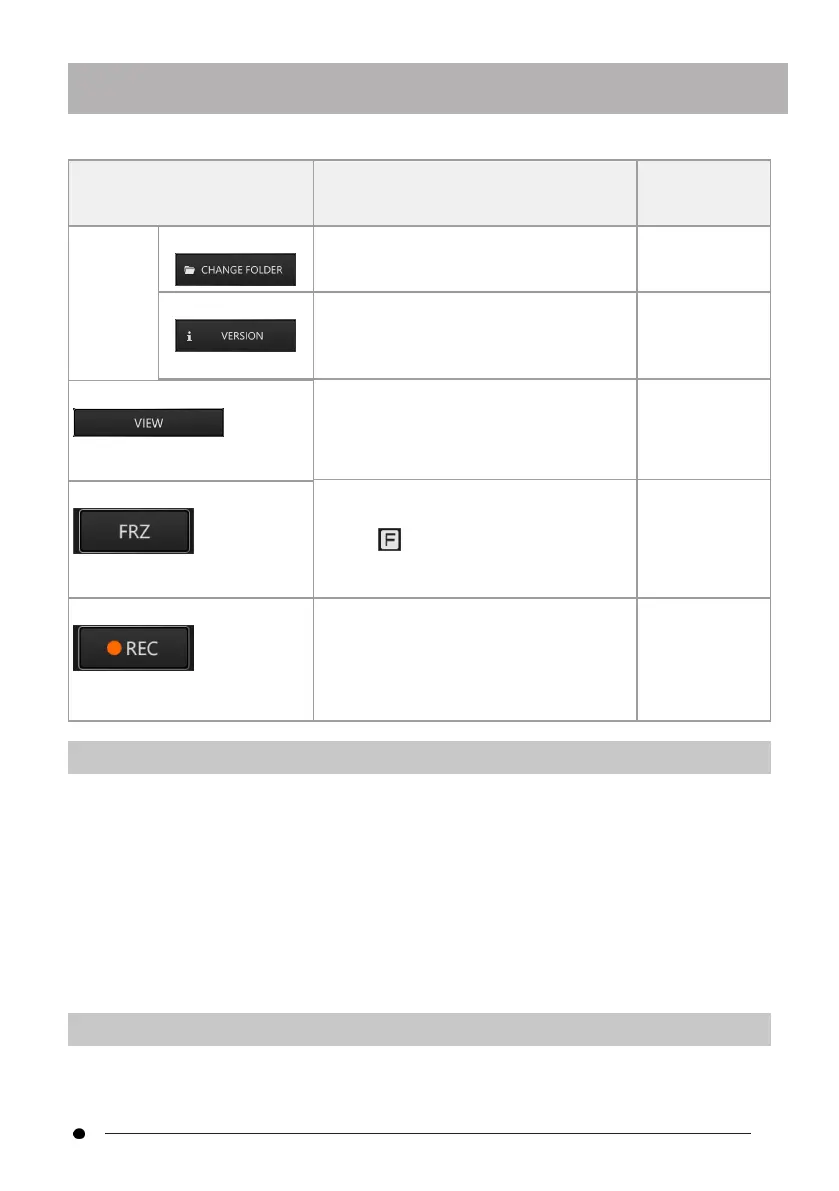
Menu button Function
Function
description
reference
FOLDER> images/videos. destination
folder " (page
37)
<VERSION> Shows version information.
Displays the TXII software version.
"Checking the
TXII software
version " (page
38)
<VIEW>
Displays images and videos.
Displays saved images and videos.
"Playing back
images " (page
41)
<FRZ>
Switches between a live screen and
frozen screen.
An icon is displayed on the upper
right of the screen when the screen is
frozen.
"Freeze (freezes
a live image) "
(page 33)
<REC> Starts video recording
Starts video recording of observation
images on the live screen.
Saves still images
Saves a still image on the frozen screen.
"Recording
images " (page
38)
4.3 Observing the inspection object
1.
While watching a live image, insert the inserting part into the inspection object.
Carefully check the direction of insertion and insert slowly.
2.
Observe the relevant areas.
At this time, do not forcefully push, twist, or pull the inserting part.
Adjust and record images as necessary.
3.
While watching the live image, slowly pull out the inserting part from the
inspection object.
4.4 Operating the flexible scope unit
You can make articulation mechanics and observe relevant parts.
31



 To Next Page