IPLEX TXII
Each time the d-pad [R] is pressed briefly, the image becomes brighter by one level. When
this is done in lights-off state, the light comes on.
Light intensity can be adjusted in 4 stages (lights-off + 3 levels).
Adjusting brightness with the d-pad [D] or [U]
Adjust brightness when changing the overall brightness of a live image under observation.
Each time the d-pad [D] is pressed briefly, brightness decreases by one level.
Each time the d-pad [U] is pressed briefly, brightness increases by one level.
Brightness can be adjusted with gain mode as shown below.
l
With <AUTO>: 1 to 8 levels
l
With <MANUAL>: 1 to 12 levels
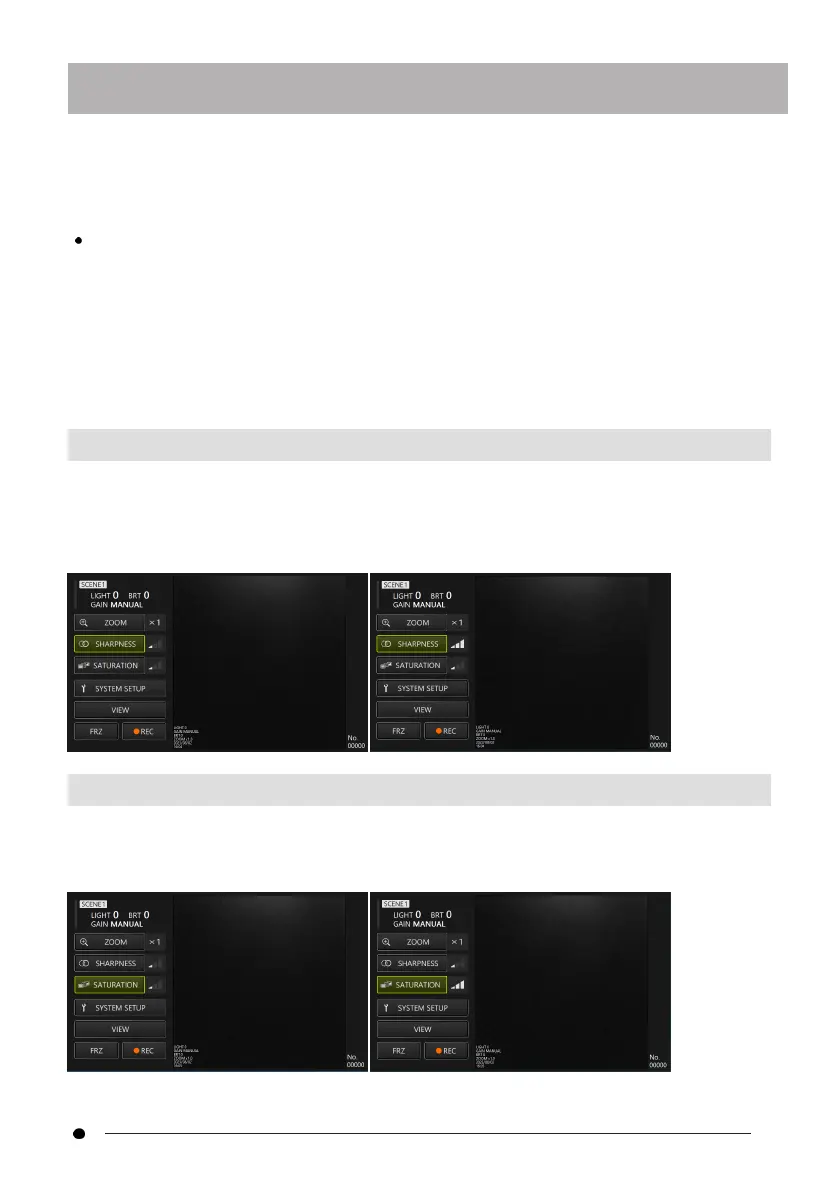
4.5.6 Adjusting sharpness
The edge of the image can be highlighted.
With the <SHARPNESS> button selected with the d-pad on the control unit, press the
[ENT/MODE] button briefly, or click/tap the <SHARPNESS> button on the tablet to switch edge
enhancement level. Edge enhancement can be adjusted in 3 stages.
4.5.7 Adjusting color
With the <SATURATION> button selected with the d-pad on the control unit, press the
[ENT/MODE] button briefly or click/tap the <SATURATION> button on the tablet to adjust
color. Color can be adjusted in 3 stages.
35



 To Next Page