IPLEX TXII
4.8 Recording still images
Operation in remote control mode
1.
Briefly press the [FRZ/REC] button on the control unit while a live image is being
displayed.
2.
Press and hold the [FRZ/REC] button on the control unit while the frozen image is
being displayed.
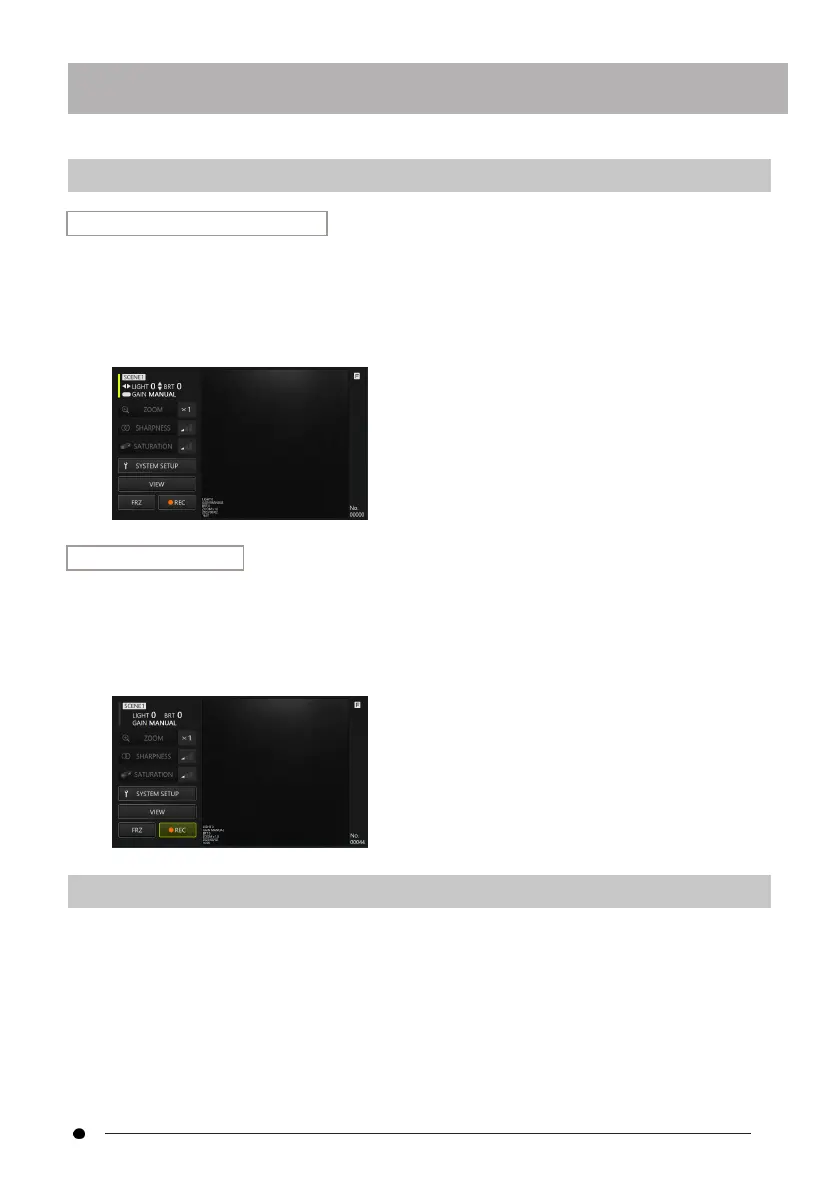
Operation in GUI mode
1.
Click/tap the <FRZ> button on the tablet while the live image is being displayed.
2.
Click/tap the <REC> button on the tablet while the frozen image is being
displayed.
4.9 Video recording
1.
Click/tap the <REC> button on the tablet while a live image is being displayed.
In remote control mode, press and hold the [FRZ/REC] button on the control unit.
39



 To Next Page