IPLEX TXII
4.1 Start TXII software
Double-click the icon to start the TXII software.
To end the TXII software, click the close button (X button) and exit the TXII software.
NOTE:
l
When using the TXII software, the tablet and control unit must be connected.
l
Proper operation cannot be guaranteed if other applications are operated while the TXII
software is running.
4.2 TXII software operations and functions
For buttons with multiple functions assigned, their functions differ depending on how long
they are pressed. In this manual, the action of pressing the button briefly is referred to as
"briefly press", and the action of pressing the button for about 1 second is referred to as
"press and hold".
4.2.1 Switching operation modes
TXII software has a "remote control mode" and "GUI mode". Each time you press and hold
the [ENT/MODE] button on the control unit, you can toggle between the "remote control
mode" and "GUI mode".
The mode at startup is "remote control mode".
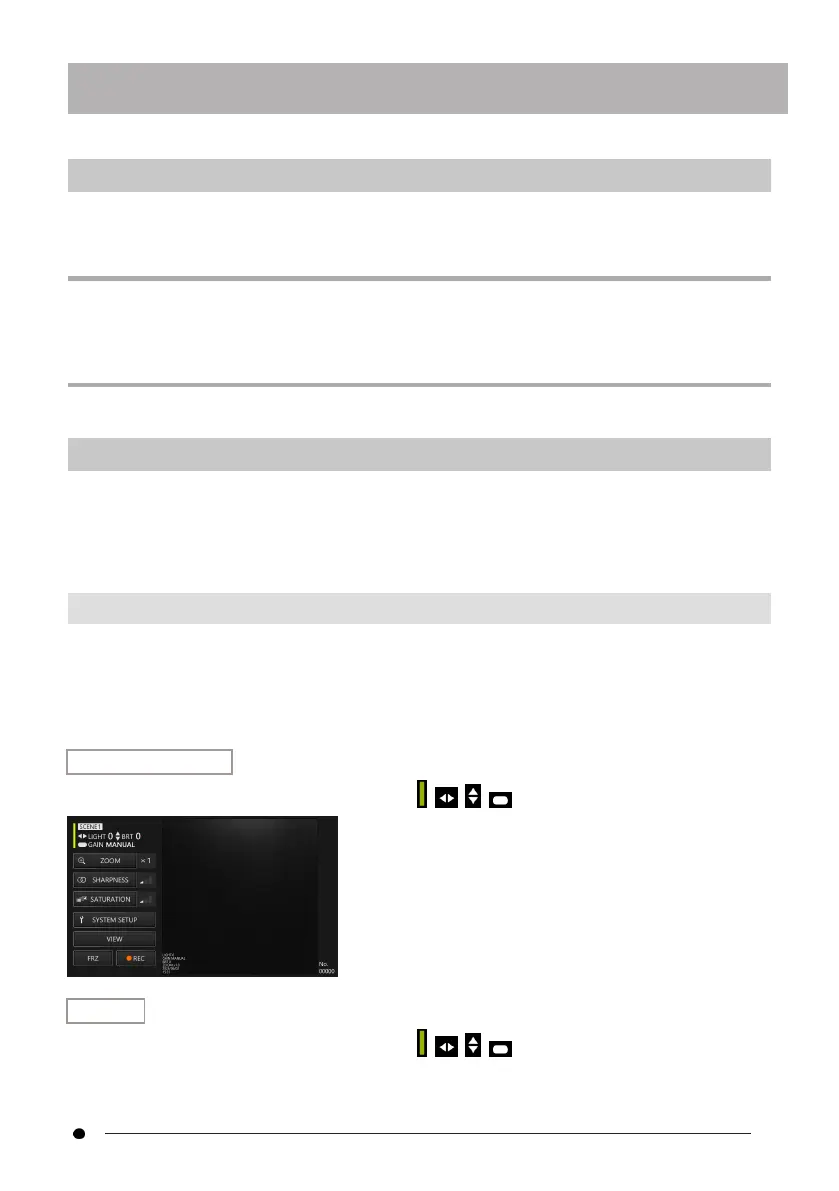
Remote control mode
On the upper left of the TXII software screen, , , , are displayed.
GUI mode
On the upper left of the TXII software screen, , , , are hidden and a selected item is
highlighted in yellow.
4. Basic operations
27



 To Next Page