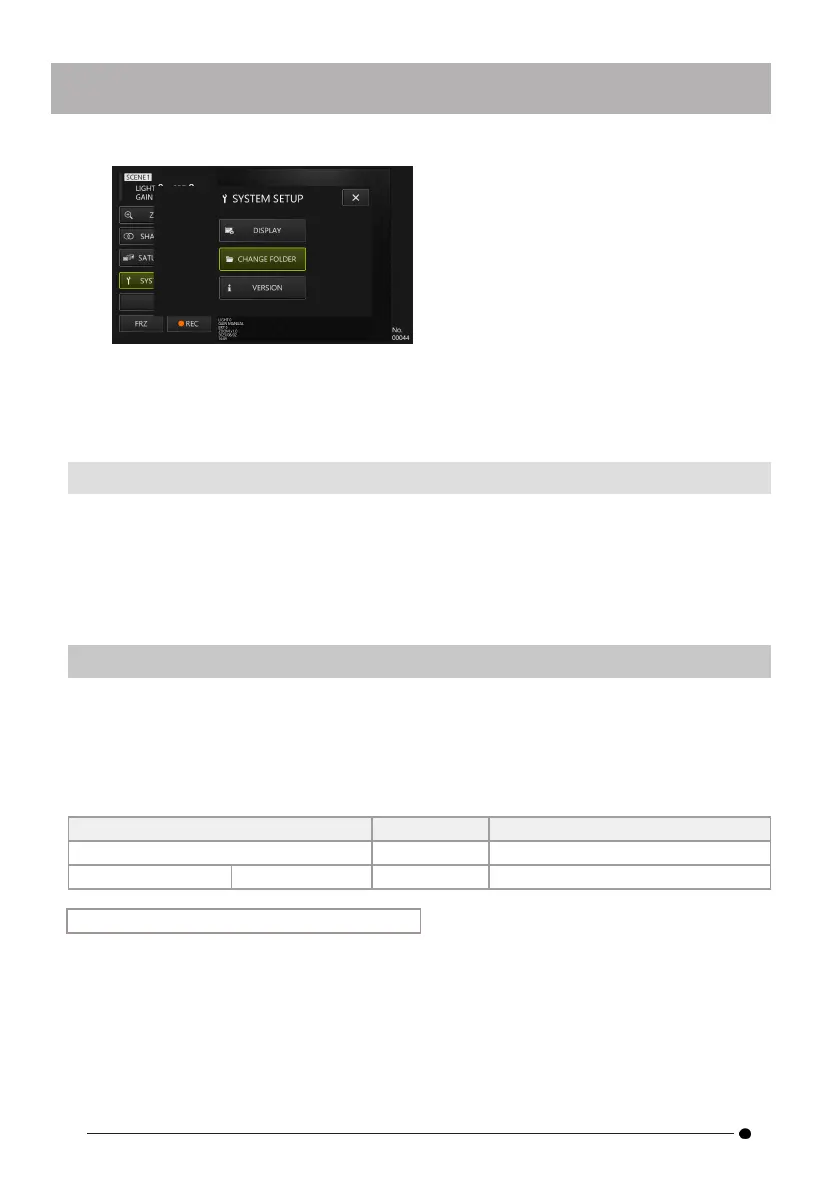
2.
Select any folder on the tablet and click/tap the folder selection button to return
to the main screen.
Specify the tablet's internal storage as the save destination.
4.6.4 Checking the TXII software version
With the <VERSION> button selected with the d-pad on the control unit, briefly press
the [ENT/MODE] button or click/tap the <VERSION> button on the tablet to display the
version window.
4.7 Recording images
This operation saves an image under observation as a still image or video in the internal
storage of the tablet. For movies, a still image is also saved at the start of recording.
At first startup, the save destination is not set. It must be set before recording operations. See
"Setting the destination folder " (page 37).
The file size per image and the approximate number of recordable images are as follows.
Recording format/Recording time 1 file size Number of recordings/hour (4GB)
Still image about 350KB Approximately 12,000 images
Video (per second) 30f about 580KB about 120 minutes
Recording information displayed on the screen
To record the information displayed on the screen as a still image, select <SYSTEM SETUP> ->
<DISPLAY>. See "Selecting screen display " (page 37) for details.
When information is displayed on the image, a still image with the information recorded and
a still image with no display will be saved.
38



 To Next Page