IPLEX TXII
4.5 Adjusting a live image display
4.5.1 Freeze (freezes a live image)
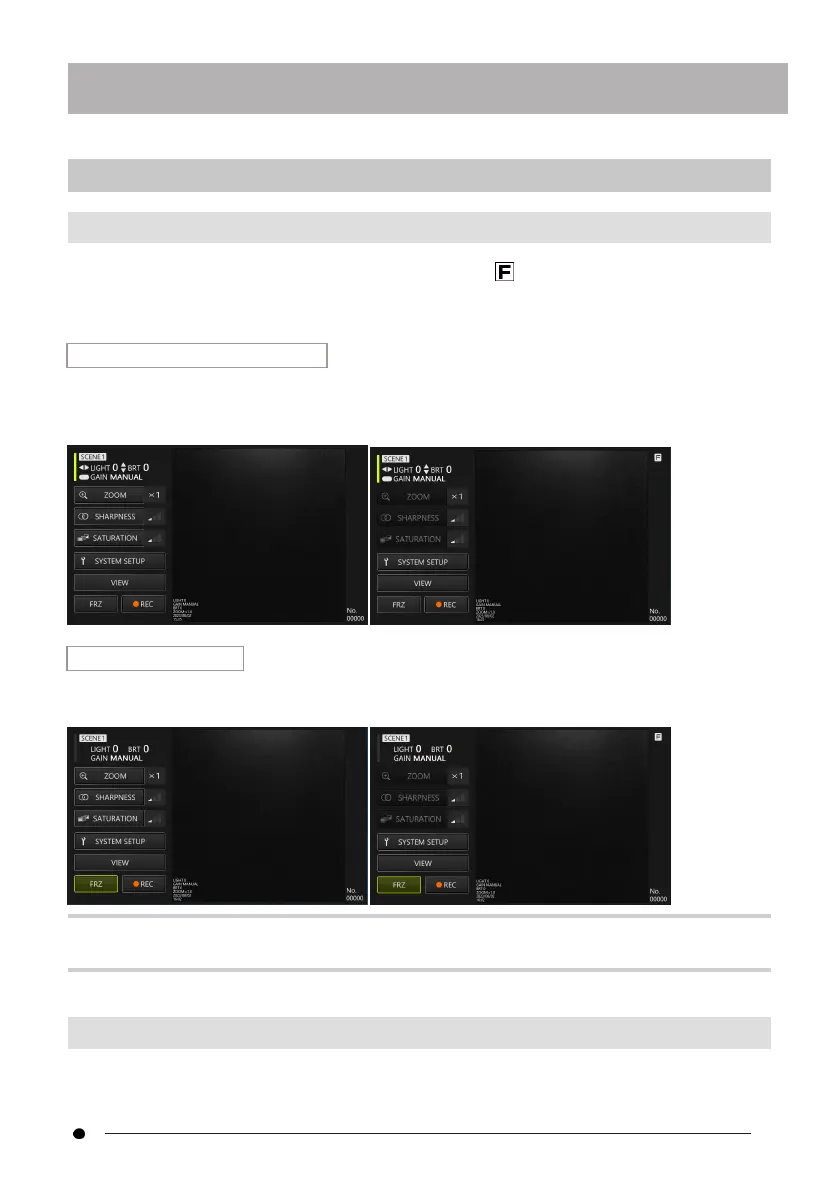
The freeze function freezes a live image. The freeze icon ( ) is displayed on the upper right
while the image is frozen. Do not insert or withdraw the inserting part while the image is
frozen.
Operation in remote control mode
Briefly press the [FRZ/REC] button on the control unit.
To cancel the frozen state, briefly press the [FRZ/REC] button on the control unit in remote
control mode.
Operation in GUI mode
Click/tap the <FRZ> button on the tablet while the live image is displayed.
To cancel the frozen state, click/tap the <FRZ> button on the tablet.
TIP:
Freezing an image in motion may distort the image.
4.5.2 Changing gain mode
There are two types of gain mode, <MANUAL> and <AUTO>.
33



 To Next Page