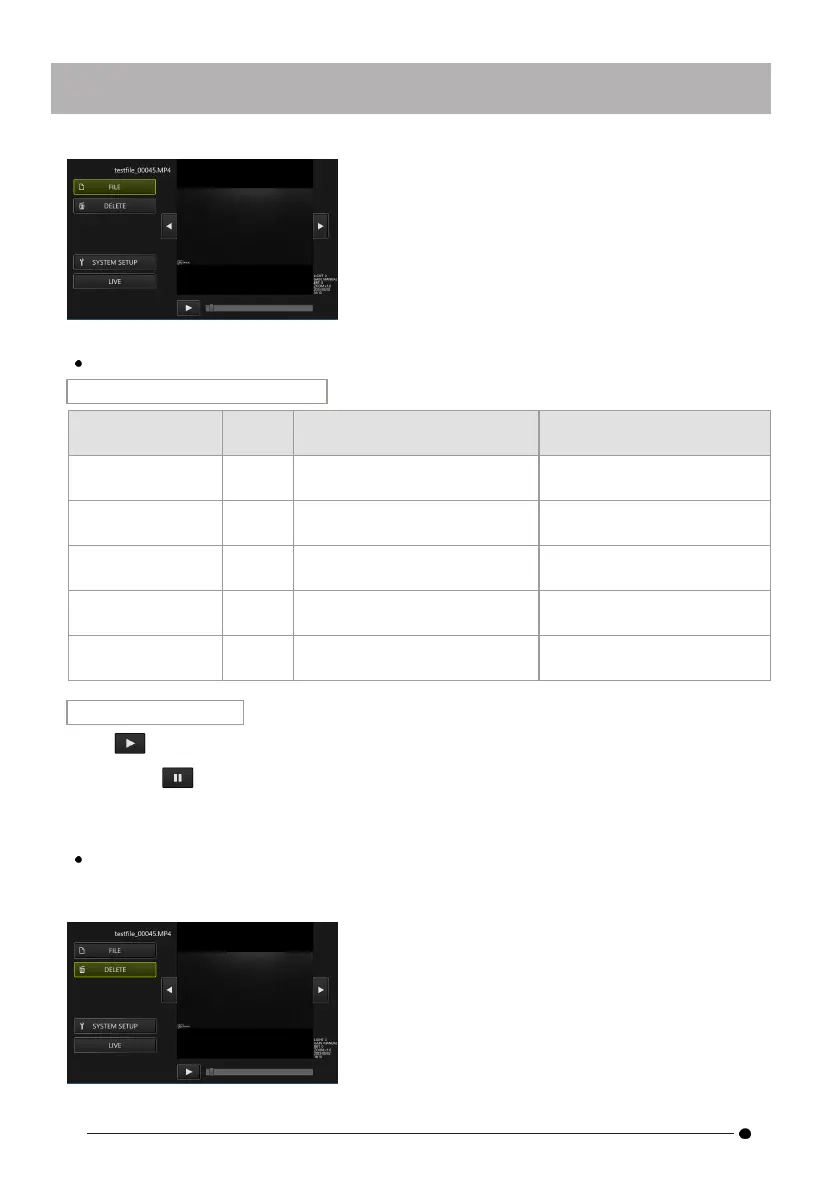
Play/Stop/Fast rewind/Fast forward video
Operation in remote control mode
Button
Function (when video playback
is running)
Function (when video
playback is stopped)
[ENT/MODE]
button
Briefly
press
Stops the video. Plays the video.
D-pad [U] Briefly
press
- Fast forwards the video for
one minute.
D-pad [L] Briefly
press
Displays the previous
image/video.
Fast forwards the video for 1
second.
D-pad [R] Briefly
press
Shows next image/video. Rewinds the video for 1
second.
D-pad [D]
Briefly
press
- Rewinds the video for 1
minute.
Operation in GUI mode
Press on the view screen to play the video.
If you press on the view screen while the video is playing, playback will pause.
You can move the slider on the seek bar to start playback from any point.
Erase images/videos
Select the <DELETE> button on the d-pad on the control unit, briefly press the [ENT/MODE]
button, or click/tap on the tablet to delete the image/video.
42



 To Next Page