IPLEX TXII
Button
press frozen image during observation.
a live image) "
(page 33)
Press and
hold
Saves a still image on the frozen screen.
A video recording confirmation dialog
appears on the live screen.
(G) [LIVE/VIEW]
Button
Briefly
press
Shows live videos.
"Playing back
images " (page
41)
Press and
hold
Switches between a live video and view
screen.
(H) [SCENE/DUP]
Button
Briefly
press
Switches between <SCENE1> and
<SCENE2>.
"Saving and
switching scene
settings " (page
36)
Press and
hold
Copies selected scene settings to
unselected scene settings.
(I) [GAIN/WB]
Button
Briefly
press
Switches the gain mode between
<AUTO> and <MANUAL>.
Not available for frozen screens.
"Changing gain
mode " (page 33)
Press and
hold
Adjusts white balance.
Not available for frozen screens.
"Adjusting white
balance " (page
34)
GUI mode
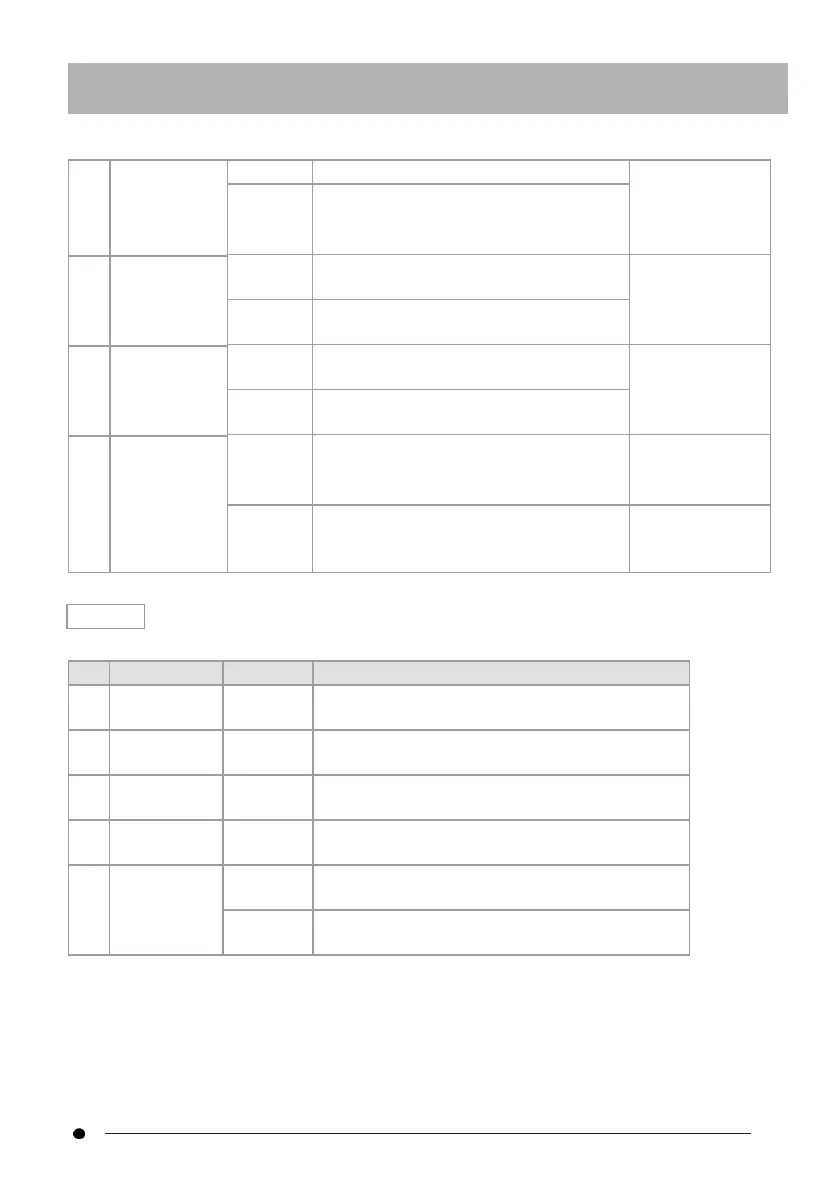
In GUI mode, buttons other than the following do not work.
Button Function
(A)
D-pad [U] Briefly
press
Moves cursor up
(B)
D-pad [L] Briefly
press
Moves cursor left
(C)
D-pad [R] Briefly
press
Moves cursor right
(D) D-pad [D]
Briefly
press
Moves cursor down
(E) [ENT/MODE]
Button
Briefly
press
Confirm
Press and
hold
Switches between "remote control mode" and
"GUI mode".
29



 To Next Page