48
150 – 200 HP 60° V6 Models,
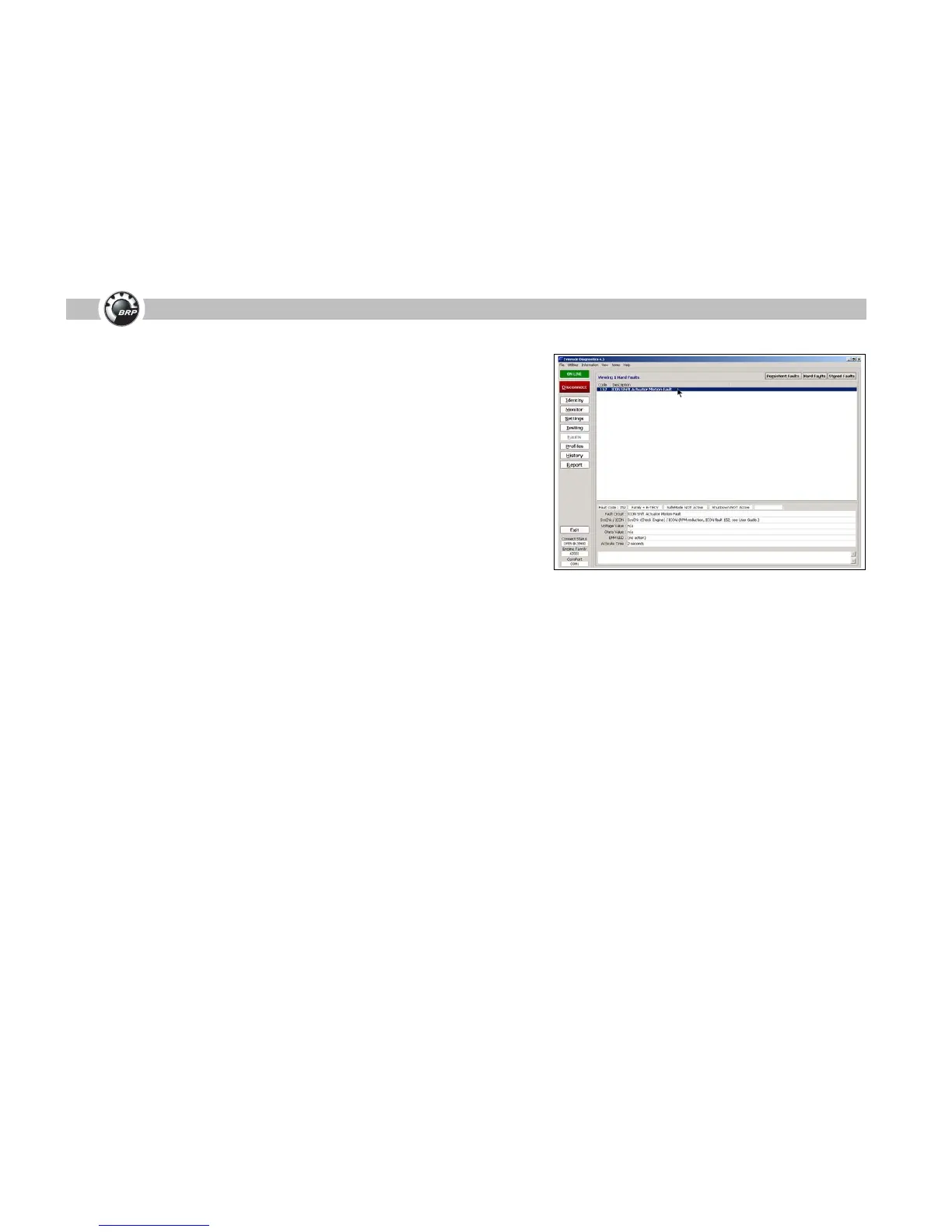
Code 152; Shift Actuator Motion Fault
The problem: After installing an ICON conversion kit, P/N 765304, on a 150 –
200 HP 60° V6, Code 152; Shift Actuator Motion Fault occurs when the engine is
shifted into forward gear, due to incorrect shift actuator calibration.
The fix: Use Evinrude Diagnostic software (version 4.0 or higher) to verify shift
actuator calibration. Refer to the installation instructions provided with the con-
version kit.
If the problem persists, perform the following adjustment:
• Turn the master power key switch to the ON position.
• Position control levers to the NEUTRAL detent.
• Move the control lever to the FORWARD detent.
• Manually turn the propeller shaft to confirm FORWARD gear engagement.
• Move the control lever to the REVERSE detent. Manually turn the propeller
shaft to confirm REVERSE gear engagement.
• Move the control lever to the NEUTRAL detent. Rotate the propeller shaft
back and forth to ensure the face of the clutch dog does not contact FOR-
WARD or REVERSE gear.
If gear engagement is NOT correct, a shift actuator motion fault can occur when
the control lever is moved to FORWARD or REVERSE.
Use Evinrude Diagnostic software “Settings” screen and select the “EST Calibra-
tion” tab. Use the “Nudge” buttons to adjust the shift stroke to the forward or
backward direction. Be sure to press the “Save” button after completing the
adjustment.
After using the “Nudge” feature, repeat the gear verification process.
Note: Do NOT preload the shift actuator calibration toward FORWARD gear on
outboards with a counter rotation gearcase.
Code 152; Shift Actuator Motion Fault



 To Next Page