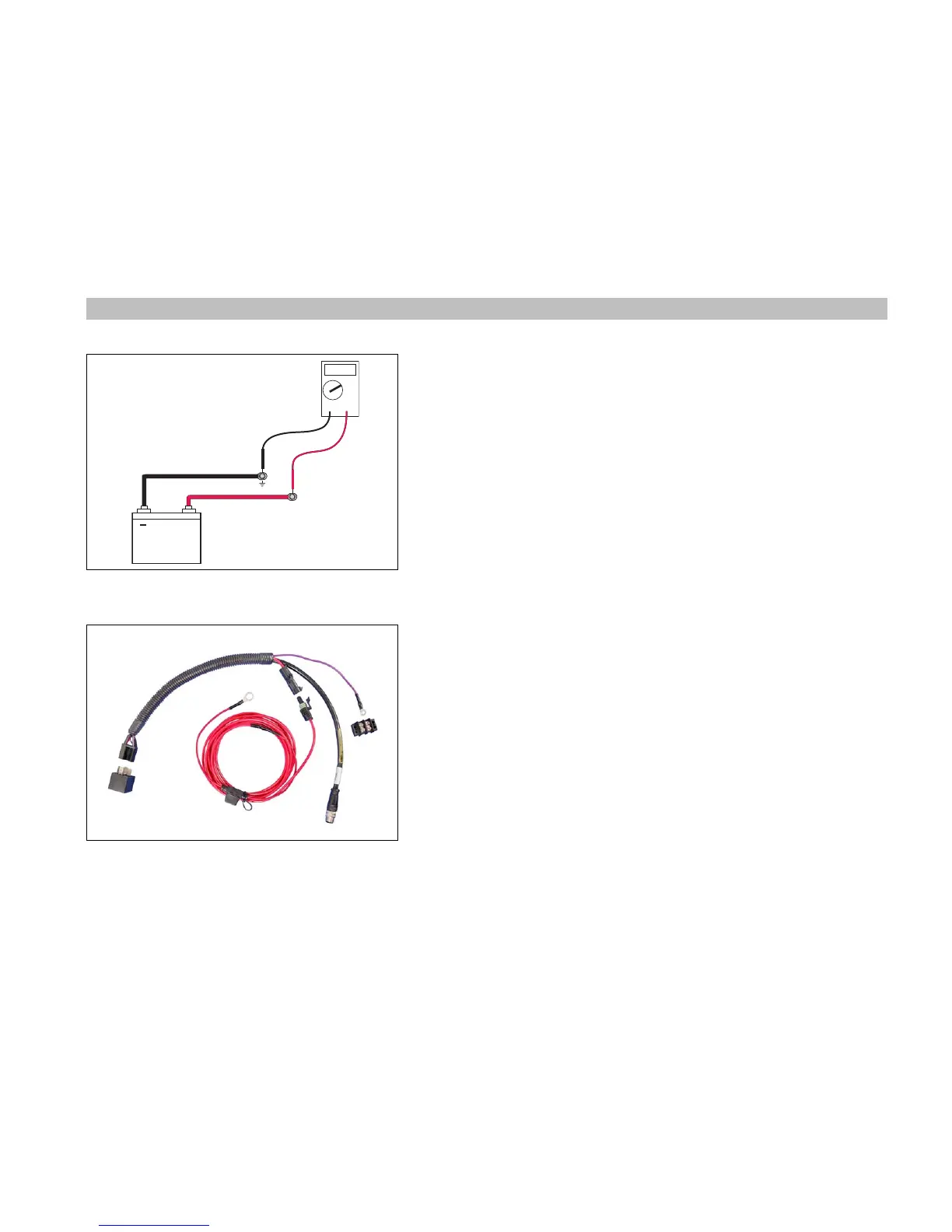
Battery Voltage
Battery voltage of 13.25 VDC or higher is required for stable ICON network oper-
ation. Inconsistent voltage on the ICON network can effect operation.
Use Evinrude Diagnostics software “Monitor” screen or a NMEA 2000 gauge
(I-Command or ICON) to monitor voltage. Perform the following steps if ICON
network voltage is below 13.25 VDC.
Identify which battery is powering the ICON network. Test battery connections
and charge. Run the engine connected to the battery for the ICON network or
use a battery charger to support the battery voltage.
Visually inspect the 3A fuse for the master power key switch and the 10A fuse
for the power supply cable. Check network voltage at the 10A fuse of the ICON
power supply cable.
Look for an Accessory Power Relay Kit, P/N 765296, in the ICON network. This
(optional) power relay kit connects to one of the 6-port hubs and is required to
power any accessory controlled by the master power key switch.
Connect only the positive lead of an accessory to the terminal board provided
with the accessory power relay kit. Do NOT connect accessory wiring to the
master power key switch.





 To Next Page