50
ICON SERVICE TIPS
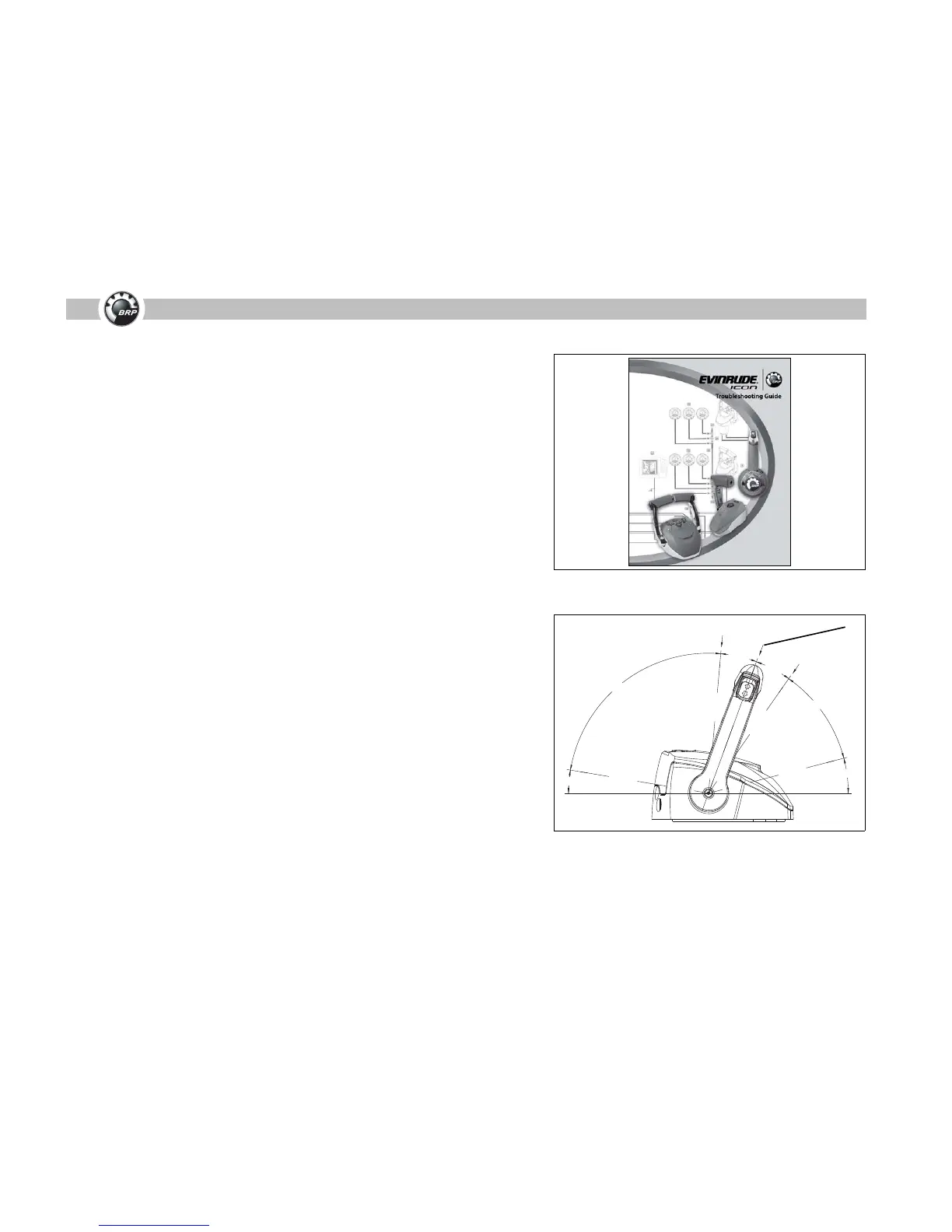
ICON Troubleshooting Guide, P/N 356076
The ICON Troubleshooting Guide, P/N 356076, will automatically ship to all
authorized U.S. and Canadian service dealers.
The ICON Troubleshooting Guide contains installation tips to help avoid com-
mon problems. Simple, effective troubleshooting flow charts are also included to
help dealers efficiently troubleshoot and make repairs to an ICON network.
Additional copies may be ordered from Evinrude/Johnson Genuine Parts and
Accessories.
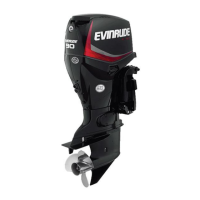
Remote Control Neutral Position
Before attempting to change ICON network settings, set shift and throttle calibra-
tion adjustments, or perform troubleshooting steps:
• Turn master power/key switch to the ON position (engine OFF)
• Place control lever(s) in the NEUTRAL position
Failure to follow these steps could result in false warnings or service codes, or
can disrupt network communication.
ICON Troubleshooting Guide
1. Neutral position




 To Next Page