52
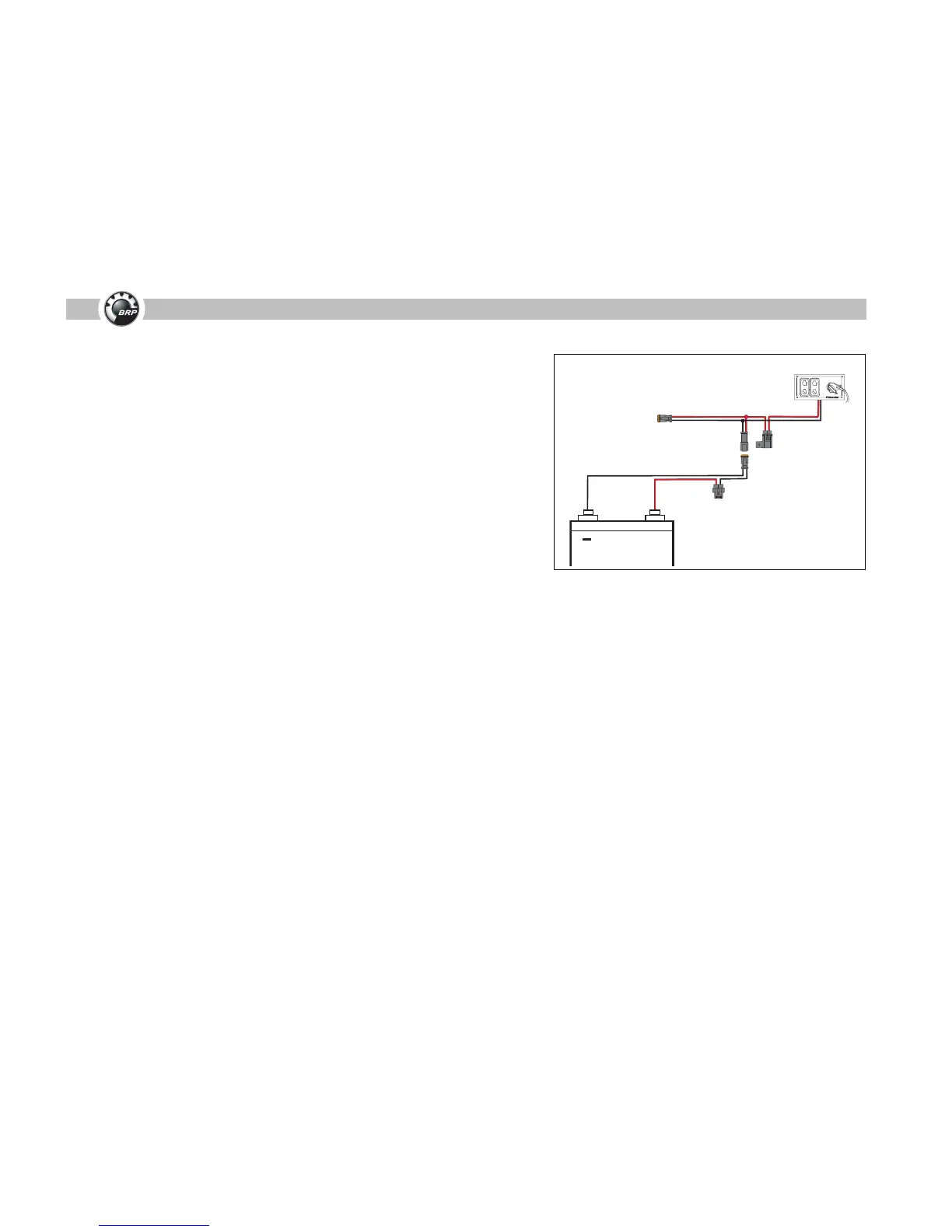
Failed 3 Amp Fuse (Master Power/Key Switch)
A failed 3 amp fuse for the master power/key switch is normally caused by one
of the following:
• Failed or damaged master power/key switch
• Damaged master power/key switch wire harness
• Damaged or faulty buss cable or back bone cable
• Damaged or faulty hub
Follow these steps to troubleshoot a failed 3 amp fuse:
Step 1: Inspect master power/key switch for damage. Test key switch function
with an ohm meter. Refer to MWS Key Switch Diagram in the service
manual.
Step 2: Inspect master power/key switch wire harness for damage or short cir-
cuit.
Repair or replace damaged master power/key switch or wire harness. If the mas-
ter power key switch or wire harness is not damaged or the fuse fails again, con-
tinue with Step 3.
Step 3: Turn the master power/key switch OFF. Replace 3 amp fuse.
Step 4: Disconnect ALL hubs, the back bone cable and buss cables (including
buss cables for ESM, gateway module and accessory power relay) from
the ICON network.
Step 5: Reconnect one hub or buss cable to the ICON network.
Step 6: Turn master power/key switch ON.
Step 7: If the fuse does not fail, turn the master power/key switch OFF. Repeat
steps 5 through 7 until the faulty hub or cable is reconnected and the 3
amp fuse fails.
Repair or replace the hub or buss cable that causes the 3 amp fuse to fail.
Step 9: Replace 3 amp fuse.
Verify remaining hubs or buss cables are not faulty. Repeat steps 5 through 9
until all hubs and buss cables are reconnected to the ICON network.
1.




 To Next Page