XT Series DISK RECORDER - Version 9.00 - Hardware Technical Reference Manual
EVS Broadcast Equipment SA – April 2008
Issue 5.00
51
3.4.3.2 INSTALLATION AND OPERATION
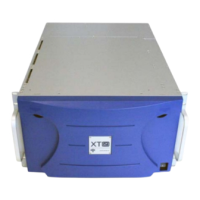
1. Both the XT[2] server and the XT-HDX need to be switched off.
2. The XT-HDX expansion chassis must be located immediately above the
chassis of the XT[2] server.
3. Connect the XT-HDX to the server only with the external SCSI cable
provided by EVS (see schema and picture)
4. Disks in the XT-HDX rack are hot-swappable. However, a disk can only
be extracted from the rack when it has been stopped by the software
application (disk led blinking slowly red with a 4-second cycle)
5. Power on the XT-HDX before powering on the XT[2] server.


 To Next Page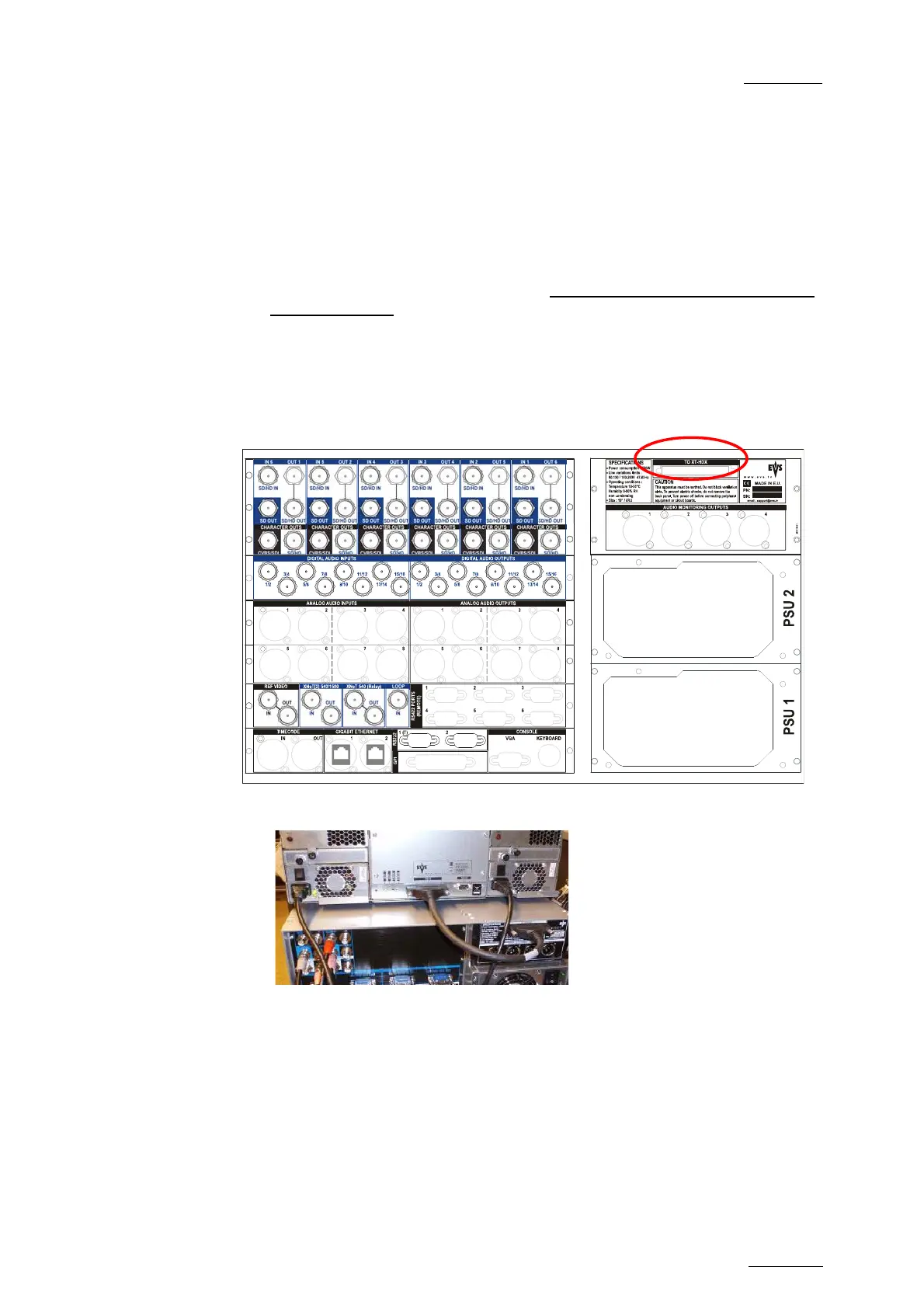
![Preview: EVS XT[2]](https://data.easymanua.ls/products/617905/200x200/evs-xt-2.webp)