Test Setup - Test Configurator, Timer, and System
NetBlazer 203
Remote Details (iSAM)
Preferred check box when selected indicates that this module is
part of the preferred module’s list. Preferred remote modules will
be considered first during the automatic connection process as
follows:
Status
Connection indicates Connected when the local unit is connected
to a remote module.
Add button is used to add a preferred remote module to the preferred
list. Enter the IP address of the remote module and tap OK. This is
useful to access a module from a different subnet.
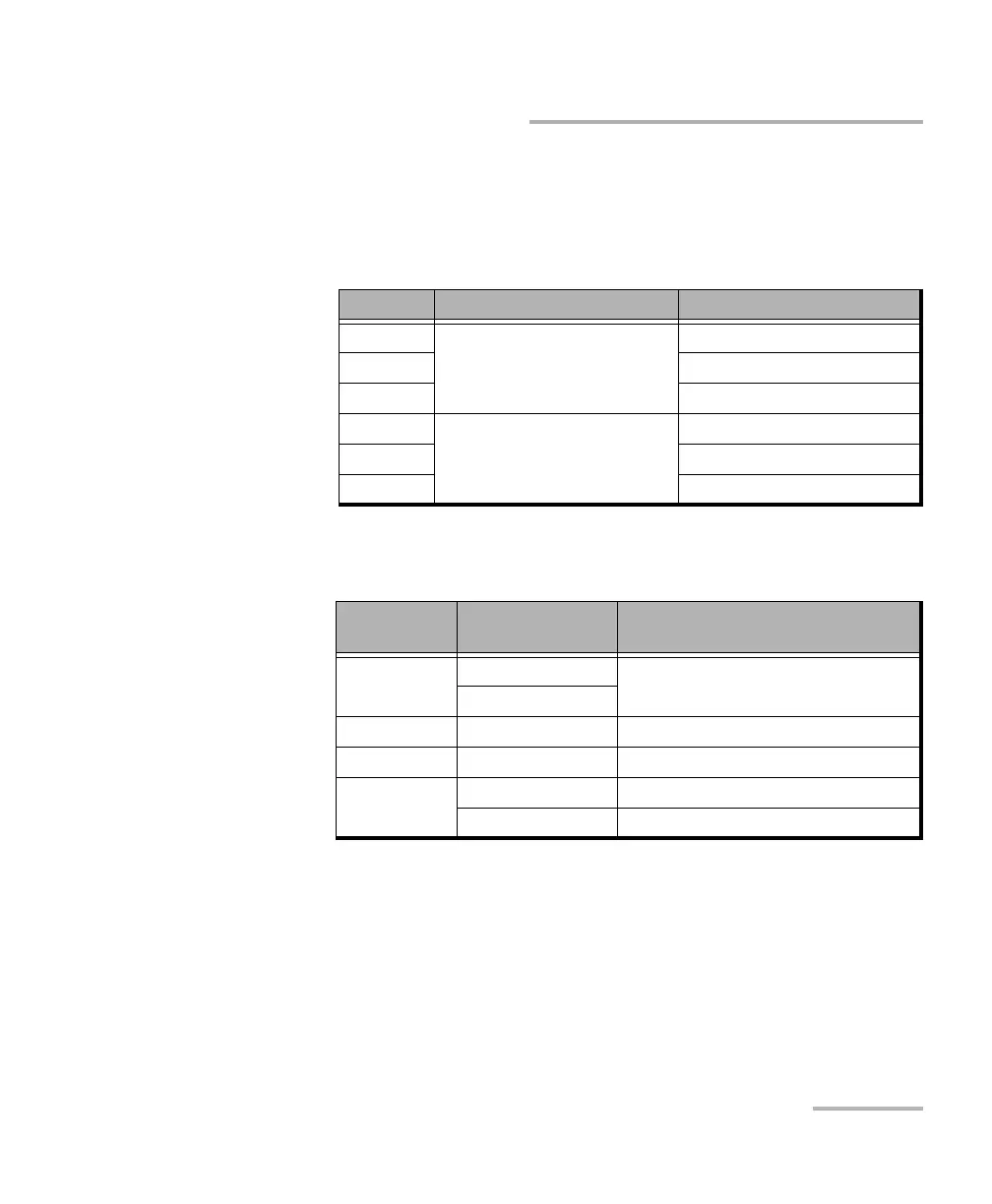
Priority Preferred or not Status
1 Preferred Available
2Taken
3Test in Progress
4 Non Preferred Available
5Taken
6Test in Progress
Background
Color
Status Description
Green Ready Connected with the local unit
Running
Yellow Ta ken Connected with another unit
Red Test in Progress Test in progress with another unit
No color Unreachable Preferred remote does not reply
Available Not connected












 To Next Page