Managing Data
MaxTester Series 91
Transferring Data via Bluetooth
®
To pair devices with your unit:
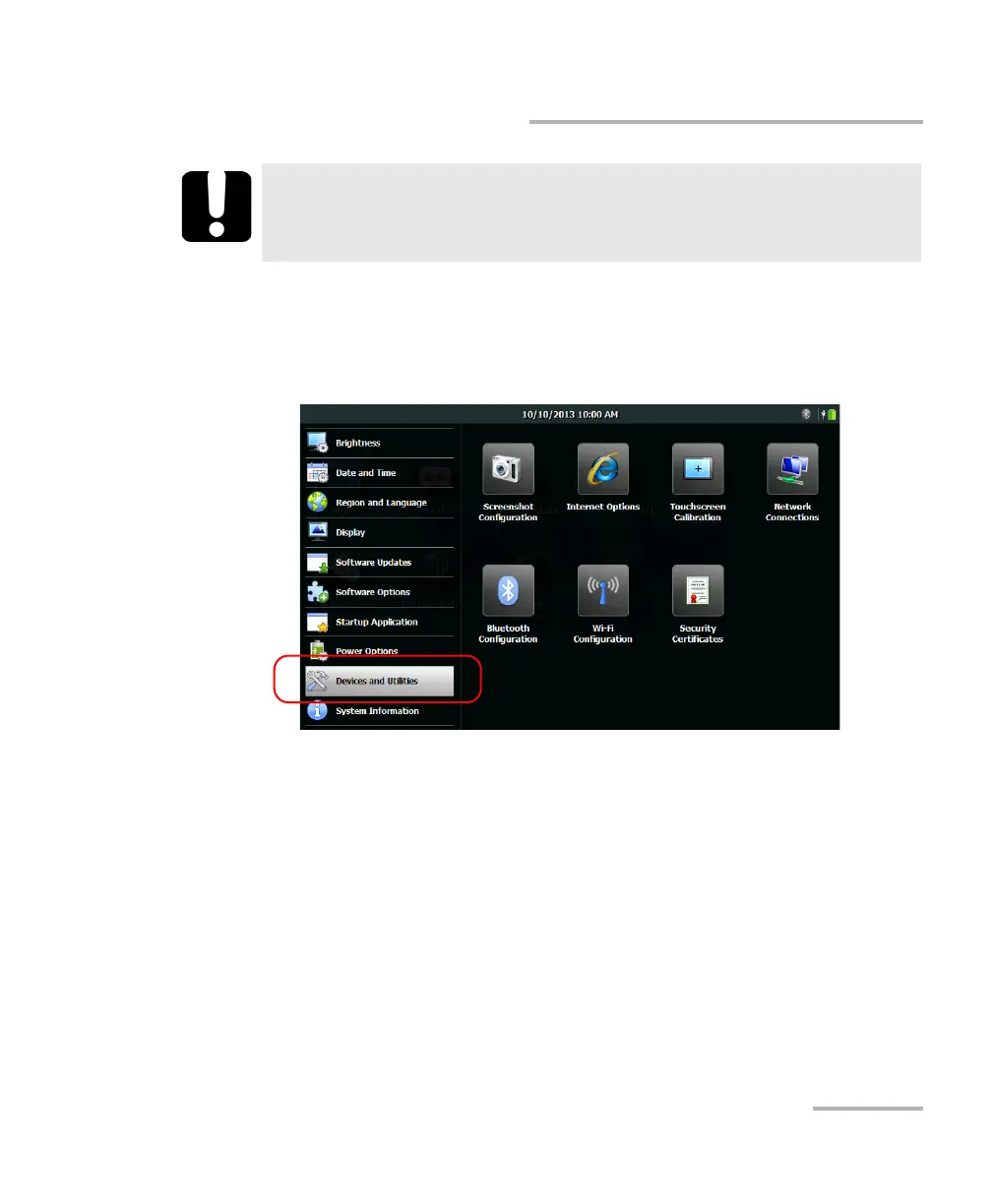
1. On your unit, from the Home screen, tap Configuration.
2. Tap Devices and Utilities.
3. Tap Bluetooth Configuration.
Note: The Bluetooth Configuration icon is only visible on units that support
wireless communication, and that are equipped with the optional wireless
module.
4. Ensure that the Enable Wi-Fi and Bluetooth check box is selected.
IMPORTANT
To avoid problems, always initiate the pairing from your unit (not
from the Bluetooth
®
devices).












 To Next Page