Managing Data
92 MaxTester Series
Transferring Data via Bluetooth
®
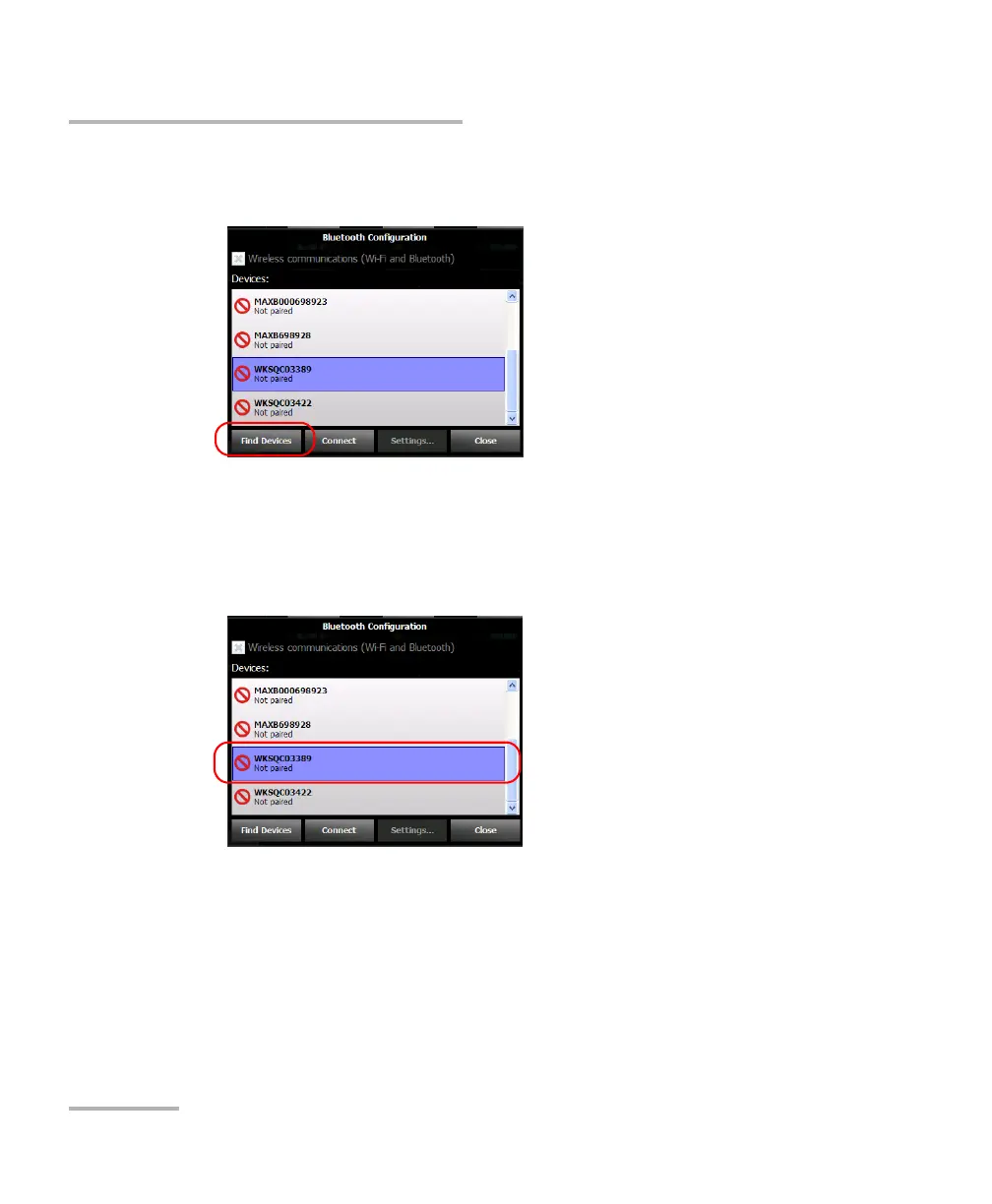
5. Tap Find Devices if you want to scan for all the Bluetooth
®
devices that
are available within your unit’s range.
Note: If you do not scan for all the available devices, the application will either
show you the list of paired devices, or an empty list if no pairing exist.
6. Tap the row corresponding to your computer.
7. Tap Connect.
Note: Depending on the computer that you are using, the application will either
provide you with a passkey, or prompt you to confirm that the displayed
passkey matches the passkey used on the computer.
8. If necessary, write down the passkey displayed on screen.












 To Next Page