Managing Data
MaxTester Series 93
Transferring Data via Bluetooth
®
9. On the computer, when the application prompts you, click the
Bluetooth
®
icon (located on the taskbar) to display the wizard allowing
you to add a Bluetooth
®
device.
10. Follow the on-screen instructions. Enter the passkey that you wrote
down earlier, or confirm the correspondence between the two
passkeys.
Note: On your unit, if necessary, tap Yes to close the passkey window.
Note: Once you have established a secured connection using a passkey, this
passkey is kept in memory both on your unit and on the computer until you
remove this connection from your unit (Configuration > Devices and
Utilities > Bluetooth Configuration > Disconnect).
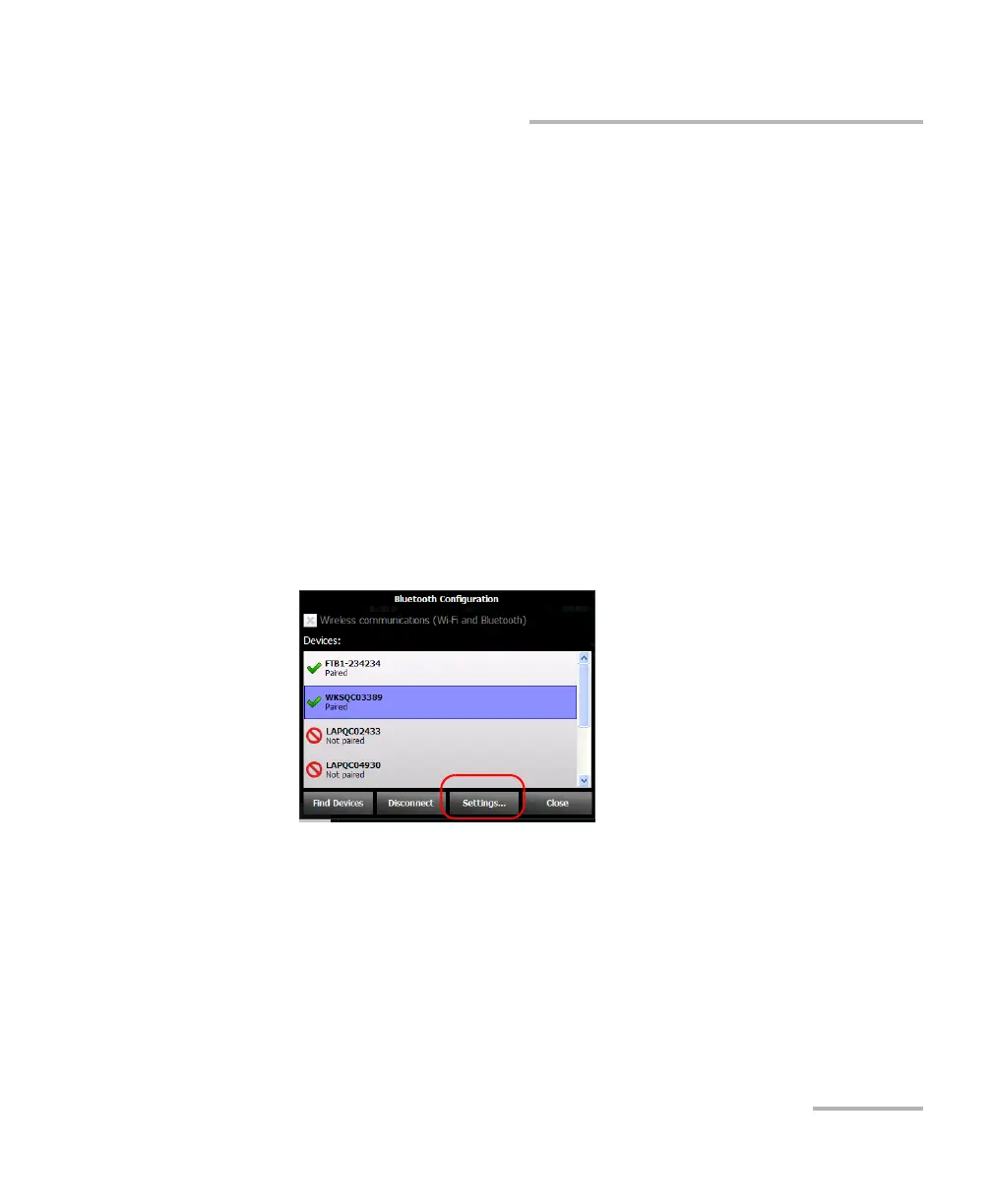
11. Ensure that the row corresponding to your paired computer is
selected, and then tap Settings to activate the desired mobile service.












 To Next Page