Managing Data
94 MaxTester Series
Transferring Data via Bluetooth
®
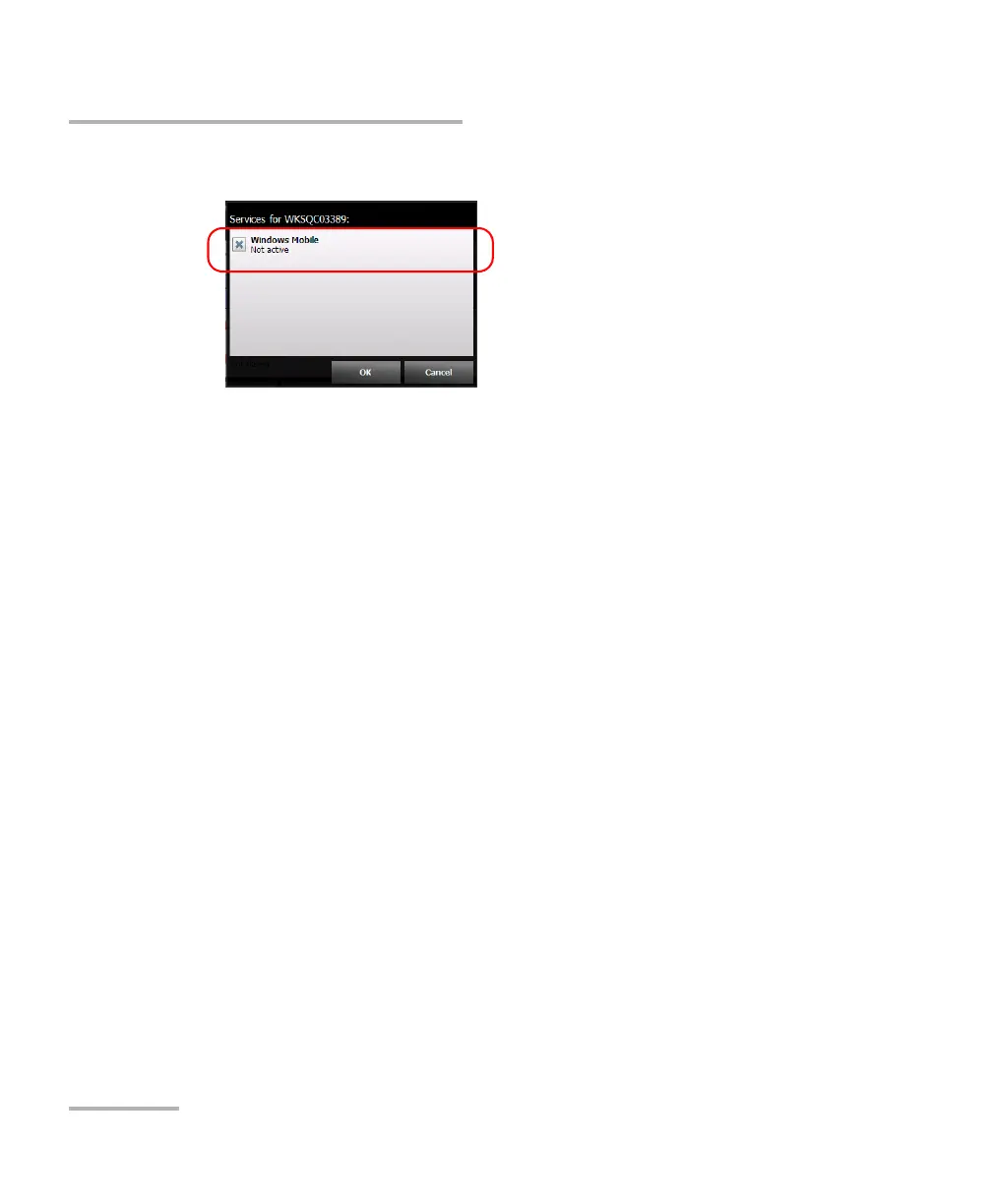
12. Select Windows Mobile, and then tap OK.
The unit tries to establish communication with the computer. Mobile
Device Center starts automatically (on the computer).
13. On your unit, tap Close to close the Bluetooth
®
configuration window.
You are now ready to start transferring files.
The unit will try to establish a connection with the paired devices
automatically next at the next startup, or return from the suspend mode (a
connection window will appear briefly).












 To Next Page