Managing Data
MaxTester Series 95
Transferring Data via Bluetooth
®
Transferring Data
Once the communication is established between your unit and the
computer, you can either transfer data using a file explorer or the file
management feature of Mobile Device Center (both available from the
computer).
Note: On Windows 8, you cannot access the folders of your unit from a file
explorer. You must use Mobile Device Center to transfer data.
To transfer data from your unit to a computer with Mobile Device
Center:
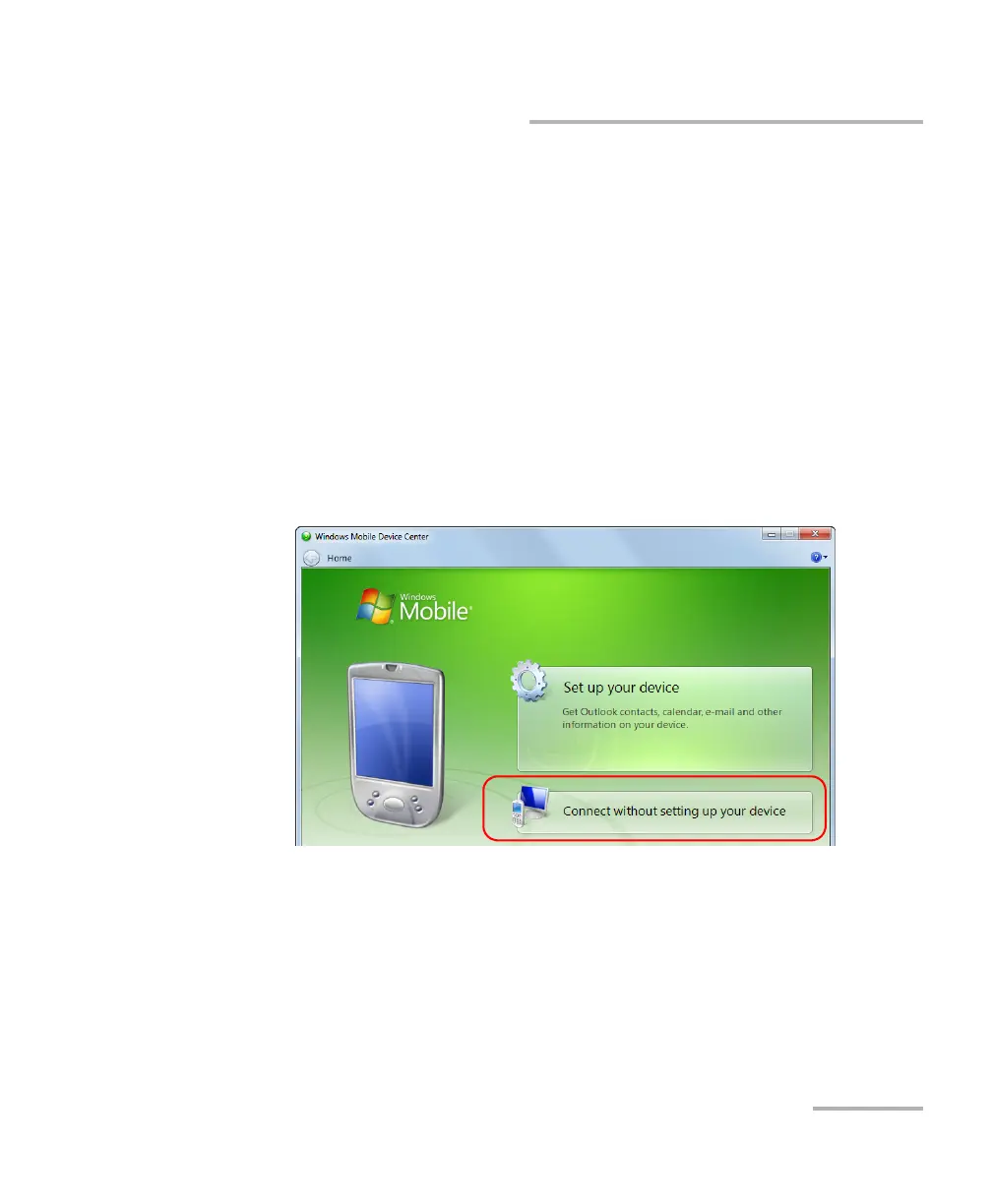
1. On the computer, from Mobile Device Center, click Connect without
setting up your device.












 To Next Page