Managing Data
96 MaxTester Series
Transferring Data via Bluetooth
®
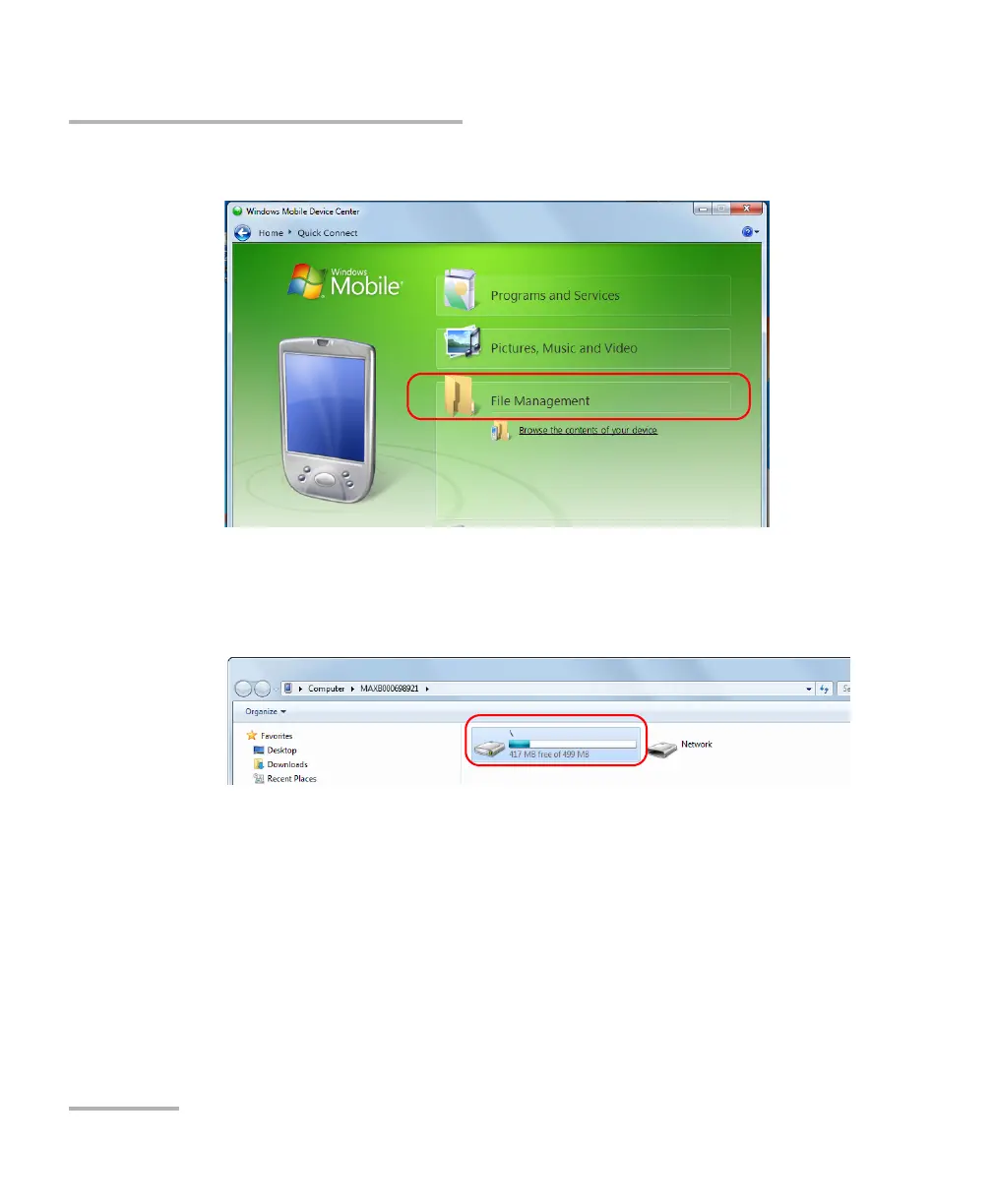
2. Click File Management.
3. Click Browse the contents of your device.
4. Double-click the drive that is identified with “\” to access the folders on
your unit.
Note: If you close Mobile Device Center, you may have to open it manually at next
startup of the unit or when the unit returns from the suspend mode.












 To Next Page