Managing Data
MaxTester Series 107
Transferring Files with the Data Mover Application
Each time you copy data, the application creates a folder on the storage
device. This folder will contain the copied files and subfolders (original
folder structure as well as folder and file names are kept).
The application generates folder names as follows:
[YEAR]-[MONTH]-[DAY]_[HOUR]-[MINUTE]-[SECOND]
Example:
For a copy operation requested on September 20, 2013, the folder name
could be:
2013-09-20-13_23-01-45.
Note: The HOUR value will appear in a 24-hour format, regardless of your unit's
time settings.
To transfer files with the Data Mover:
1. Connect a USB storage device to one of the USB ports.
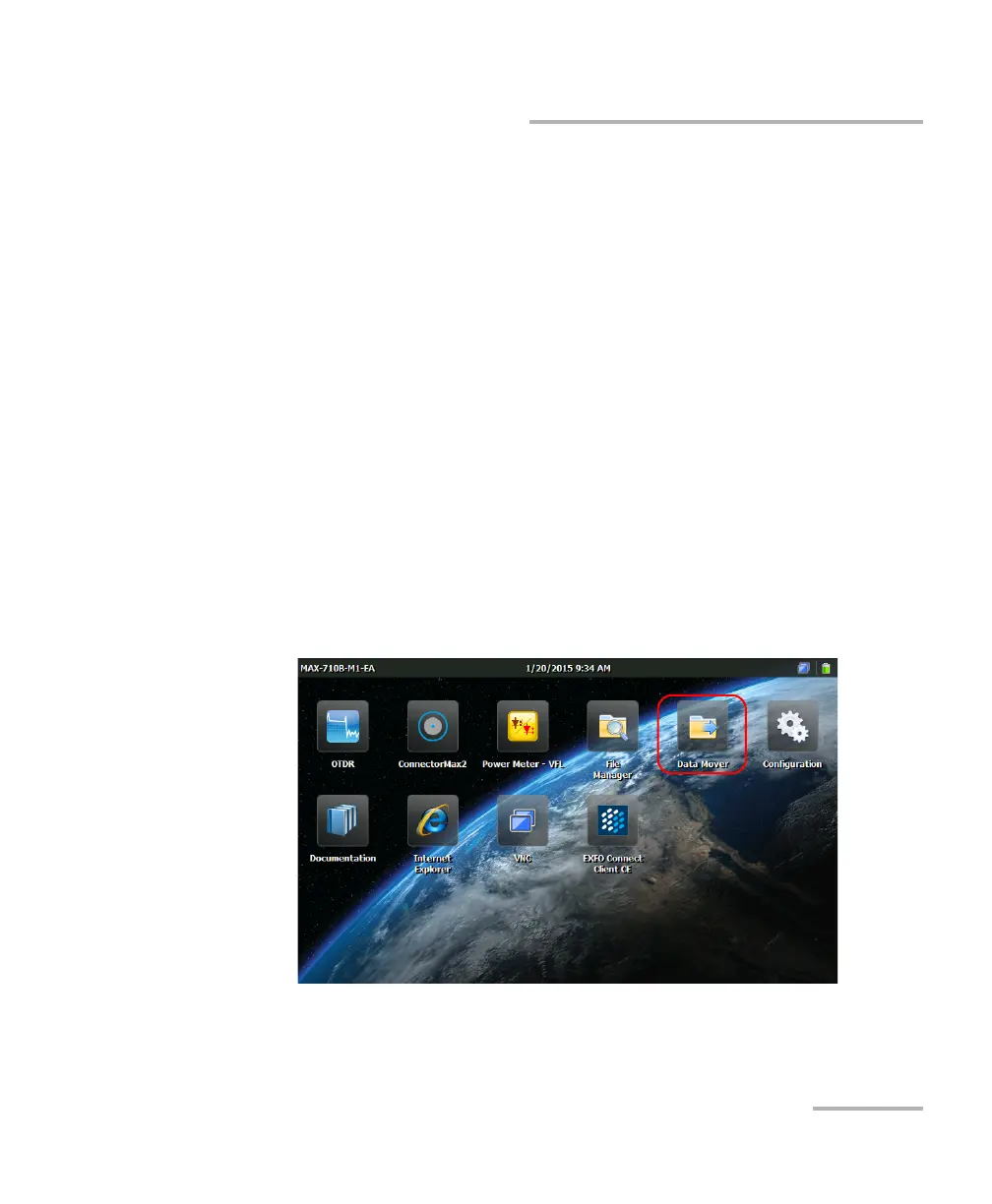
2. From the Home screen, tap Data Mover.












 To Next Page