Managing Data
108 MaxTester Series
Transferring Files with the Data Mover Application
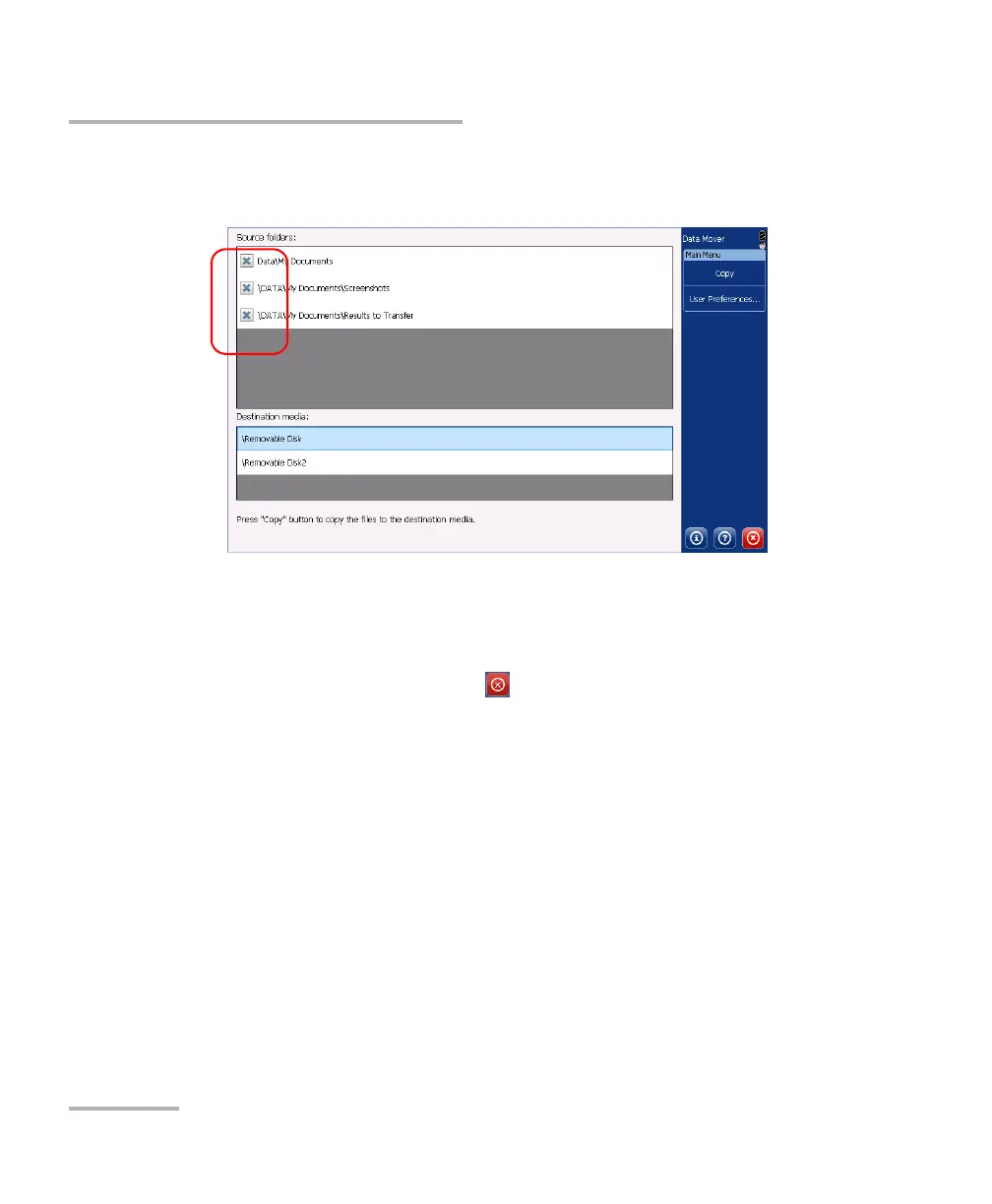
3. Select or clear the check boxes to adjust the folder selection to your
needs.
4. If necessary, under Destination media, select the desired USB storage
device.
5. Tap Copy. The files will remain on your unit after the transfer.
6. When you have finished, tap to exit the Data Mover application.












 To Next Page