Getting Started with Your Unit
MaxTester Series 19
Installing and Using the Optional Stand
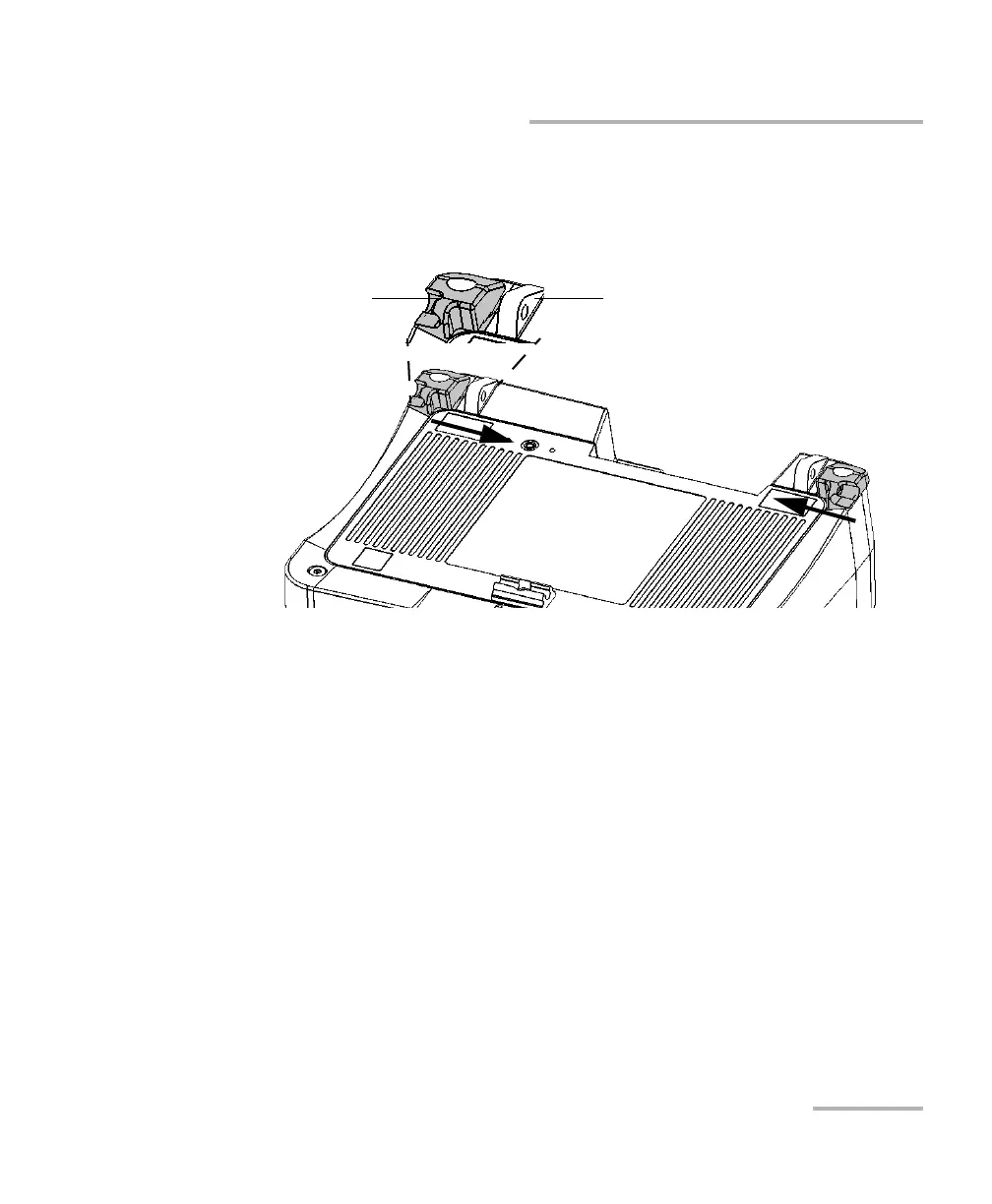
3. Align the side of the stand blockers with the side of the anchor eyelets,
and then slide the blockers towards the eyelets until they stop. There
should be no gap between the blockers and the eyelets.
4. Using the provided hex key (“Allen” key), put the two top screws back
in place (in the center of the blockers).
Stand blocker
(shown in grey)
Anchor eyelet












 To Next Page