Getting Started with Your Unit
20 MaxTester Series
Installing and Using the Optional Stand
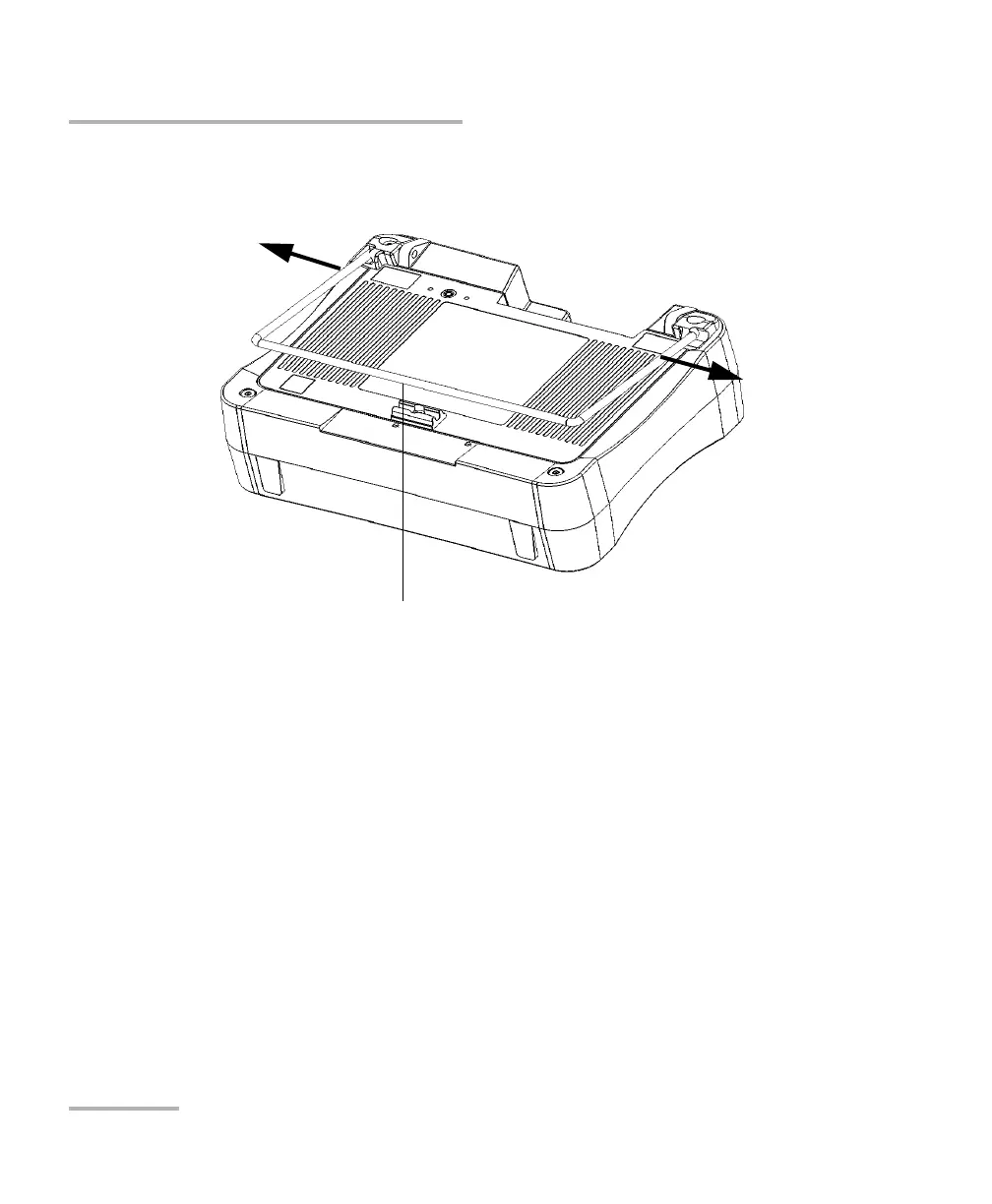
5. Hold the stand by its sides, and then slightly widen it to be able to insert
it into the blockers.
6. Release the stand as soon as it is properly inserted into the blockers.
7. If desired, secure the stand in its retaining clip by pushing it
downwards.












 To Next Page