Getting Started with Your Unit
32 MaxTester Series
Installing or Upgrading the Applications
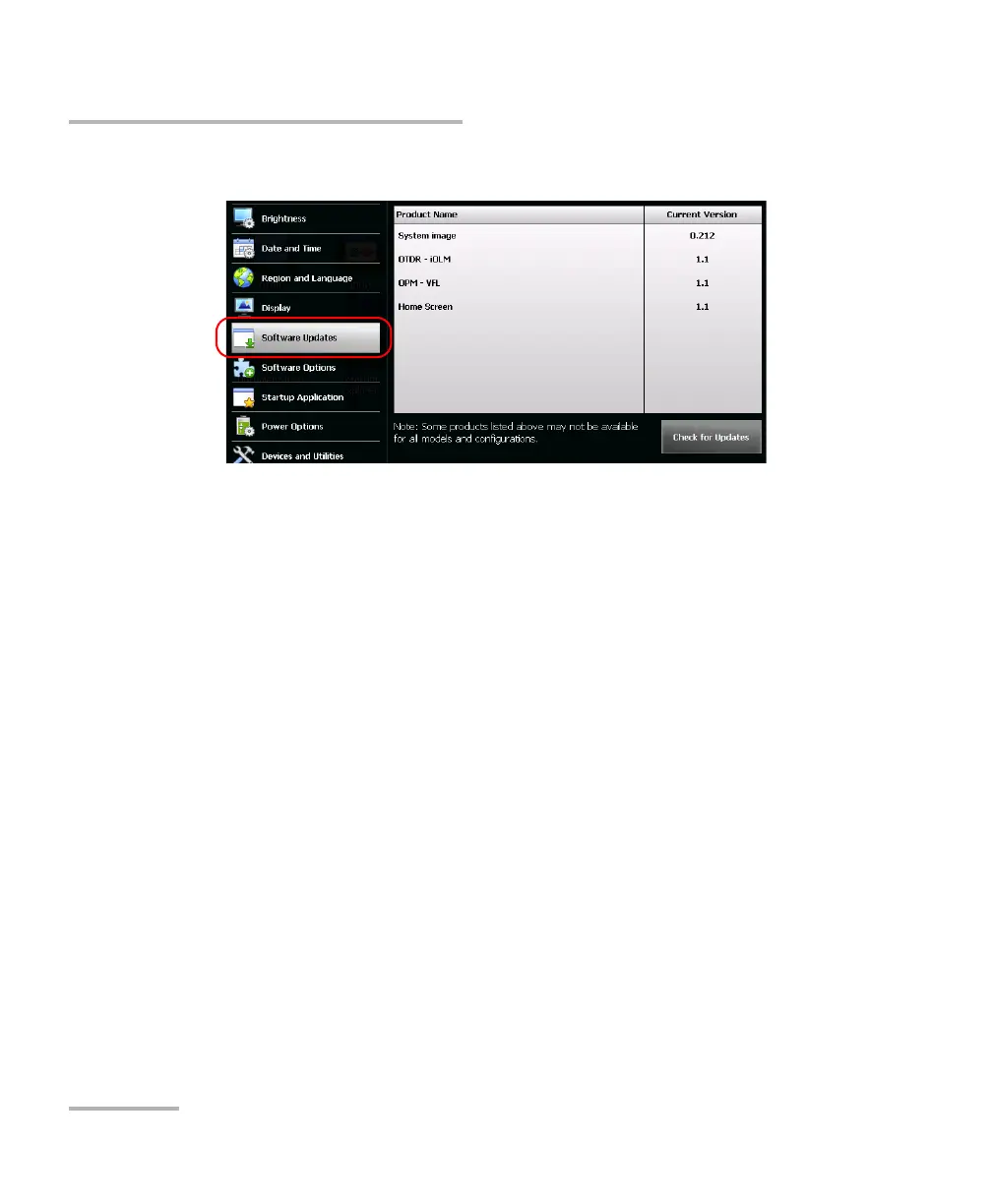
7. Tap Software Updates.
8. Tap Check for Updates.
Note: If no appropriate system image file or product upgrade files are found on
the USB memory key, the application will prompt you to browse for a folder
containing upgrade files.
Note: If several versions of the system image or of the products are found, the
application will install the most recent version.












 To Next Page