Getting Started with Your Unit
MaxTester Series 33
Installing or Upgrading the Applications
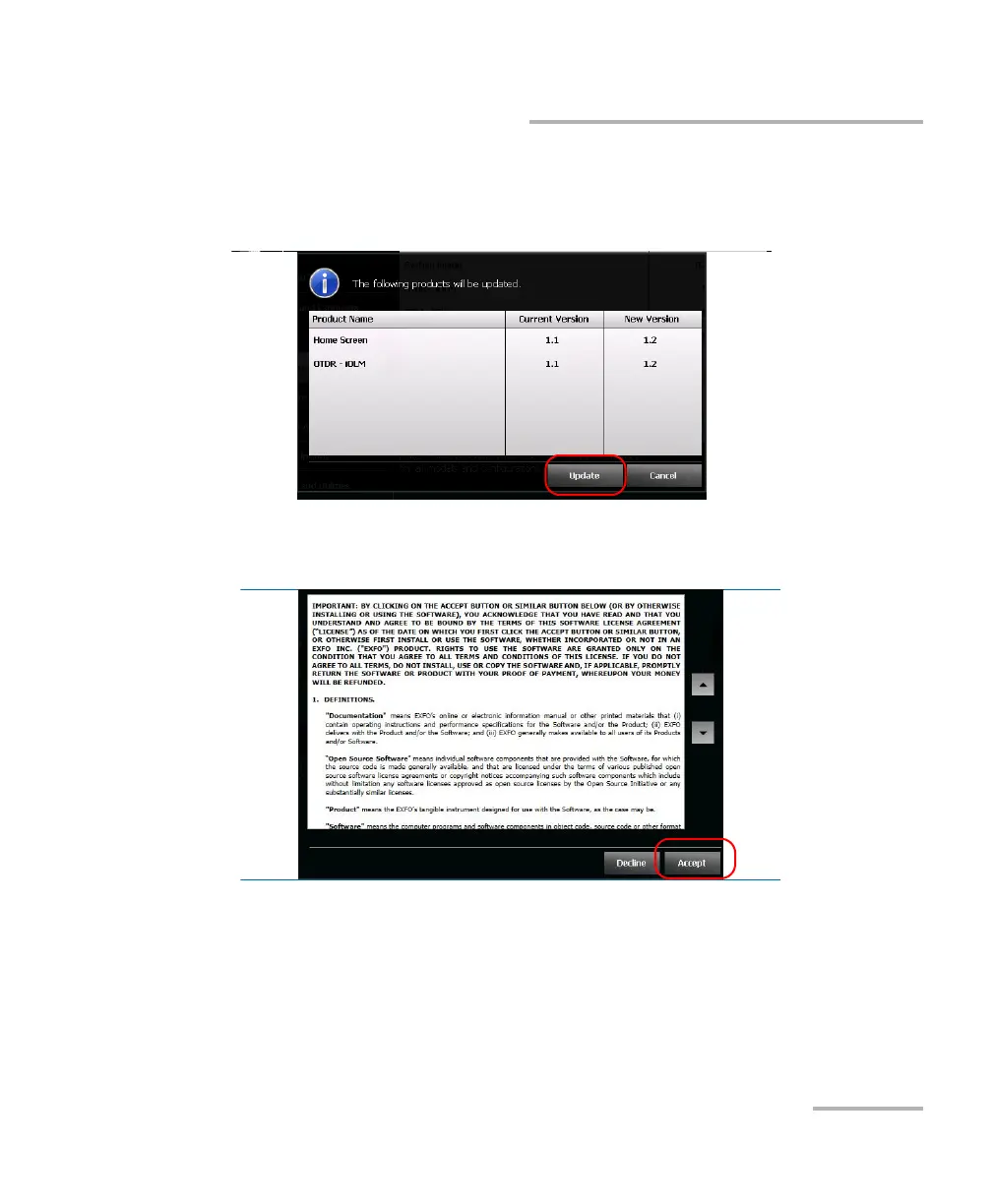
9. When the application prompts you to confirm the replacement of the
current system image or products with new ones, tap Yes (system
image) or Update (products) to start the process.
10. Read the end-user license agreement (EULA), and if you agree with
the terms, tap Accept.
Note: The acceptance of the license agreement is mandatory to be able to
proceed with the upgrade.
Note: The installation process may take a few minutes.












 To Next Page