Setting Up Your Unit
56 MaxTester Series
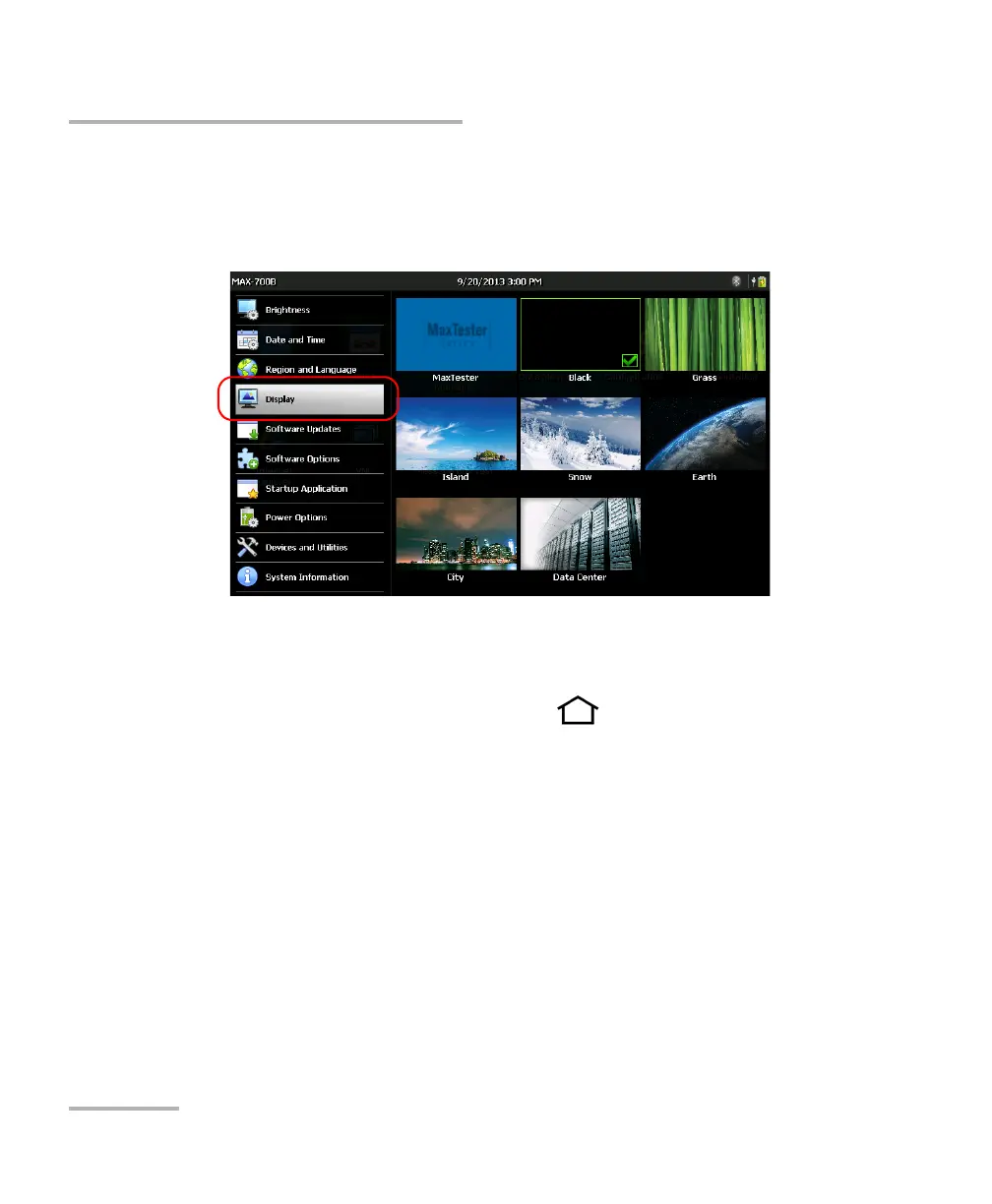
Changing the Background Picture
To change the background picture:
1. From the Home screen, tap Configuration.
2. Tap Display.
3. Tap the image that you want to select as the new background image.
The edge of the selected image will be highlighted and a check mark
will appear, confirming your selection.
4. From the unit’s front panel, press the button to return to the
Home screen.
The background image is refreshed immediately.












 To Next Page