Setting Up Your Unit
MaxTester Series 55
Changing the Background Picture
6. Double-tap the USB memory key identifier to access the key contents.
7. Copy the image that you need:
7a. Select the desired file.
Note: If you want to copy all files at the same time, from the Edit menu, select
Select All.
7b. From the Edit menu, select Copy.
8. Tap the parent folder button once to exit the USB memory key.
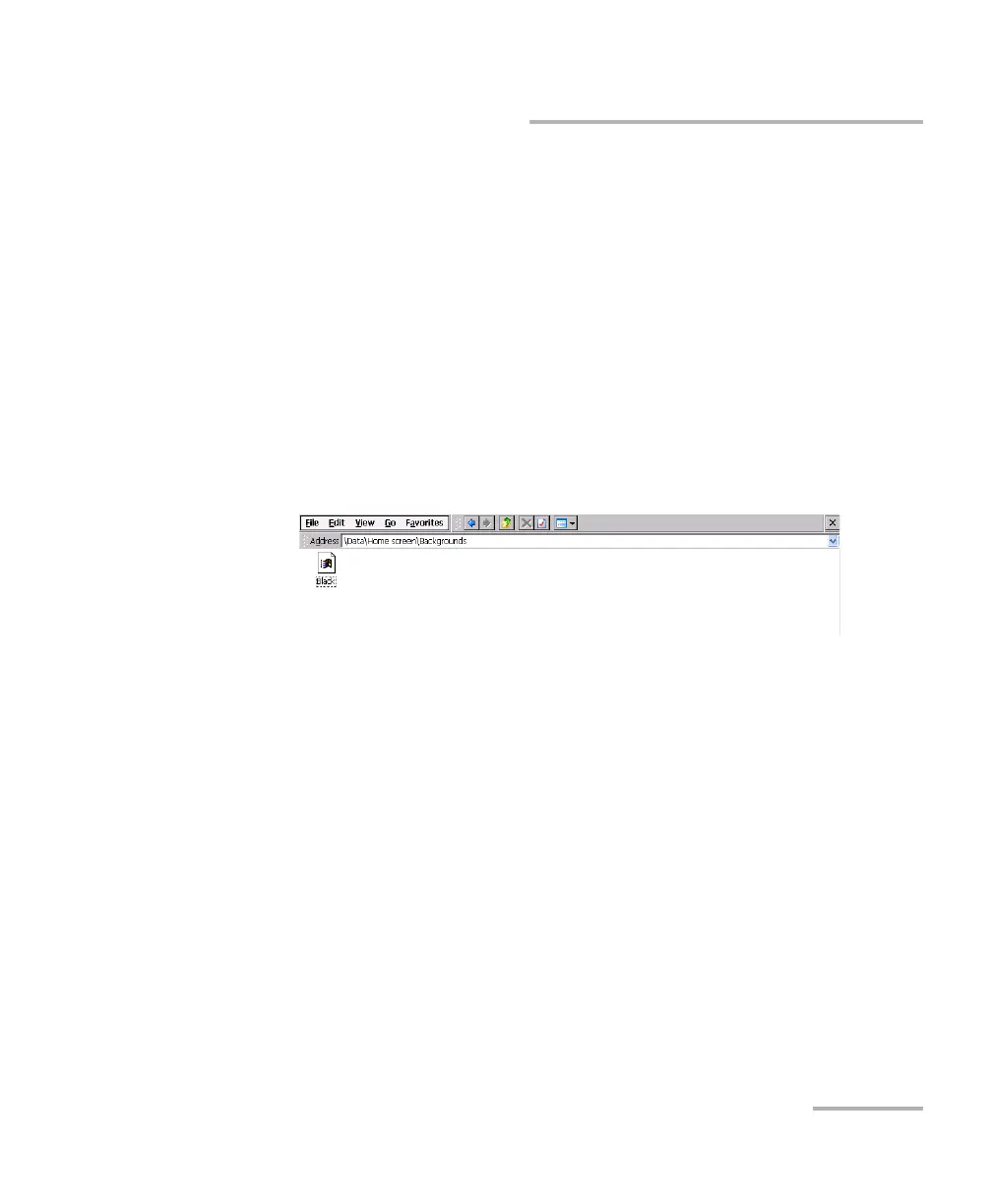
9. Double-tap DATA, then Home screen > Backgrounds.
10. From the Edit menu, select Paste.
11. If necessary, repeat steps 6 to 10 with all the images that you want to
transfer to your unit.
12. Disconnect the USB memory key.
Your new images are now available on your unit.












 To Next Page