Working with Your Unit
MaxTester Series 75
Setting Storage Parameters for Screen Captures
To set the default image format:
1. From the Home screen, tap Configuration.
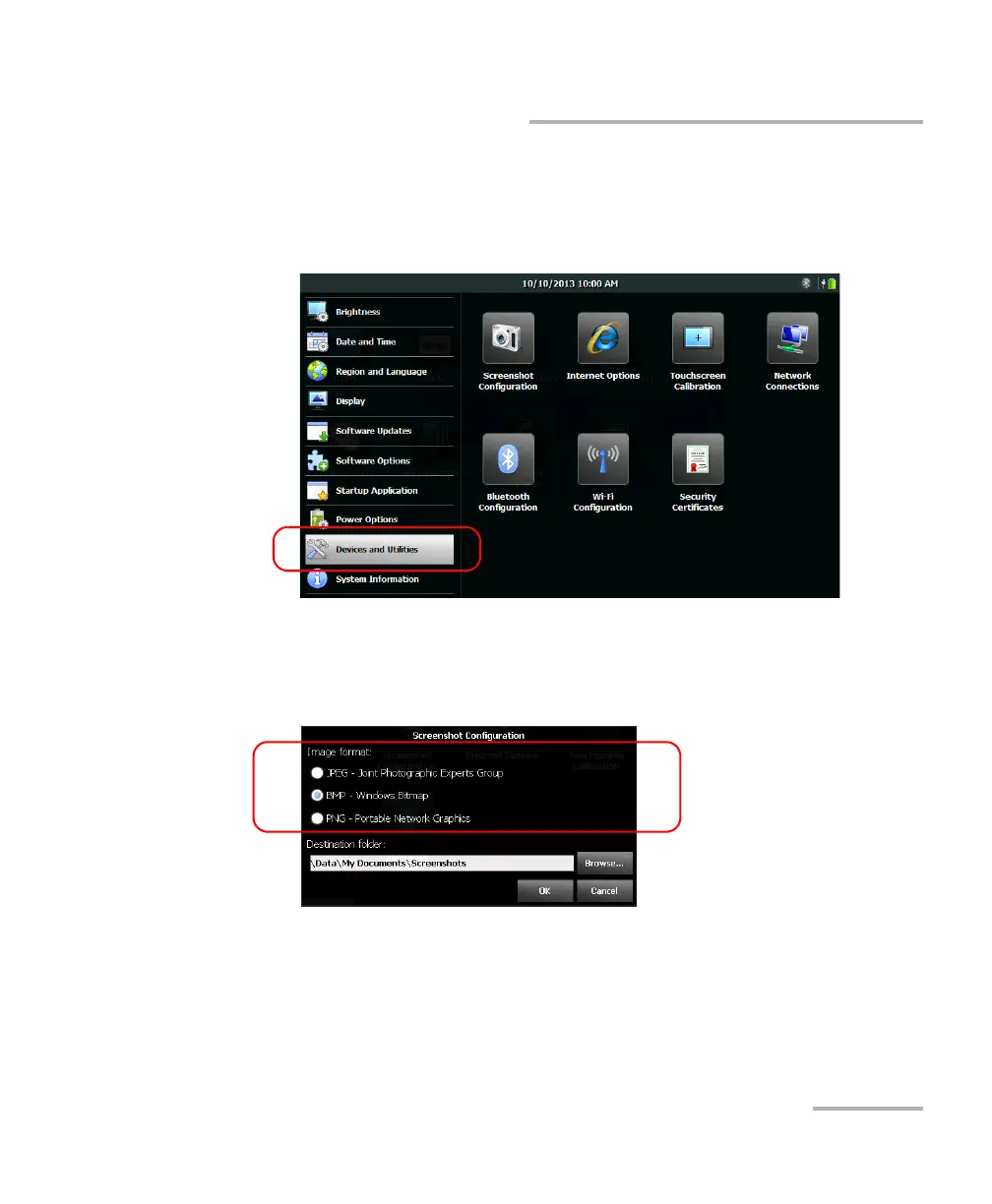
2. Tap Devices and Utilities.
3. Tap Screenshot Configuration.
4. Under Image format, select the option corresponding to the desired
format.
5. Tap OK to confirm the changes and close the window.












 To Next Page