Working with Your Unit
76 MaxTester Series
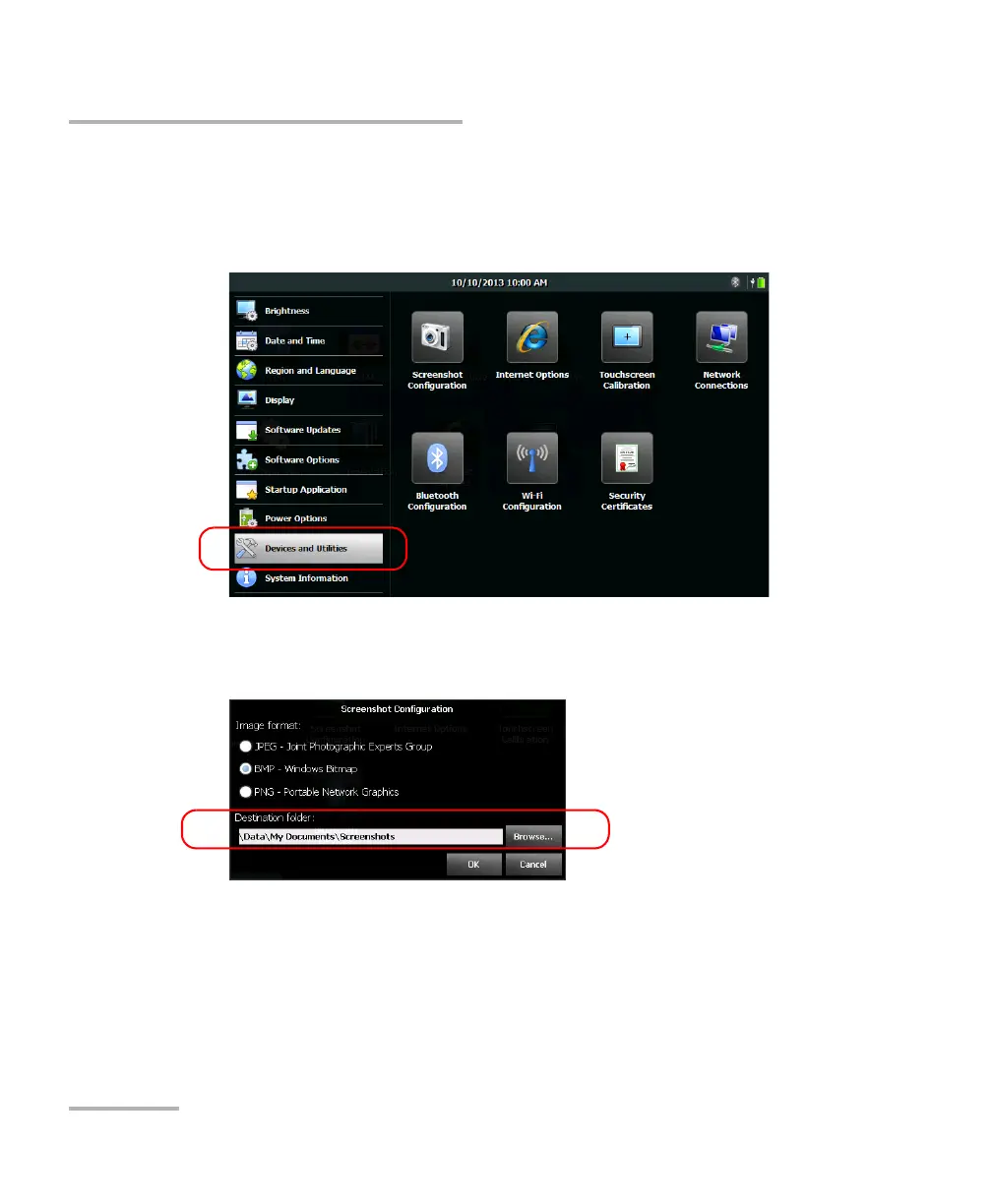
Setting Storage Parameters for Screen Captures
To modify the destination folder:
1. From the Home screen, tap Configuration.
2. Tap Devices and Utilities.
3. Tap Screenshot Configuration.
4. Under Destination folder, tap Browse.












 To Next Page