TLP Pro x25 Series and TLS x25 Series • On-screen Menus 17
LinkLicenses
For information about LinkLicenses, see LinkLicenses on page 35.
Enable LinkLicenses
The Enable LinkLicenses feature is available from the Status (see page 16). When the LinkLicense is enabled,
the touchpanel is a control processor.
1. To enable LinkLicences, set the LinkLicense switch to on by moving the toggle switch in the System
Information pane to the right (see image to the right).
NOTE: A LinkLicense must be applied to the touchpanel for the toggle switch to be active.
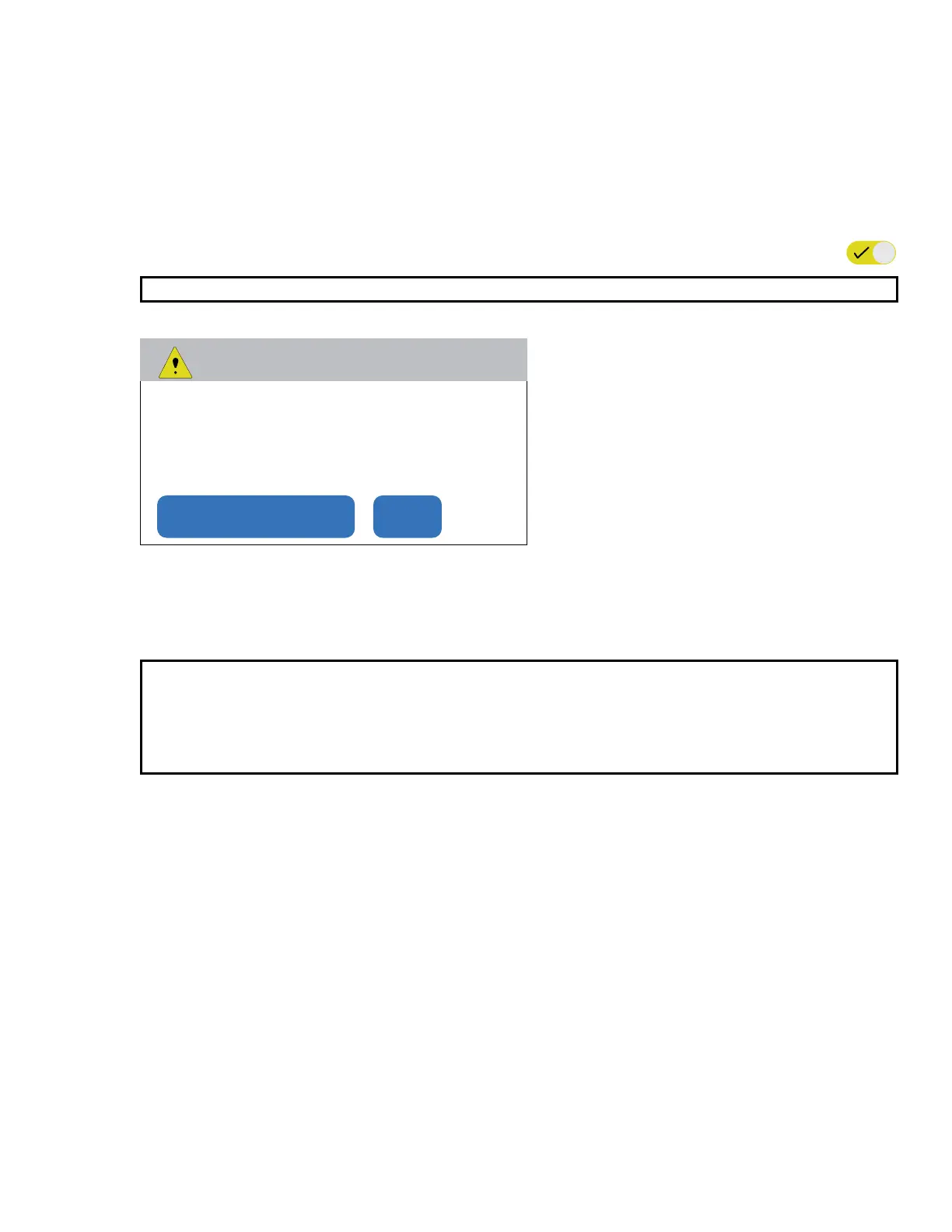
The Enable LinkLicenses dialog box opens.
Enable LinkLicenses
Enabling LinkLicenses will remove all user
loaded project les and reboot the device.
Enable LinkLicenses Cancel
Figure 8. Enable LinkLicenses
2. Click Enable LinkLicenses.
The dialog text changes to Waiting to Reboot.
The screen goes blank as the touchpanel reboots.
NOTES:
• All projects that were on the touchpanel have been removed and need to be reloaded.
• When the LinkLicense for the unit is enabled, the device name changes to Model Name with
LinkLicense and the part number for the device changes to 60-xxxx-02C (see figure 7 on
page 16).



 To Next Page