TLP Pro x25 Series and TLS x25 Series • On-screen Menus 23
Advanced
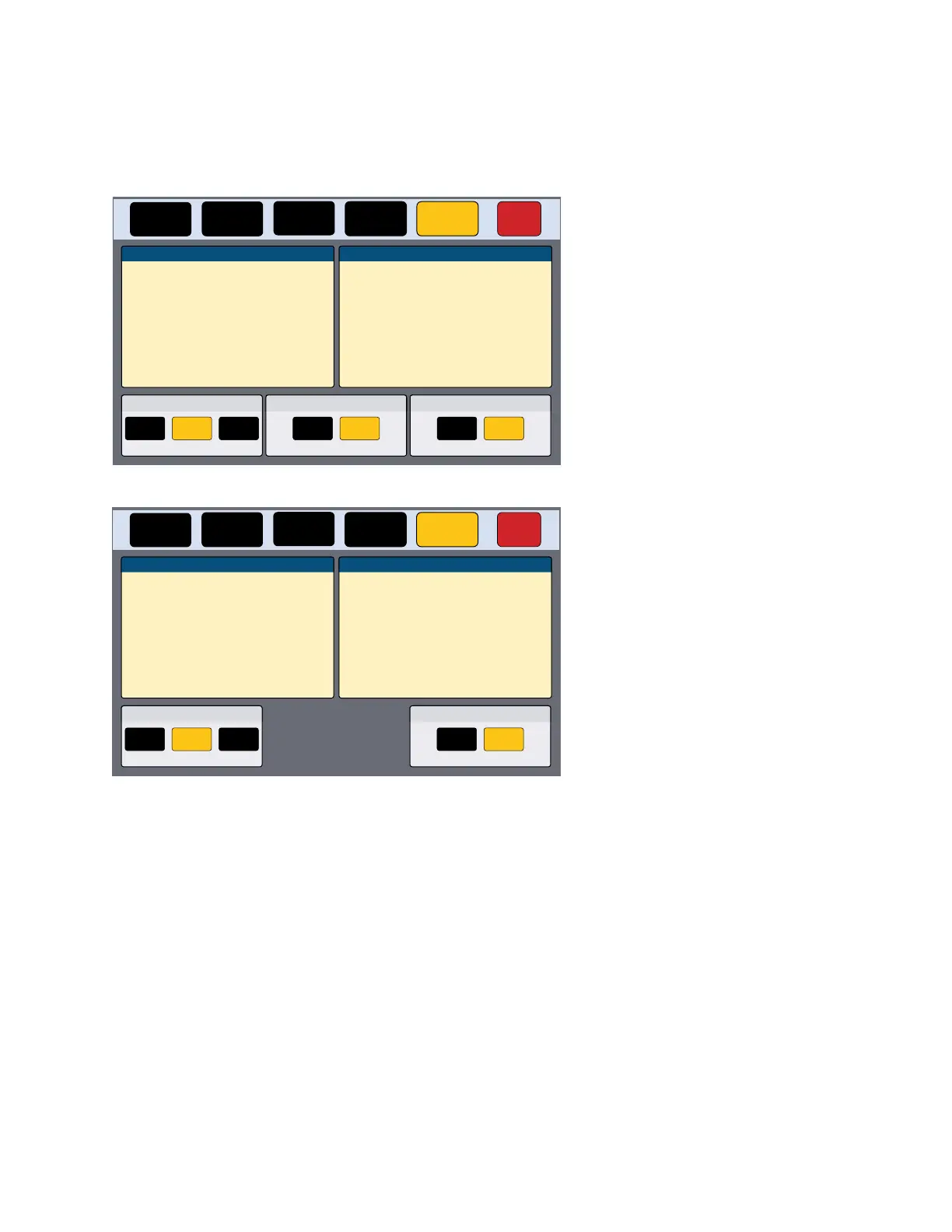
Press the Advanced button in the navigation panel at the top of the screen to open the Advanced screen. The
TLP Pro 725M and TLP Pro 1025M series wall mount models have the option to Enable or Disable the rear
panel status lights (see figure 17). This option is not available for the TLP Pro 525M, TLP Pro 525T, TLP Pro 725T,
or TLP Pro 1025T series touchpanels (see figure 18).
Status
Display Audio Advanced Exit
Network
System
Touchpanel Name:
Controller Name:
Controller IP:
TLP-AB-CD-EF
IPCP 505 - North Hall
192.168.254.11
Global Configurator Project
Name:NorthHall
Version: 01.00.1383
Creation Date:2/15/2016 2:48:20 PM
Revision Date:2/16/2016 4:15:45 PM
-------------------------------------------------------------
Menu PIN
Off ChangeOn
GUI Project
Name:
Resolution:
Creation Date:
Revision Date:
Version:
Jet Video Conference System
2/12/2016
02/12/2016
1024x600
01.00.16
Project Size: 12 MB
115 MBStorage Size:
Project Usage: 0%
Communication LEDRear Status Lights
Enable Disable Enable Disable
Figure 17. Advanced Screen (TLP Pro 725M)
Status
Display Audio Advanced Exit
Network
System
Touchpanel Name:
Controller Name:
Controller IP:
TLP-AB-CD-EF
IPCP 505 - North Hall
192.168.254.11
Global Configurator Project
Name:NorthHall
Version: 01.00.1383
Creation Date:2/15/2016 2:48:20 PM
Revision Date:2/16/2016 4:15:45 PM
-------------------------------------------------------------
Menu PIN
Off ChangeOn
GUI Project
Name:
Resolution:
Creation Date:
Revision Date:
Version:
Jet Video Conference System
2/12/2016
02/12/2016
1024x600
01.00.16
Project Size: 12 MB
115 MBStorage Size:
Project Usage: 0%
Communication LED
Enable Disable
Figure 18. Advanced Screen (All Other Touchpanels)
System and GUI Project Panels
These panels are read only, providing information about the system, the Global Configurator Project, and the
GUI Designer Project.
gure 17
gure 18



 To Next Page