TLP Pro x25 Series and TLS x25 Series • Conguration Software 28
The GUI Designer, Global Configurator Plus and Professional, and ControlScript Deployment Utility software
provide versatility and adaptability for control of an AV system as it grows and evolves.
• Room Agent — Use Room Agent to design the layout of the the TLS touchpanels and to connect them to
calendar servers.
• GUI Designer — Use the GUI Designer software to design the screen layout for the touchpanel. See the
GUI Designer Help File for step-by-step instructions and more detailed information.
• Global Configurator Plus and Professional — Use the Global Configurator Plus and Professional software
to assign functions to the text and graphics of the interface. See the Global Configurator Plus and
Professional Help File for step-by-step instructions and more detailed information. The Global Configurator
Plus and Professional Help File also includes an introduction to the software and sections on how to start and
configure a project.
• ControlScript Deployment Utility — As an alternative to Global Configurator Plus and Professional, use the
ControlScript Deployment Utility software to program the touchpanel (see the ControlScript Deployment Utility
Help File for more detailed information).
• Toolbelt — The touchpanel can use the Toolbelt software for device discovery, device information, firmware
updates, and configuration of network settings (see the Toolbelt Help File for more detailed information).
TLP Pro 525, 725, and 1025 Series Web Page
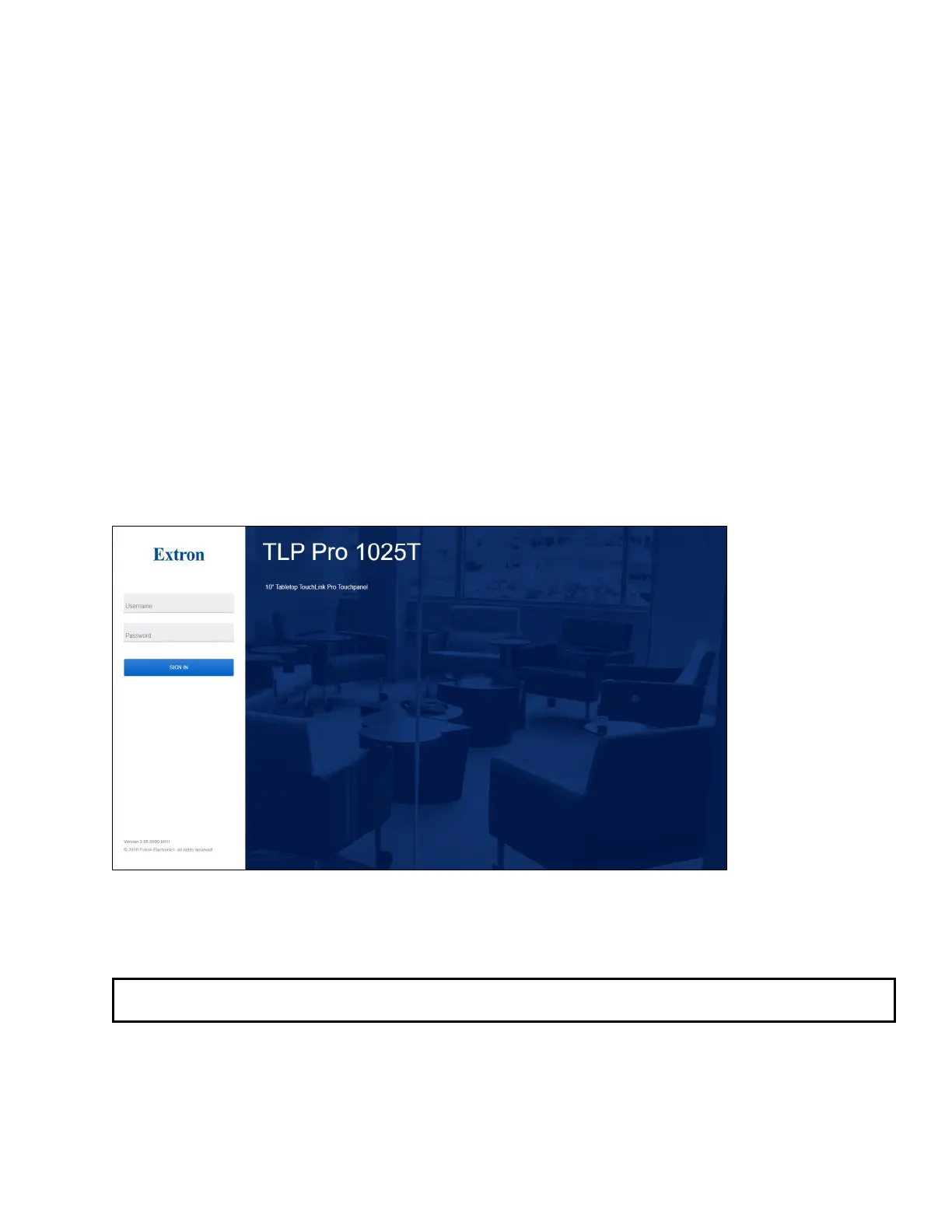
To access the TLP Pro touchpanel default web page, enter the IP address of the unit into the web browser of a
PC connected to the same subnet. A log-in page opens.
Figure 24. TLP Pro 1025T Login Page
Figure 24 shows the login page for the TLP Pro 1025T. The login pages for the other touchpanels are very similar.
Enter the Username and Password. The factory configured passwords for all accounts on this device have been
set to the device serial number. Passwords can be changed during configuration. Passwords are case sensitive.
NOTE: If the device is reset to default settings, the passwords are reset to the default password, which is
extron (for either admin or user).



 To Next Page