TLP Pro x25 Series and TLS x25 Series • Conguration Software 26
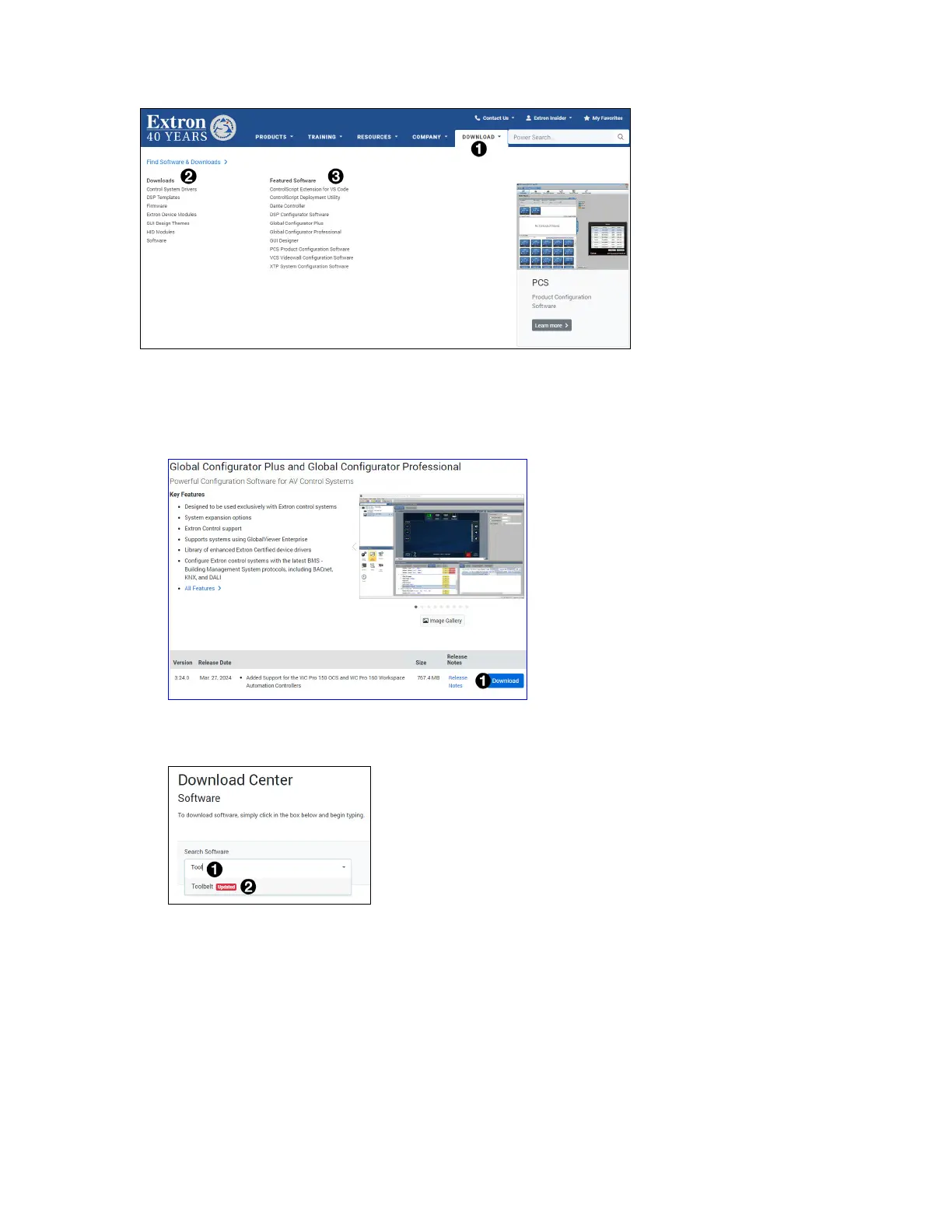
1. On the Extron home page, select the Downloads tab (see figure 20,
1
).
Figure 20. Downloads Tab
2. Carry out one of these options:
• If the software of interest is listed in the Featured Software list (
3
), click on it directly. This takes you
directly to the product web page (see figure 21).
Figure 21. Software Product Page
• Otherwise, click Software in the Downloads list (see figure 20,
2
).
Figure 22. Software Downloads from the Extron Website
a. Start typing the name of the software in the Search Software text box (see figure 22,
1
).
The name of the software appears in a drop-down list (
2
).
b. Click the Software name.
gure 20
gure 21



 To Next Page