MP-73/53 G3 Wireless Option
MP-70/50 • MP-72/52 • MP-73/53 • PN 98-0002-29 • REV 1709.13 125
DISPLAY THE SCOREBOARD TYPE (G3)
The following steps will send a command to the scoreboard to momentarily
display the scoreboard type.
1. Turn on the MP-73/53.
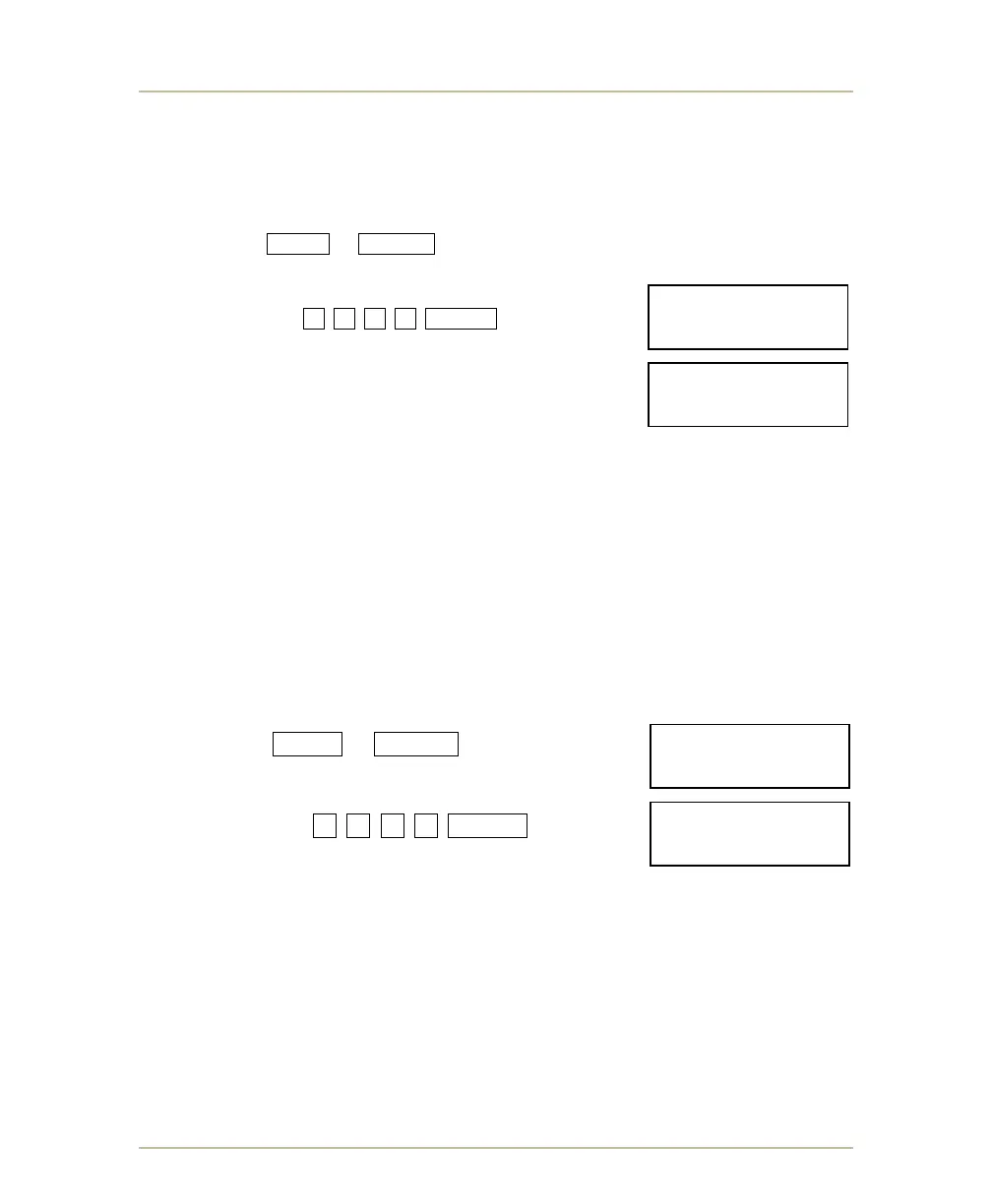
2. Press SHIFT + BAT/RF buttons and hold down for at least 6 seconds and
then release when it displays ENTER PASS CODE.
3. Type the following
sequence: 2 1 6 5 ENTER .
The scoreboard will display its board type in the
seconds digit field for 3 seconds while the control
displays Displaying- Board Type! for 3 seconds.
RECEIVER CARD LOCATION (G3)
The receiver card is located in the processor mounting area of scoreboards
equipped with the wireless option.
DISPLAY SCOREBOARD TRANSCEIVER SOFTWARE VERSION (G3)
The following steps will send a command to the scoreboard to display the
software version of scoreboard’s transceiver on the scoreboard.
1. Turn on the MP-73/53.
2. Press SHIFT + BAT/RF buttons twice and
it displays ENTER PASS CODE.
3. Type the following
sequence: 3 8 1 9 ENTER .
For three (3) seconds the scoreboard show its
transceiver software version in the minutes and seconds digit fields while
the controls shows Displaying- Software Version.
ENTER PASS CODE:
____________2165
ENTER PASS CODE:
____________3819
Displaying-
Software Version



 To Next Page