Programming the System Settings
146 MP-70/50 • MP-72/52 • MP-73/53 • PN 98-0002-29 • REV 1709.13
The MP-70/50 can provide data in either format. The prompts shown above allow
you to specify which data format each output connector provides. If the MP-70/50
is controlling multiple scoreboards, be sure you know which output connector
drives each scoreboard before changing these settings. Respond with YES to
set the output to MP-69 data, and NO to set the output to MP-70/50 data.
Connector one is automatically configured for MP-70/50 data on wireless
controls, so the CONN.1 prompt will not be displayed.
Note: The wireless connection cannot transmit data in the MP-69 format. If you
are using a wireless M-70/50 to control a scoreboard that requires MP-69
data, configure the output connectors to transmit MP-70 data. A convertor
box at the scoreboard converts this data to the MP-69 format.
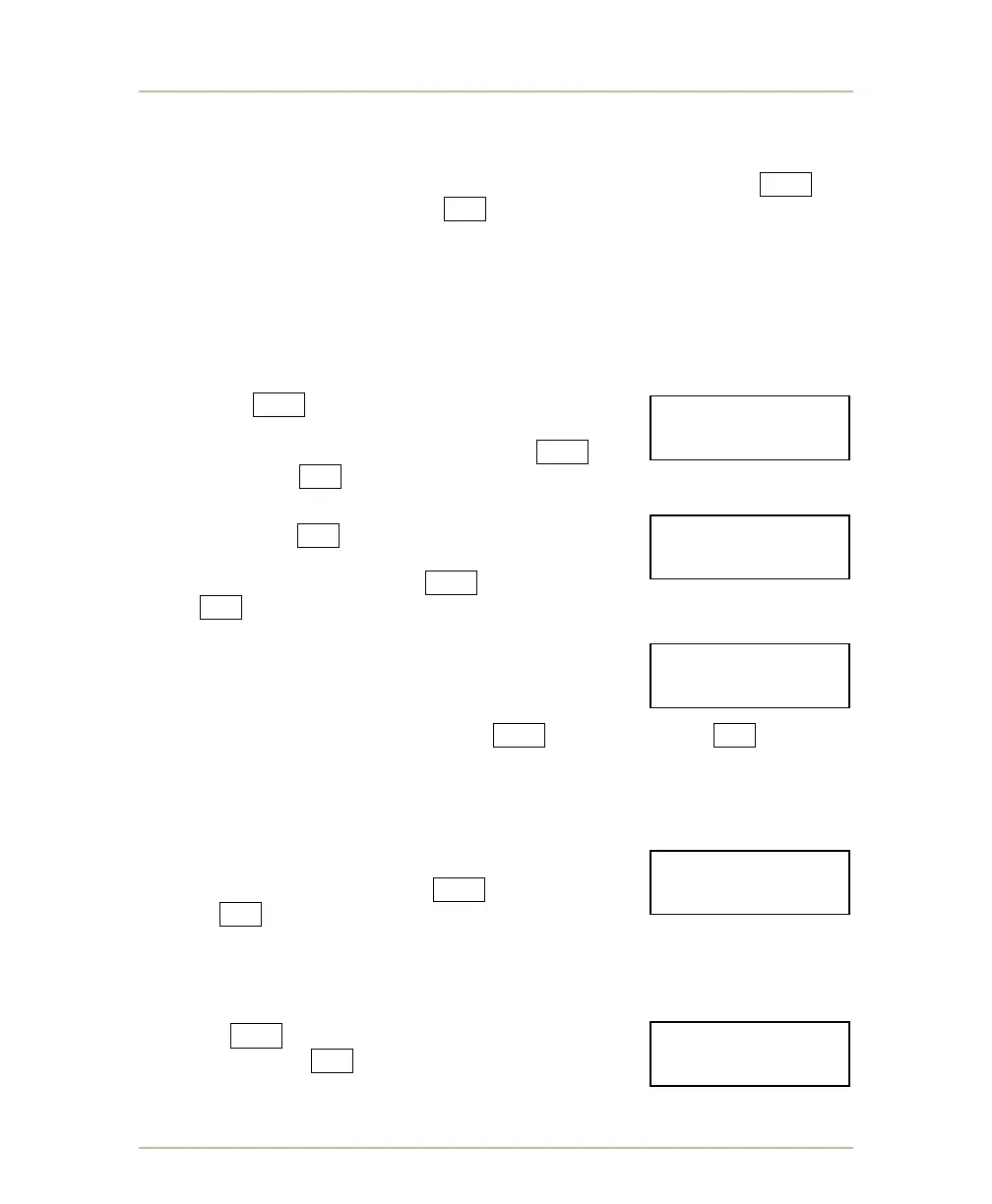
If you press YES at the CONN3&4,MP69 prompt, the
CLK AT TIMER prompt appears. If you are using shot
timers that have a built-in game clock, press YES .
Otherwise, press NO .
If your MP-73/53 is equipped with the wireless option
and you pressed NO at the CONN3&4,MP69 prompt,
the RADIO@TIMER prompt appears. If you are using
wireless shot/field timers, press YES . Otherwise,
press NO .
If CONNS 1 & 2 are both set to MP-69 data, you will not
be given the TEAM NAME prompt. Otherwise the TEAM
NAME prompt will appear as shown above. If you
scoreboard is equipped with team name displays and
you wish to activate this function, press YES . Otherwise, press NO . The team
name entry procedure is described at TEAM NAMES on page 82. (Recall that the
team names function is not available on the MP-50 control).
TIME OF DAY CLOCK
This prompt allows you to choose between a 12-hour or
24-hour time of day clock. Press YES for a 24-hour
clock or NO for a 12-hour clock.
EXITING SYSTEM SETTINGS
Respond YES to the prompt above to exit SYSTEM
SETTINGS. Press NO to start over at the SCBD
TYPE prompt.
SYSTEM SETTINGS
TEAM NAMES? Y/N
SYSTEM SETTINGS
24HR TOD CLK?Y/N
SYSTEM SETTINGS
CLK.AT TIMER?Y/N
SYSTEM SETTINGS
RADIO@ TIMER?Y/N
SYSTEM SETTINGS
QUIT? Y/N



 To Next Page