Hockey
42 MP-70/50 • MP-72/52 • MP-73/53 • PN 98-0002-29 • REV 1709.13
If you press YES, the MP-70/50 prompts you to enter the penalty times for the
+1, +2 and +3 keys, pressing ENTER after each one.
INTERVAL TIMER ON
The interval timer is essentially a clock within a clock, allowing you to divide the
game period into shorter segments as necessary. For example, you might use
this function when the hockey teams consist of multiple squads; when the horn
sounds at the end of an interval, one squad replaces another in the rink.
The horn sounds when the interval timer expires, but the game clock is
unaffected. After the horn sounds, the interval timer automatically resets to the
amount of time you have specified.
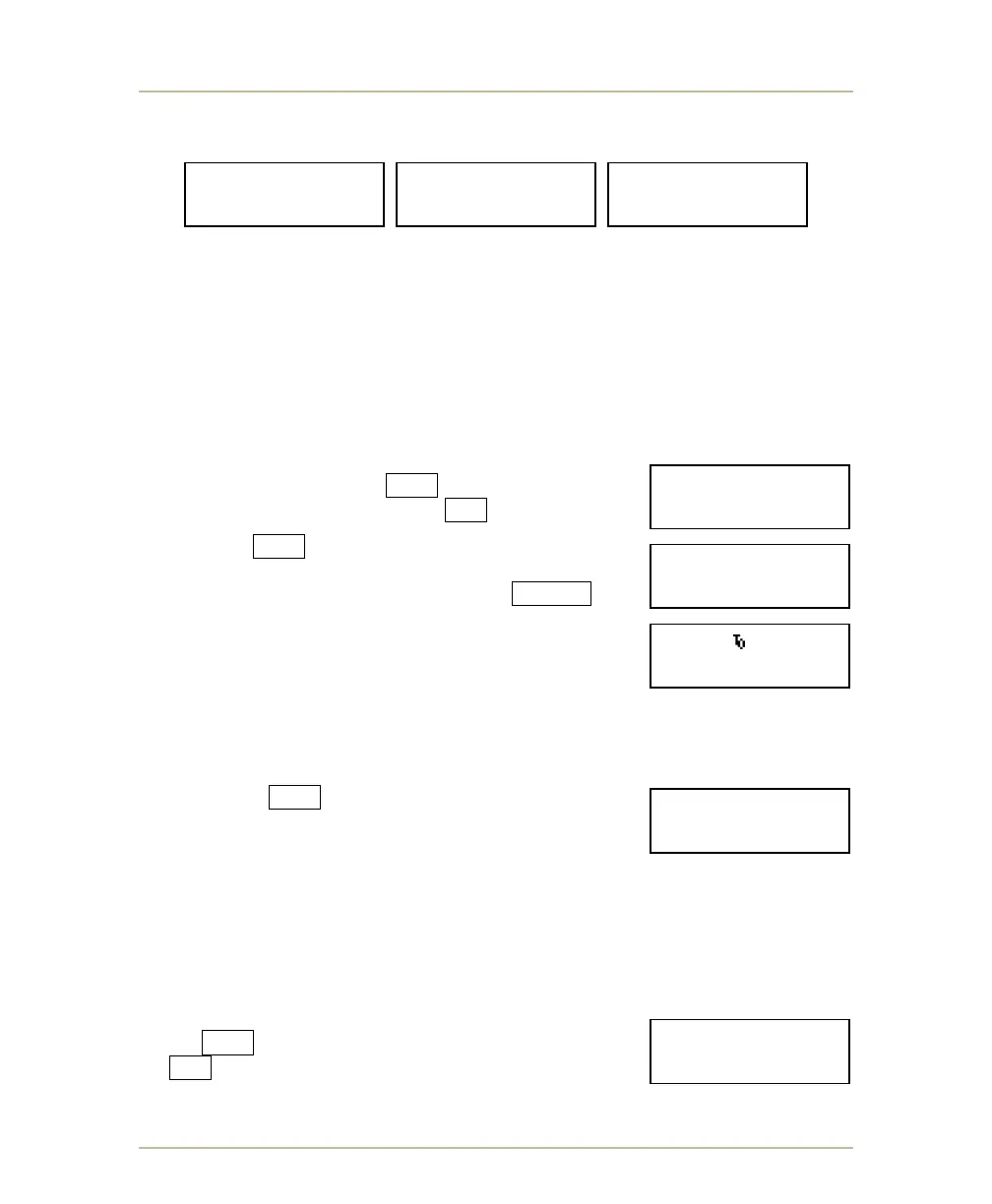
To turn this timer on, press YES at the prompt shown
below. To turn the timer off, press NO .
If you press YES , the MP-70/50 prompts you to enter
the duration of the interval clock. Enter the duration
using the numeric keypad and then press ENTER .
If you choose the Interval Timer, a lower-case “i”
appears in the middle of the upper line of the LCD
screen.
10’ PENALTY SPOTS
Note: The following option is intended for use with European hockey rules.
If you choose YES for this option, then players who
receive a 10-minute penalty will automatically have
those penalties shown on the two 10-minute penalty
indicator lights used on European hockey scoreboards.
Thus, that penalty will not appear in the usual player/penalty digits. (However, the
penalty clock will count down the 10 minutes even though it is not displayed in
the player/penalty digits). When the penalty clock has counted to 0, the penalty
indicator light will turn off.
COUNTDOWN CLOCK
Press YES if you want the clock to count down
or NO if you want the clock to count up.
- CHANGE SPORT -
+1 PEN.TO? --:--
- CHANGE SPORT -
+2 PEN.TO? --:--
- CHANGE SPORT -
+3 PEN.TO? --:--
- CHANGE SPORT -
INT.TIMER ON?Y/N
- CHANGE SPORT -
INT. TIME? __:__
- CHANGE SPORT -
10’PEN.SPOTS Y/N
- CHANGE SPORT -
COUNT DN.CLK?Y/N



 To Next Page