MP-70/50 Wireless Option
MP-70/50 • MP-72/52 • MP-73/53 • PN 98-0002-29 • REV 1709.13 87
HIGH AND LOW POWER MODES
The wireless data link can operate in either
HIGH POWER mode - In HIGH POWER mode, your control broadcasts
a signal to the display at its maximum available power output. Under
normal circumstances, set your control to HIGH POWER mode.
LOW POWER TRANSMISSION mode - Primarily used for system
testing.
VIEWING YOUR SETTINGS
To view the current radio transmitter setting of your control, hold down
the SHIFT key while pressing the BAT/RF key.
If your control is not battery operated, the first press will display the radio
transmitter settings.
Note: If you have a battery-powered control, the first press of the BAT/RF key
will display the percentage of power remaining in the battery on the
bottom line of the LCD. Press the key a second time to display the radio
transmitter settings.
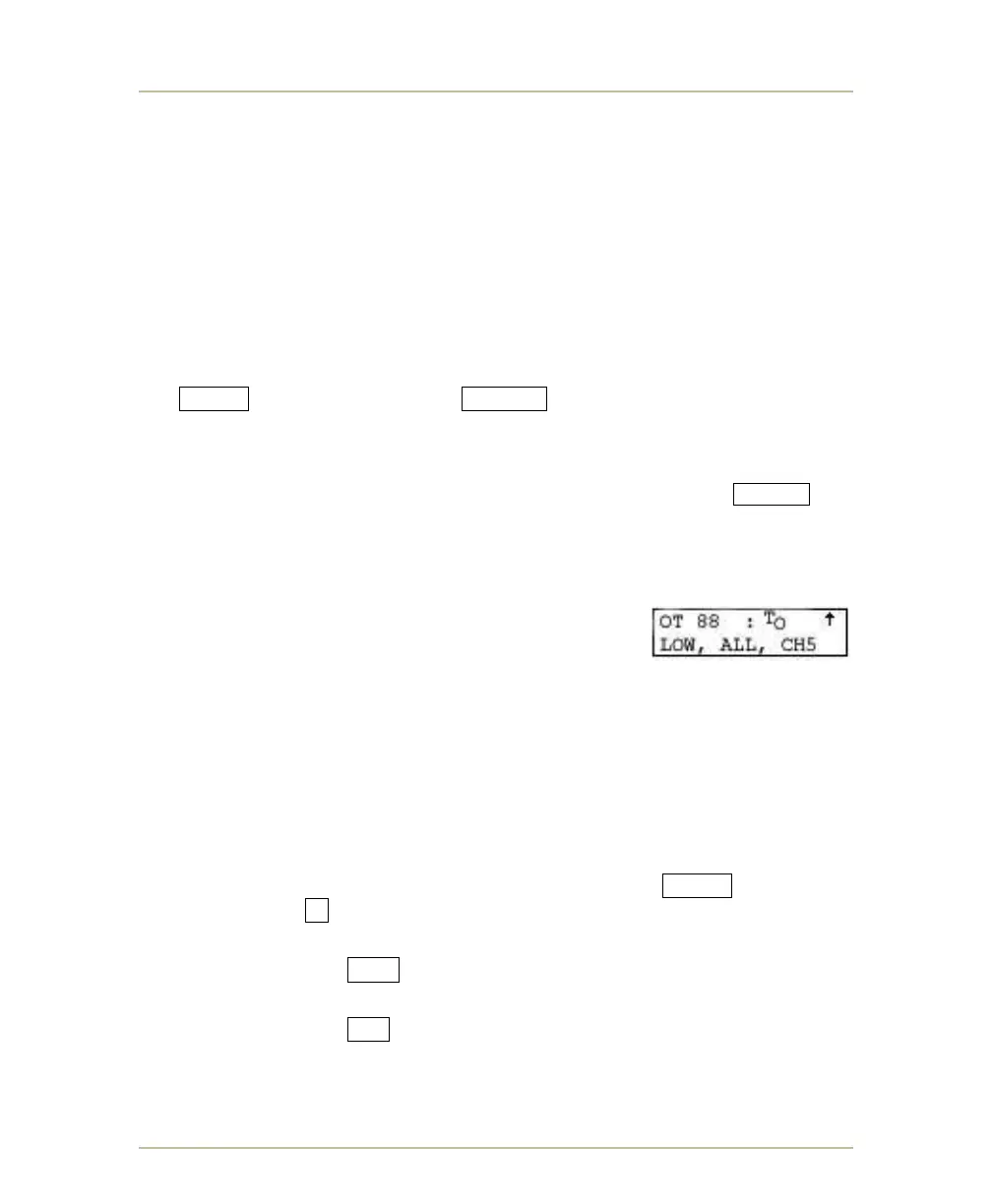
When displaying the radio transmitter settings, the
bottom line of the LCD will display the following:
LOW or HIGH: LOW or HIGH POWER
TRANSMISSION modes.
ALL or SEL: ALL or SEL CHANNEL mode.
CH# (0-15): Radio channel (SEL CHANNEL mode only).
CHANGING YOUR SETTINGS
HIGH POWER TRANSMIT
To change any or all of these three settings, hold down the SHIFT key and
press the number 9 key. The top line of the LCD will display
HIPOWER XMIT? Y/N.
If you respond YES , the radio transmitter will send the radio signal at
full power.
If you respond NO , then the control transmit range will decrease (this is
typically used for testing).



 To Next Page