Baseball
72 MP-70/50 • MP-72/52 • MP-73/53 • PN 98-0002-29 • REV 1709.13
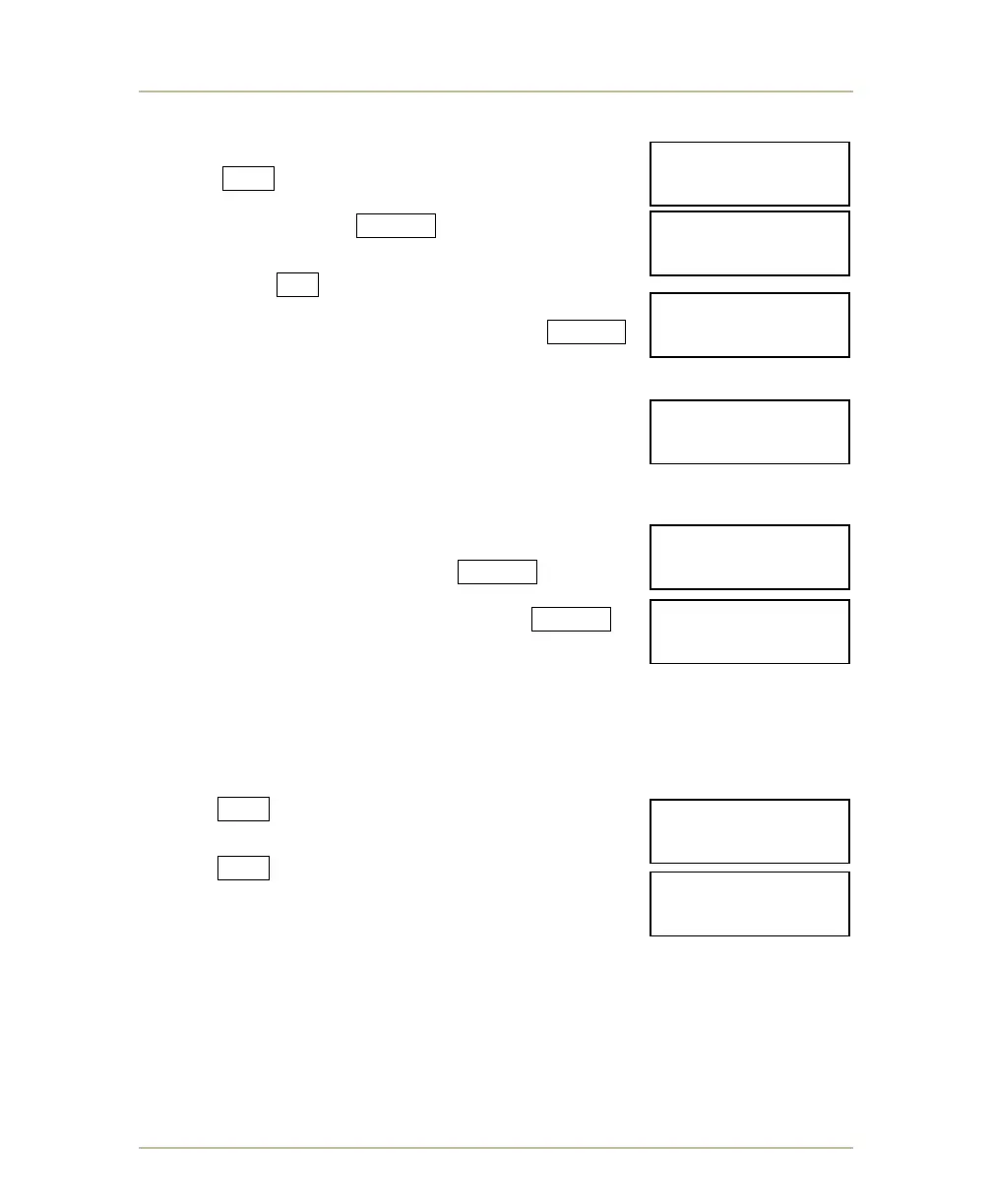
CLOCK SET TO (HOURS OR MINUTES/SECONDS)
To time a game or event for a period of hours,
respond YES to the HOUR CLOCK? Y/N prompt.
Then enter the duration of the time period in hours and
minutes and then press ENTER . You may set the time
up to nine hours and 99 minutes in this mode.
If you respond NO to the HOUR CLOCK prompt, the
CLOCK SET TO? prompt will appear. Enter the duration
of the game period in minutes and then press ENTER .
You may set the time up to 99 minutes.
PITCH TIMER
Answer yes if you want to use a pitch timer or between
innings timer.
TIMER SET #1 AND #2 (MP-70 ONLY)
On the numeric keypad, enter the duration of the field
timer #1 in seconds and then press ENTER . For
example: 20 seconds (20 sec pitch clock). Next, enter
the duration of field timer #2 and then press ENTER .
For example: 90 seconds (90 sec limit between
innings).
PITCH SPEED SENSOR
These prompts only appear if the PITCH SPEED has been enabled. Refer to
SETTINGS FOR BASEBALL BOARD TYPES 34, 35 & 39 on page 145.
Answer YES to JUGS GUN if using a Jug’s Speed
Gun Model HTRCR-1K.
Answer YES to STALKER GUN if using a Stalker Pro
II Speed Sensor.
- CHANGE SPORT -
HOUR CLOCK? Y/N
- CHANGE SPORT -
CLK SET TO?__:__
- CHANGE SPORT -
CLOCK SET TO? 00
- CHANGE SPORT -
TIMER SET#2? 90_
- CHANGE SPORT -
TIMER SET#1? 20_
- CHANGE SPORT -
JUGS GUN? Y/N
- CHANGE SPORT -
STALKER GUN? Y/N
- CHANGE SPORT -
PITCH TIMER? Y/N



 To Next Page