Configurations
164 MP-70/50 • MP-72/52 • MP-73/53 • PN 98-0002-29 • REV 1709.13
4. When prompted THIS CONFIG?, press NO to select another
configuration or press YES to delete.
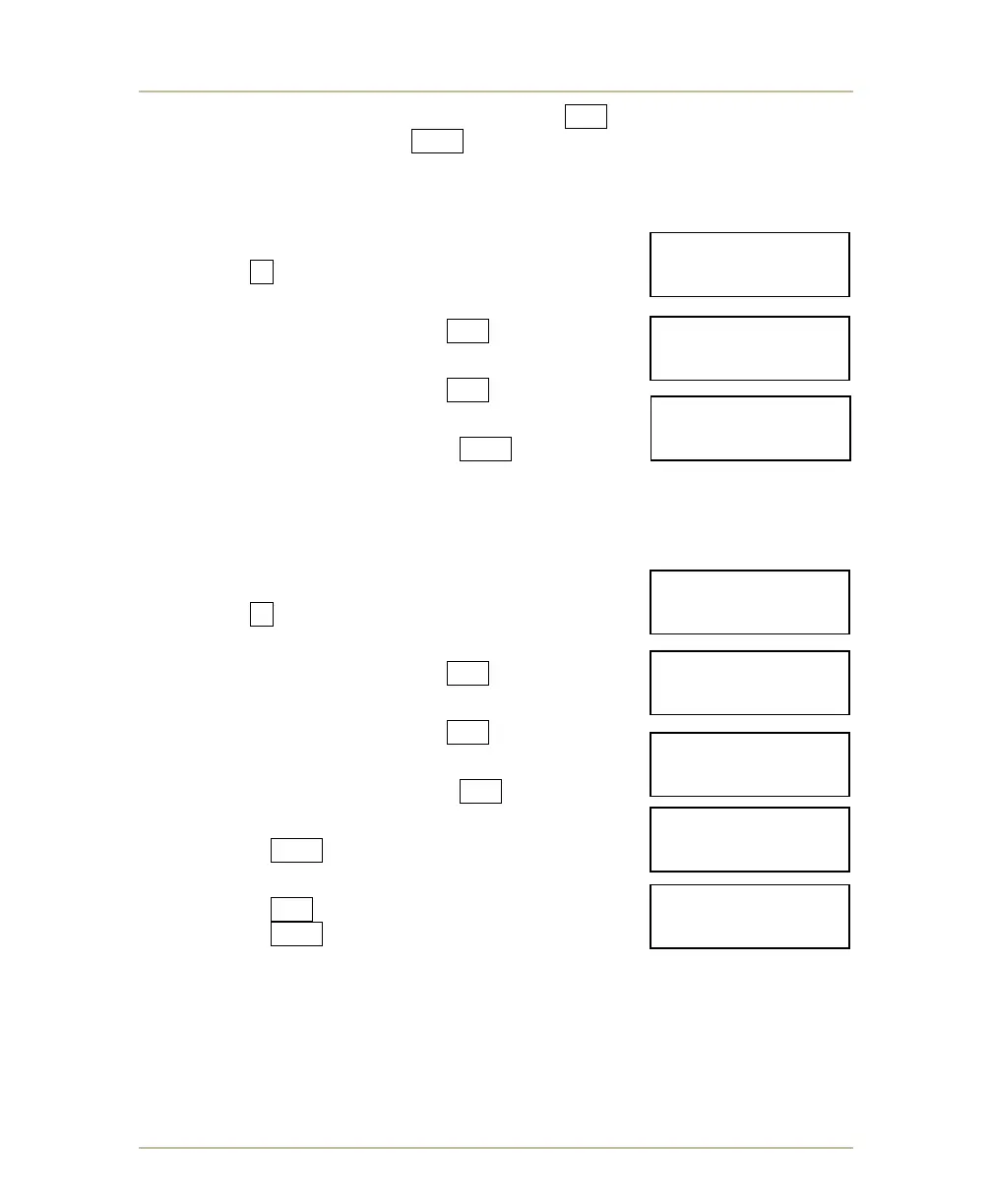
DELETE ALL CONFIGURATIONS
1. Turn off the MP-70/50. Press and hold
the 3 key while turning on the MP-70/50.
2. When prompted to LOAD EXISTING
CONFIGURATION, press NO .
3. When prompted to DELETE ONE
CONFIGURATION, press NO .
4. When prompted to DELETE ALL
CONFIGURATIONS, press YES .
EDIT A CONFIGURATION
1. Turn off the MP-70/50. Press and hold
the 3 key while turning on the MP-70/50.
2. When prompted to LOAD EXISTING
CONFIGURATION, press NO .
3. When prompted to DELETE ONE
CONFIGURATION, press NO .
4. When prompted to DELETE ALL
CONFIGURATIONS, press NO .
5. When prompted to EDIT A CONFIGURATION,
press YES .
6. When prompted with THIS CONFIG,
press NO to scroll to next configuration or
press YES to edit.
7. The controller will begin prompting you to answer System Setting and
Sport-Specific Setting questions.
Refer to PROGRAMMING THE SYSTEM SETTINGS on page 142 and
SELECTING AND CHANGING SPORTS on page 151 or sport-specific settings
for additional information.
DELETE ALL CON-
-FIGURATION? Y/N
EDIT A CON-
-FIGURATION? Y/N
LOADEXISTING CON
-FIGURATION? Y/N
DELETE ONE CON-
-FIGURATION? Y/N
DELETE ALL CON-
-FIGURATION? Y/N
LOADEXISTING CON
-FIGURATION? Y/N
DELETE ONE CON-
-FIGURATION? Y/N
THIS CONFIG? Y/N
MENS BASKETBALL



 To Next Page