Hockey
50 MP-70/50 • MP-72/52 • MP-73/53 • PN 98-0002-29 • REV 1709.13
USING THE INTERVAL TIMER
While the interval timer settings are usually adjusted in PROGRAM mode, you
can also start, stop or change the duration of the interval timer during a hockey
game if necessary. For more information on the interval timer setting available in
PROGRAM mode, see INTERVAL TIMER ON on page 42.
Follow these steps to start or stop the interval timer during a game:
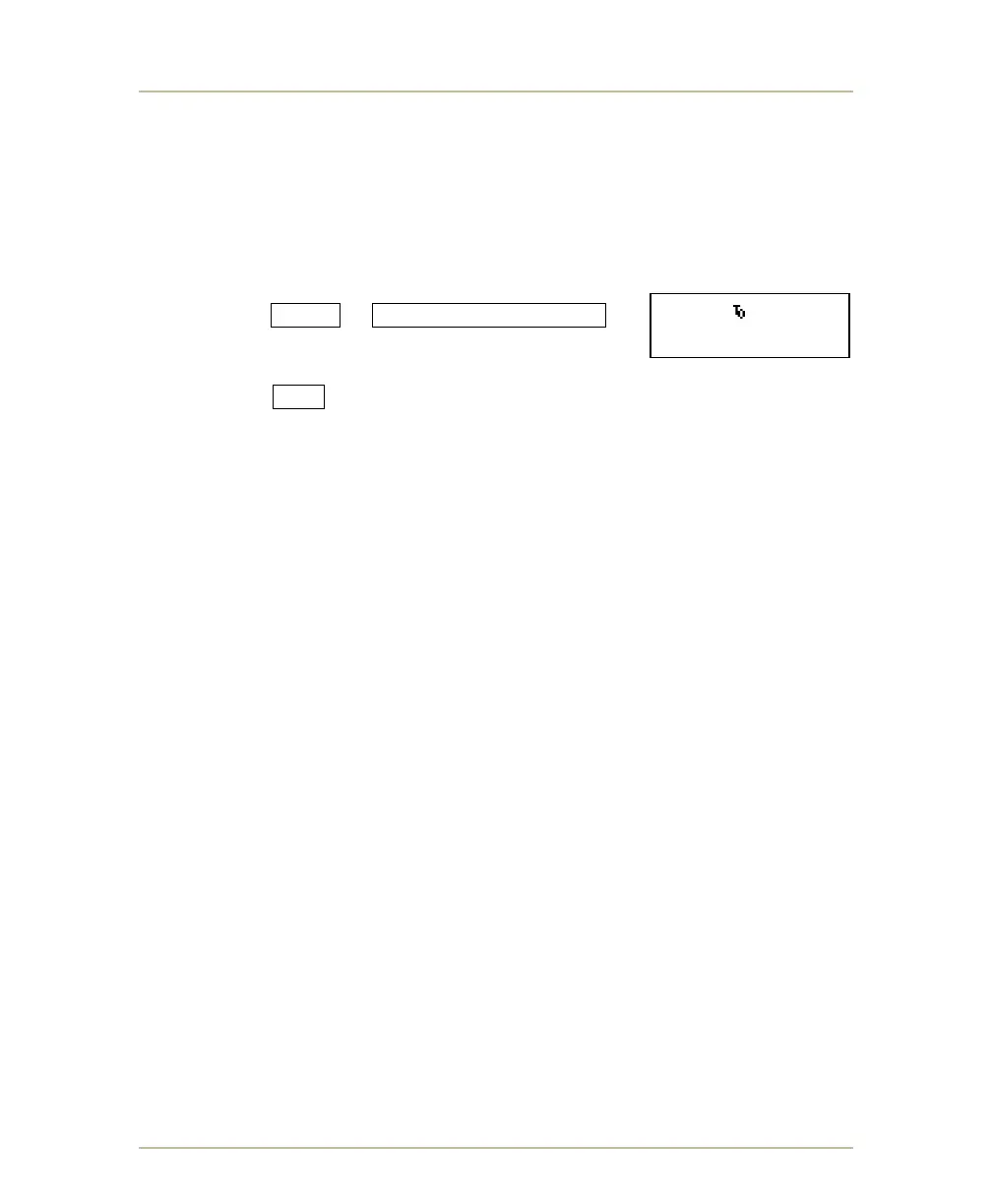
1. With the game clock stopped
press SHIFT + SET INTERVAL ON/OFF .
One of the prompts shown above will appear on
the LCD display.
2. Press YES .
HK 30 10:02.
INT.TIMER ON?Y/N



 To Next Page