Partie III – Pump programming
33
Selecting the type of syringe
SO
♥
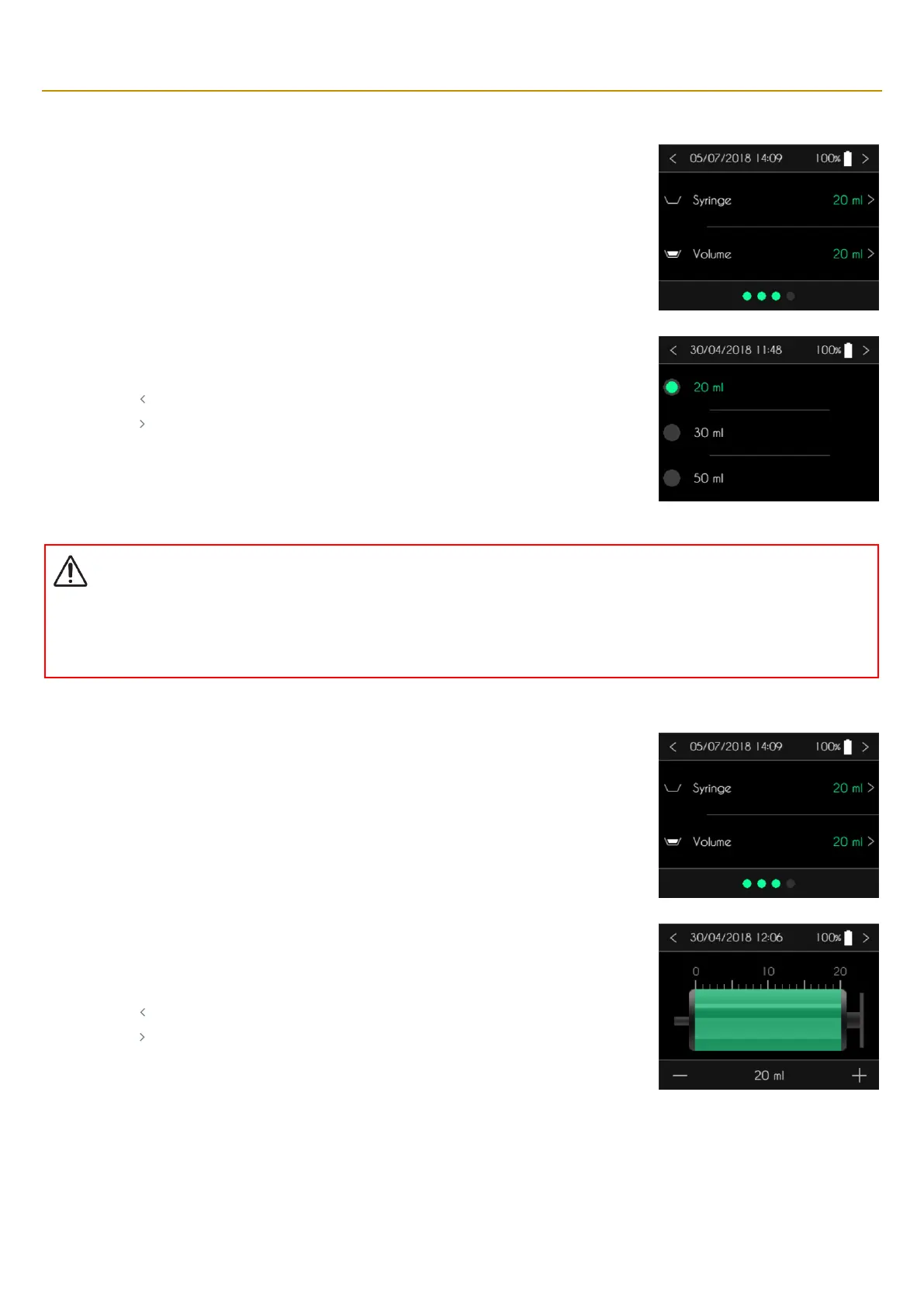
CONNECT PID pump displays the screen for the type of syringe and the volume to infuse.
SO
♥
CONNECT PID displays the list of compatible syringes.
▪ Press the type of syringe used for the infusion.
▪ Press “ ” to cancel and return to the previous screen.
▪ Press “ ” to confirm and return to the previous screen.
Warning
▪
Always make sure to select the correct type of syringe corresponding to the one you are going to use for the infusion. The
movements of the pusher of the pump are calibrated to match the type of syringe. Selecting the wrong type of syringe can prevent
the infusion from progressing properly.
Entering the volume to infuse
SO
♥
CONNECT PID displays the screen to select the type of syringe and the volume to infuse. Press
on the volume to modify it.
SO
♥
CONNECT PID pump displays the screen to enter the volume to infuse.
▪ Set the volume by pressing the image of a syringe.
▪ Adjust the value by pressing “+” or “-“.
▪ Press “ ” to cancel and return to the previous screen.
▪ Press “ ” to confirm and return to the previous screen.



 To Next Page