1
Use the left-hand mouse key to mark the slave type
"VALVES" in the slave catalogue. The slave type
"VALVES" appears when you have copied the GSD
(see section 1 of the preparations).
2
Move the mouse to the left and click below the
graphic.
3
The entry mask "PROFIBUS Address" will appear.
Select the slave address identical to the setting of
the rotary/DIL switch (see chapter 1.2.1) in the slave
and confirm this.
4
The entry mask "Slave parameters" will appear. Se-
lect the station type "FESTO CP FB13" and confirm
this.
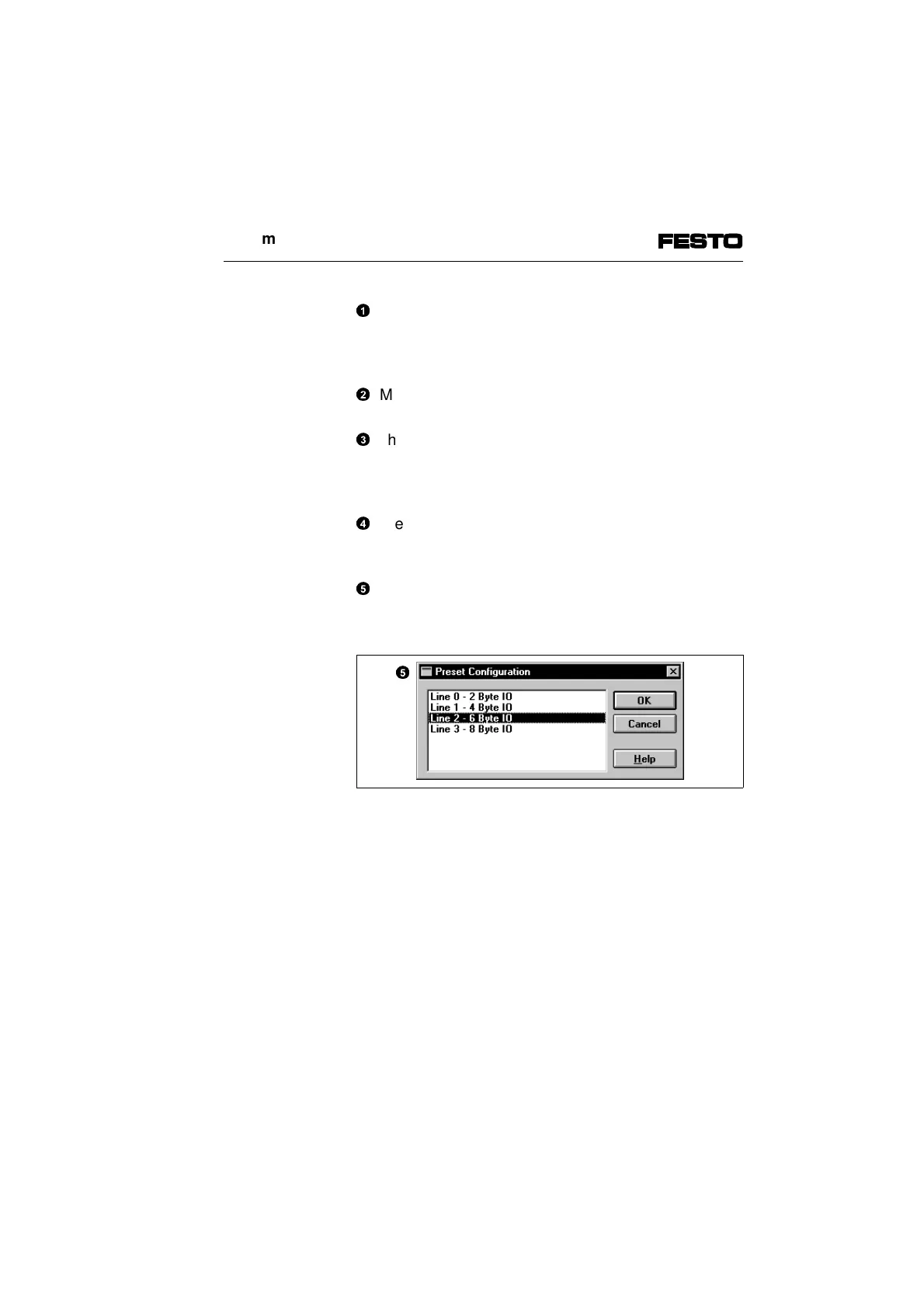
5
The mask "Preset Configuration" will now appear.
Select here the highest occupied string number and
confirm this with OK.
Fig. 2/8: Selecting the highest occupied string number
The icon of the Festo valve terminal will now appear
under the graphic of the master. The icon appears
when you have copied the bitmap file (see step 3 of the
preparations).
This concludes the station selection.
5
2. Commissioning
CP FB13-E 9904b 2-15



 To Next Page