6.7.2 Working Menu
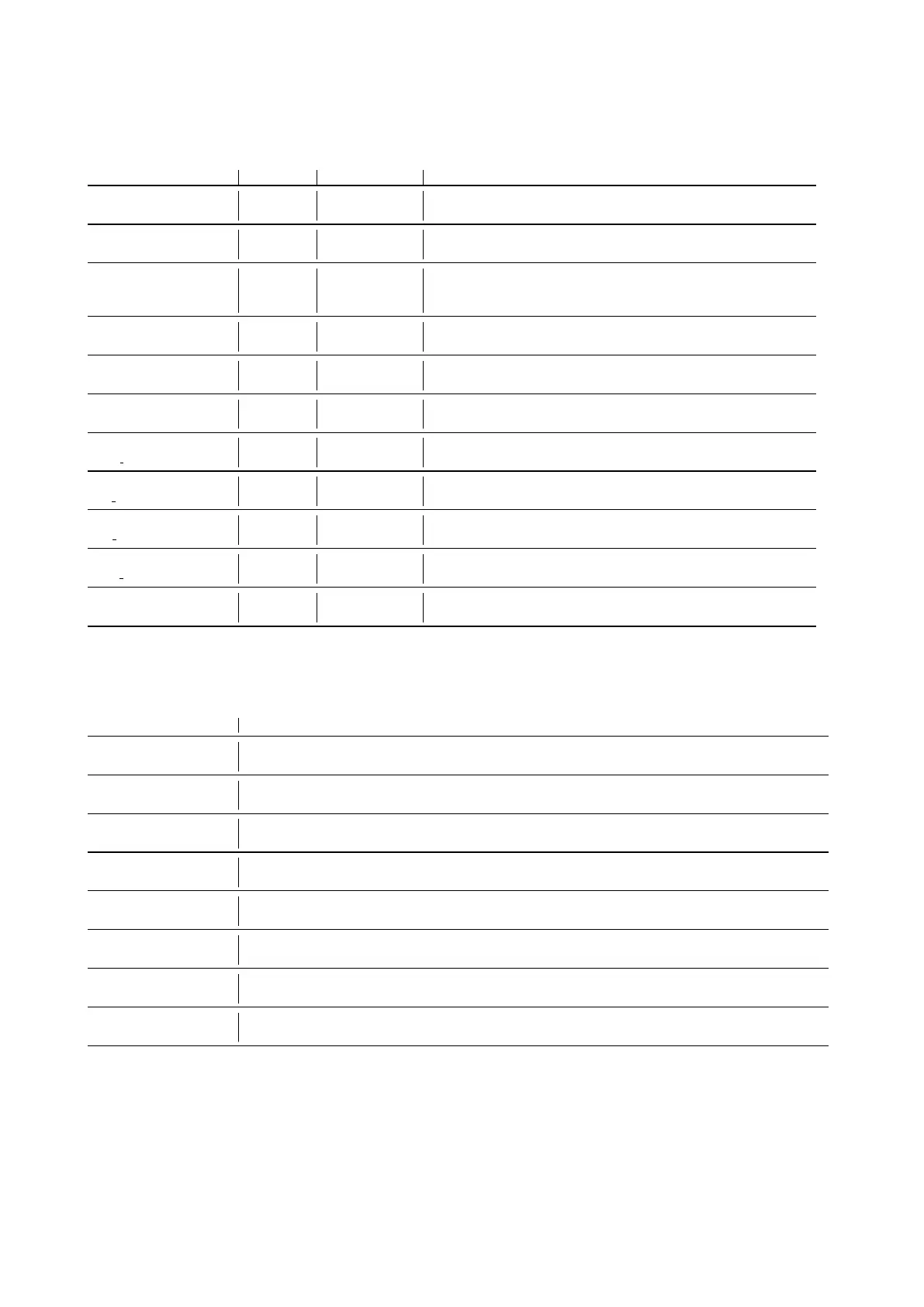
MENU DEFAULT CHOICES DESCRIPTION
General Setup:
Language: ##
IT IT - EN - FR -
SP - DE
Setup language
General Setup:
Mod: #######
MXR . . . Setup type of machine
General Setup:
Battery: ###
GEL GEL - WET -
AGM - GE1 -
WE1
Setup kind of battery
General Setup:
Reset Cnt: #
N Reset partial hourmeter.
General Setup:
Display Cnt: ###
TR KEY - TR Select the kind of hourmeter: key connect to the key - tr.
connect to the traction motor
General Setup:
Exit. . . . . . . . . .
Exit from the menu.
General Setup:
Key h: #### h:## m
Total hourmeter connect to the key.
General Setup:
Tr h: #### h:## m
Total hourmeter connect to the traction.
General Setup:
Br h: #### h:## m
Total hourmeter connect to the brush motor.
General Setup:
Vac h: #### h:## m
Total hourmeter connect to the vacuum motor.
General Setup:
password: ###
60 This password is necessary to enter into the “Advanced menu”,
manageable by expert technicians only.
6.7.3 Advanced Menu
MENU DESCRIPTION
Options menu:
General sets.
Enter to the general parameters (language, battery. . . ).
Options menu:
Brushes sets.
Enter to the parameters for the brush base.
Options menu:
Pumps sets.
Parameters not managed.
Options menu:
Vacuum sets.
Enter to the parameters of vacuum motor.
Options menu:
Traction sets.
Enter to the parameters of traction motor.
Options menu:
Check/Monitor.
Enter to view the list of working parameters.
Options menu:
Engineer pars.
Protected parameters (calibrations and factory settings)
Options menu:
Exit. . . ..
Exit and return to the main menu.
51



 To Next Page