Programming Maintenance Programming Level
104 MS-9600 PN 51335:E 7/9/03
3.7.1 Disable Point
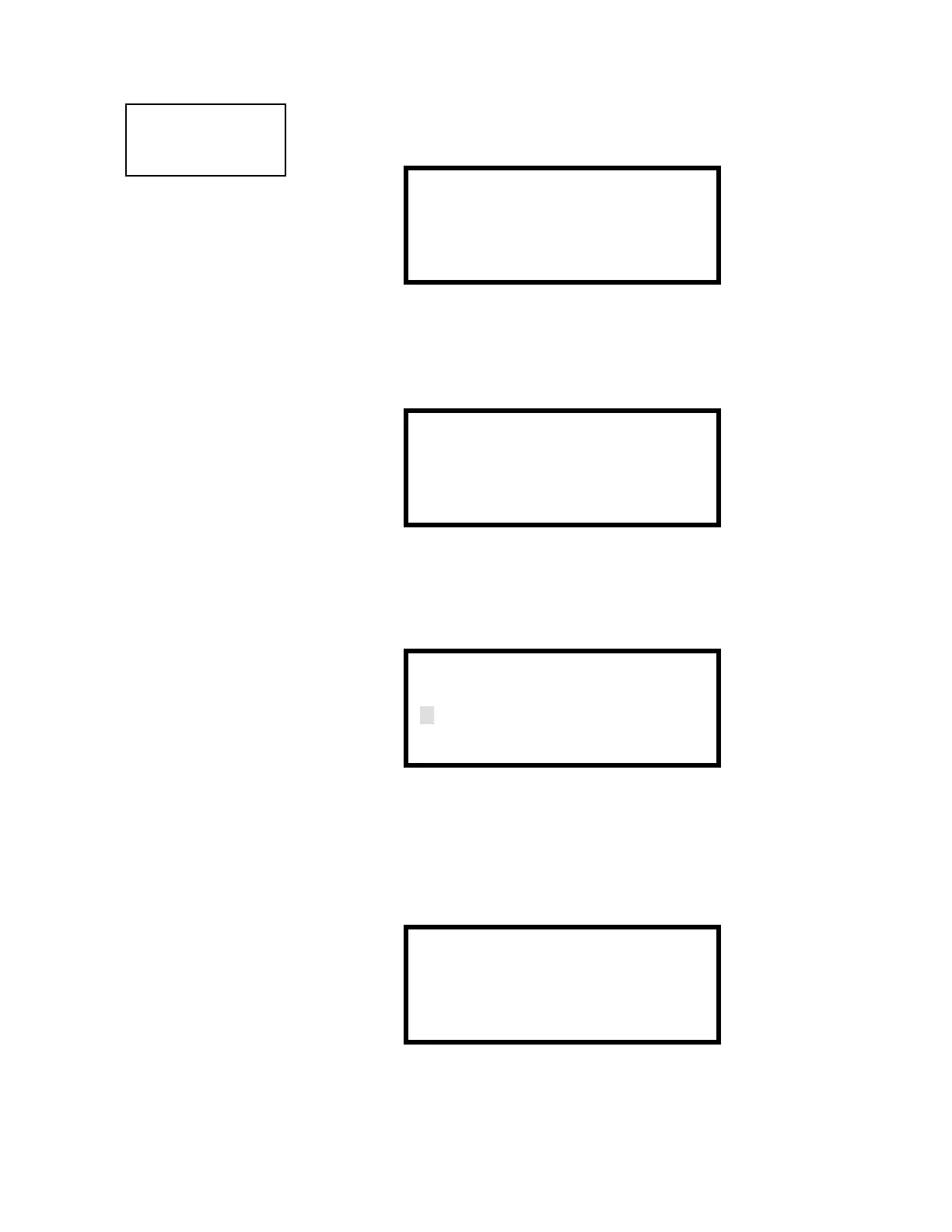
Pressing 1 for Point Program, while viewing Maintenance Screen #1 will cause the
following screens to be displayed:
Select the Loop, containing the device to be disabled, by pressing 1 for Loop 1 or 2 for
Loop 2. A screen will then be displayed, allowing the operator to select the type of
addressable device to be disabled as shown in the following display:
Select the device type by pressing 1 for an addressable detector or 2 for an addressable
module. The operator will be prompted to enter the three digit device address as shown
in the following example for a detector:
A flashing cursor will appear in the bottom left corner of the display, prompting for the
three digit device address. When the third digit is enter, 001 for example, a screen will
appear which will allow enabling or disabling of the selected point, as illustrated in the
following example:
Pressing 1 repeatedly will cause the display to toggle between Enabled Yes and Enabled
No.
PROGRAMMING
1=POINT PROGRAM
2=HISTORY
3=PROGRAM CHECK
Maintenance Screen #1
POINT PROGRAM
1=LOOP 1
2=LOOP 2
Loop Select Screen
POINT PROGRAM
1=DETECTOR
2=MODULE
Device Select Screen
EDIT DETECTOR
ENTER POINT ADDRESS
***
Address Select Screen
EDIT DETECTOR 1D001
1=ENABLED YES
Enable/Disable Select Screen














 To Next Page