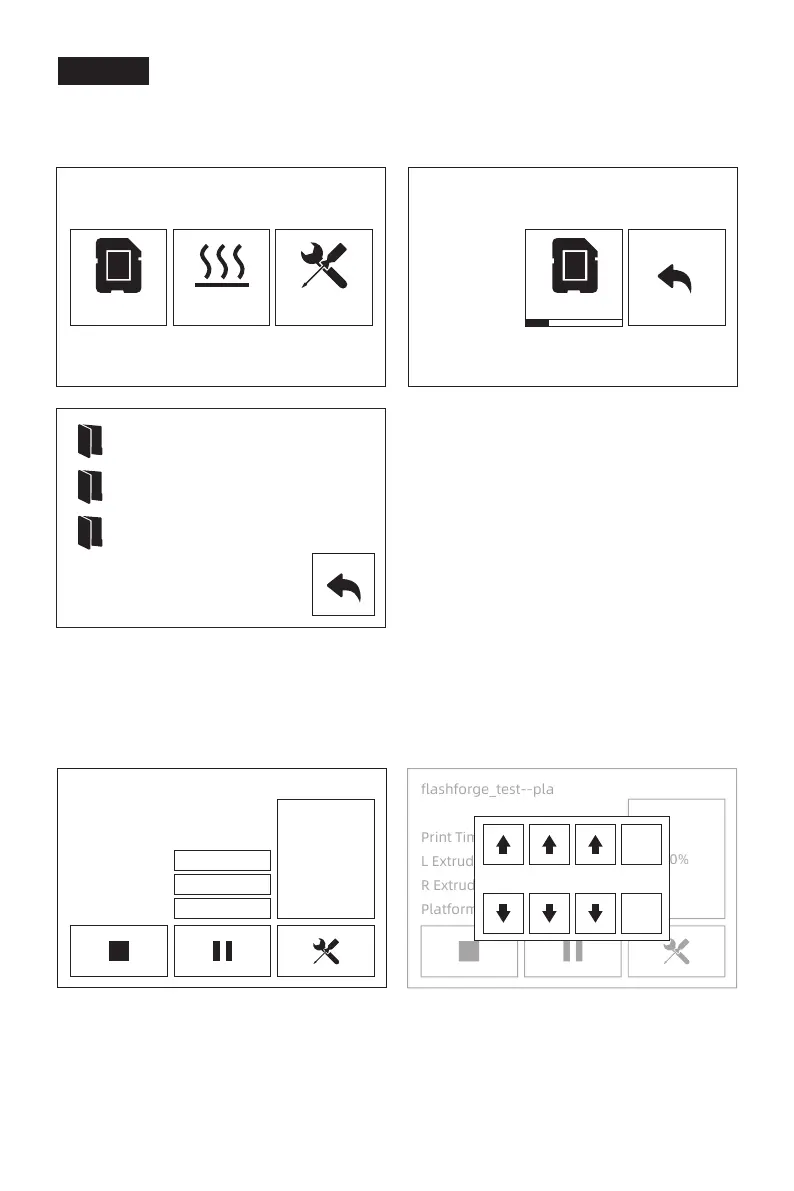
Print Interface
1.
2.
Insert the SD card to the side of machine;SD card must be inserted the Creator Pro 2
when printing, whether get print file form SD card or connect with flashprint through
USB cable.
Tap [Print]-[SD card] and choose files to print.
Tap temperature of extruder or platform on the touchscreen to modify.
flashforge_test--pla
Print Time
L Extruder
R Extruder
Platform
0:00
24℃ / 205℃
24℃ / 205℃
30℃ / 50℃
0%
flashforge_test--pla
Print Time
L Extruder
R Extruder
Platform
0:00
24℃ / 205℃
24℃ / 205℃
30℃ / 50℃
0%
2
Yes
No
0 5
22
Print
Test
sys
flashforge
Preheat
25MB
1519MB
Tools















 To Next Page